Flight Simulator II over Chicago
Bruce Artwick wrote his first flight simulator for the Apple II in 1979, lines on a black screen, and his company, subLOGIC, of Champaign in Illinois, followed it with Flight Simulator II, for the Apple II in 1983 and then for the Commodore 64, the Atari and others. It flies a Piper Cherokee Archer II, a light plane of one engine, with the instruments of a real cockpit, over the United States, in colour: the view out of the windshield in solid shapes, ground, water and sky, eighty airports, the time of day, clouds and wind. Large parts of it came, its handbook says, from subLOGIC’s earlier programs, among them the flight driver also used in Microsoft’s Flight Simulator for the IBM PC.
This page starts version 2.0 of 1984 from its original disk: the demonstration that flies itself, then a flight of one’s own from Meigs Field, the small airport on a peninsula of Lake Michigan by the towers of Chicago. The views out of the cockpit and the radar on the ground, the editor that sets up the flight, the take-off and a turn past the towers, a dive into the lake, and the same runway at night.
What you need
Flight Simulator II v2.0.woz, Flight Simulator II in the
woz-a-day collection
of the Internet Archive: download Flight Simulator II v2.0 (woz-a-day
collection).zip and take it out of it. It is the original disk, copy
protection and all. ./fetch-disks.sh in this repository downloads it into
disks/ and checks it.
The Pilot’s Operating Handbook and Airplane Flight Manual of the
Commodore 64 version, and its other papers, are in
a scan of the box
on the Internet Archive; the handbook of the Apple II version could not be
found. The simulator is the same, and most of its keys too, but not all:
on the Apple the editor is Escape, not E, and the throttle is the arrow
keys, which the Apple ][+ has where the Commodore had the keys [ and
]. These two were found in the program itself, in its table of the keys.
The machine
An Apple ][+ with 64 KB and one disk drive:
- the 6502 processor at 1 MHz, 48 KB of memory, and Applesoft BASIC in its ROM;
- the keyboard of the ][+, which types only capitals;
- a 16 KB Language Card in slot 0: Flight Simulator II runs in 48 KB, but
without the card the crash of step 12 showed a band of scrambled dots at
the top of the view where, with it, the simulator writes
CRASH, and the messages are in the memory of the card; - a Disk II controller card in slot 6, with the disk of Flight Simulator II in drive 1.
izapple2 -model none -board 2plus -cpu 6502 -screen color \
    -rom "<internal>/Apple2_Plus.rom" \
    -charrom "<internal>/Apple2rev7CharGen.rom" -forceCaps \
    -s0 language \
    -s6 "diskii,disk1=disks/Flight Simulator II v2.0.woz"
The model 2plus of izapple2 has this machine, with a Videx Videoterm 80
column card more:
izapple2 -model 2plus -screen color "disks/Flight Simulator II v2.0.woz"
Start it
-
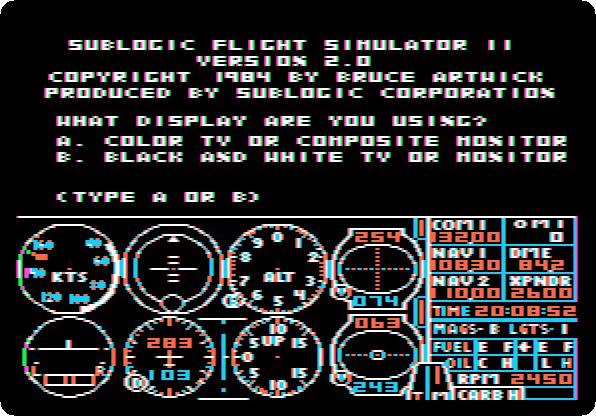
Start izapple2 with the command above. The disk loads the program, drawing the panel of instruments as it goes, and asks for the display.
-
Press
A, for a colour television or monitor: the colours of the scenery are chosen for it. The simulator asks for the mode.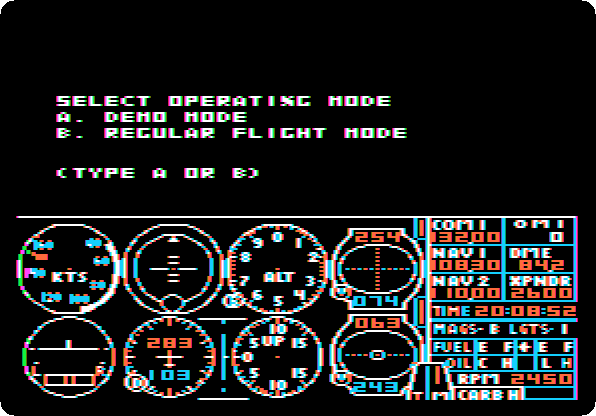
The demonstration
-
Press
A, for the demonstration. The simulator says how to leave it, and waits.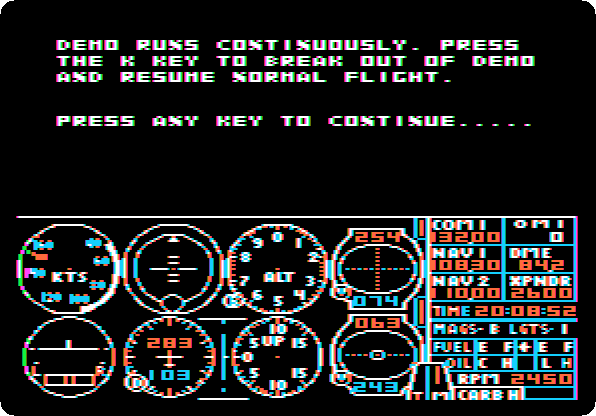
-
Press Space. The plane takes off from Meigs Field and flies by itself, past the towers and out over Lake Michigan, violet on this monitor, and banks into a turn. The recording is four times faster than the machine, two minutes and a half of it.
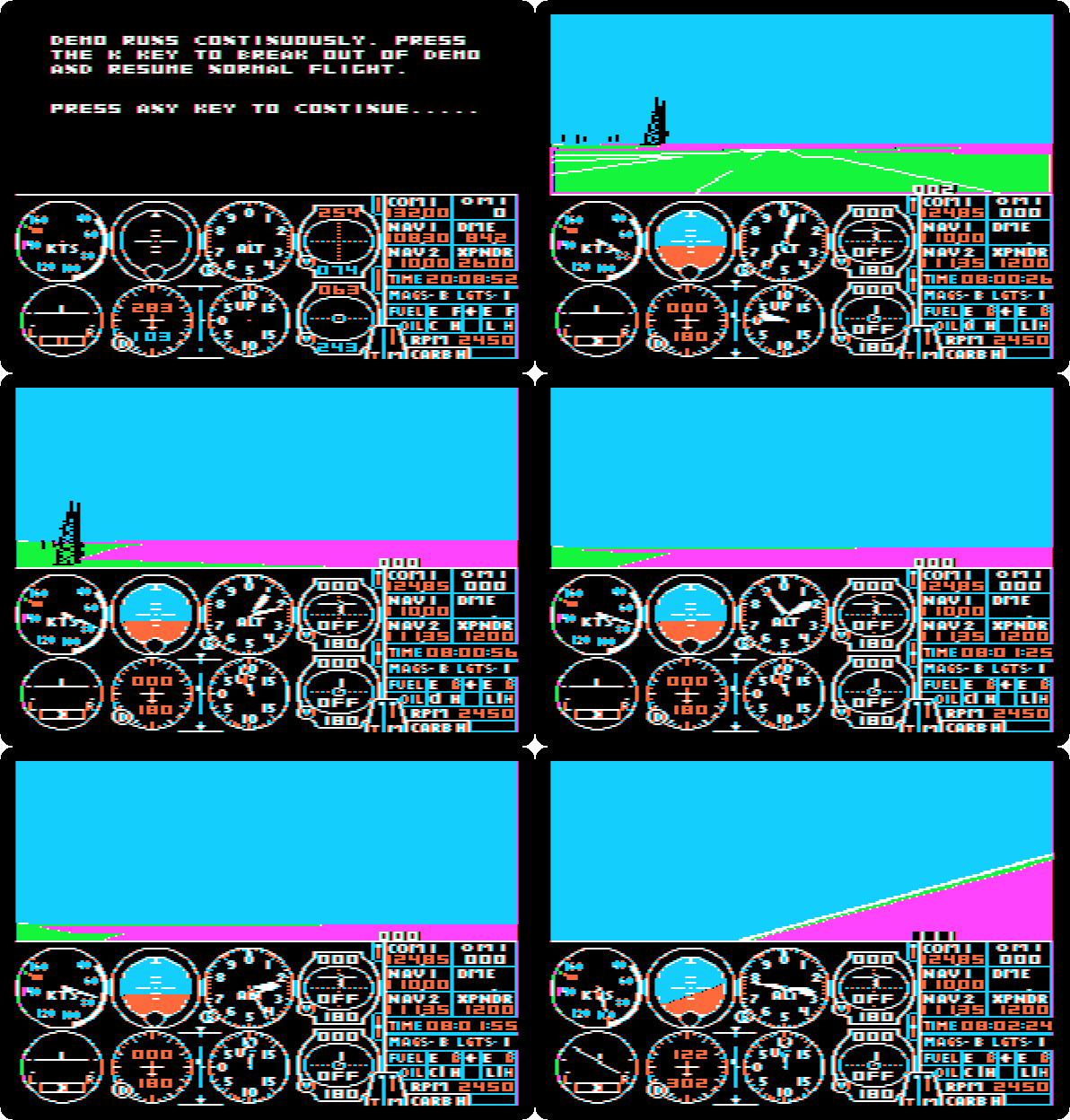
Kwould leave the demonstration and give the controls to the pilot wherever the plane is. To start a flight on the ground, start izapple2 again with the same command, and pressAfor the display.
On the runway at Meigs
-
Press
B, for regular flight mode. The plane is at the start of runway 36 of Meigs Field, facing north, the engine running. The towers of Chicago are ahead; the handbook names the John Hancock Building among them.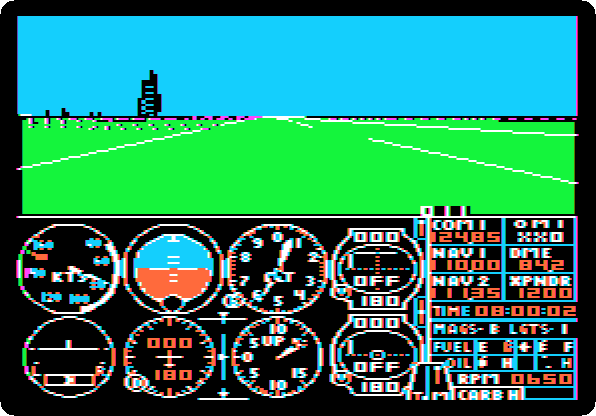
The upper half is the view out of the windshield; the lower half is the panel. In its first row the airspeed in knots, the artificial horizon, the altimeter and the first navigation radio; in its second the turn coordinator, the heading, the vertical speed and the second navigation radio. At the right the radios, the clock, the fuel and oil, and the engine at 650 revolutions a minute, idling.
-
Look around:
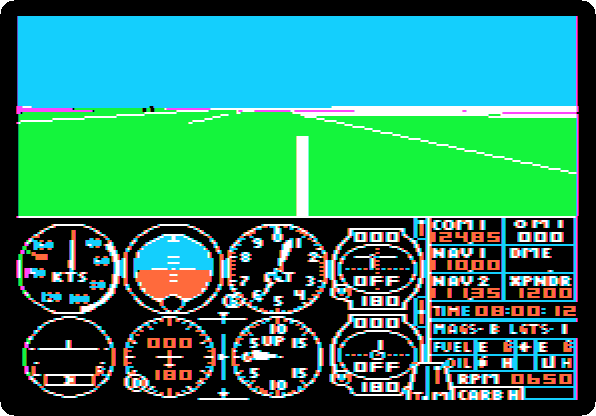
5and then a key of the diamond of keys aroundG,Tfor the front,Ffor the left,Hfor the right,Bfor the back. Press5F, then5B, and5Tto look ahead again. Each view takes the simulator a second or two to draw.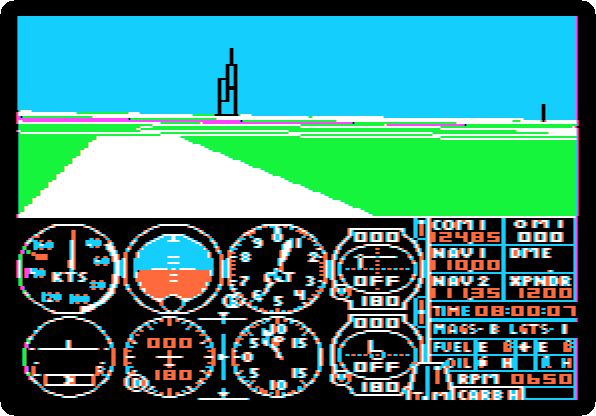
-
Press
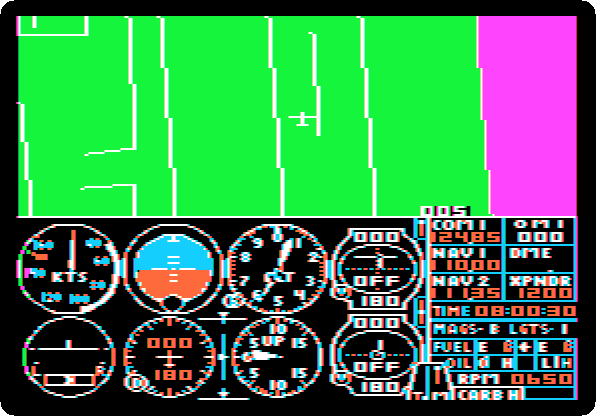
4for the radar, which is more a map seen from above, the plane in its middle: the runways of Meigs on their peninsula, the shore and the lake. Press.twice to zoom in, the key that on the Commodore was>;,zooms out. Press5Tto go back to the view.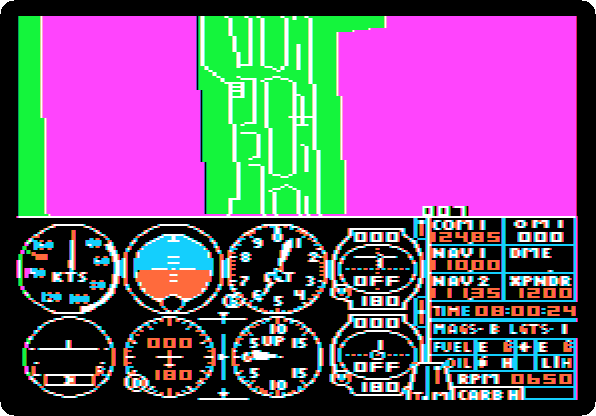
The editor
-
Press Escape. The flight stops, and the drive loads the editor, a page of text of all that sets up a flight: the modes of the simulator, and where the plane is, how high, which way it heads, how fast, and its controls. Return goes down a line; a number and Return change the line. Press Return,
1and Return, to turn on the sound.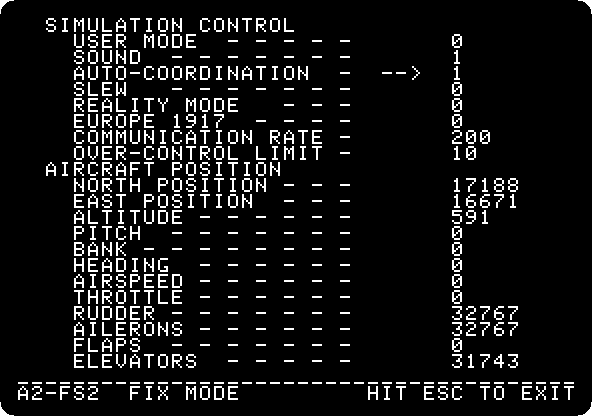
EUROPE 1917turns the simulator into the war game the handbook calls WW I Ace, with bombs and machine-guns against enemy planes, on a battlefield of its own. -
Press Return until the second page, the environment: the time of day and the season, two layers of cloud, and the wind at three heights.
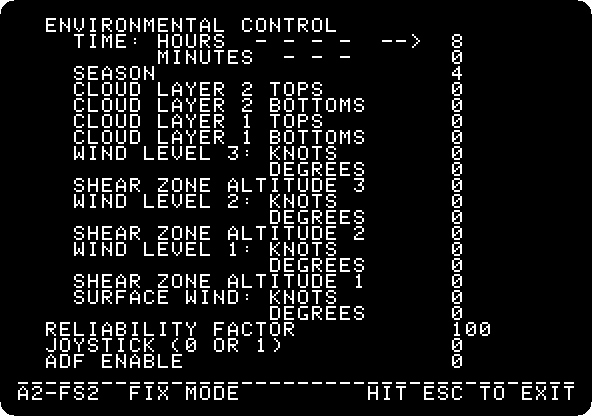
Press Escape to fly again.
Take-off
-
Press
Bthree times, quickly, which raises the elevator three notches, and the right arrow sixteen times, which opens the throttle in sixteen notches, to full. After half a minute, pressTtwice, to take two notches of elevator back.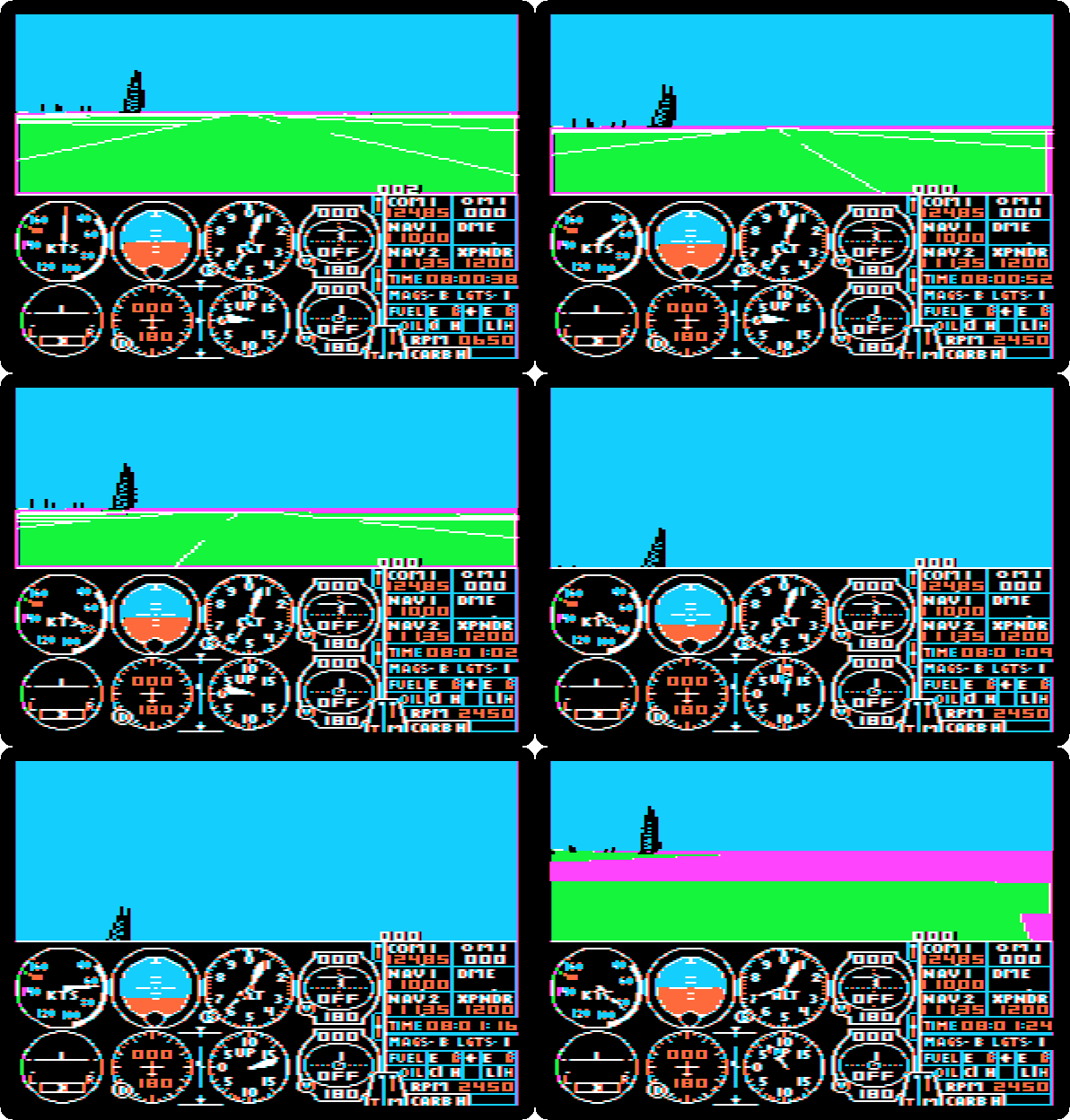
The engine goes to 2,450 revolutions a minute, the plane rolls down the runway and gathers speed, and with the elevator up it takes off by itself. Out of the windshield, the end of the peninsula passes and the lake comes under the plane; the towers stay at the left. The recording is at the speed of the machine, 40 seconds.
-
Press
F, the ailerons a notch to the left, which banks the plane, and a second laterG, which centres them and keeps the bank, andB, a notch of elevator, to hold the nose up in the turn.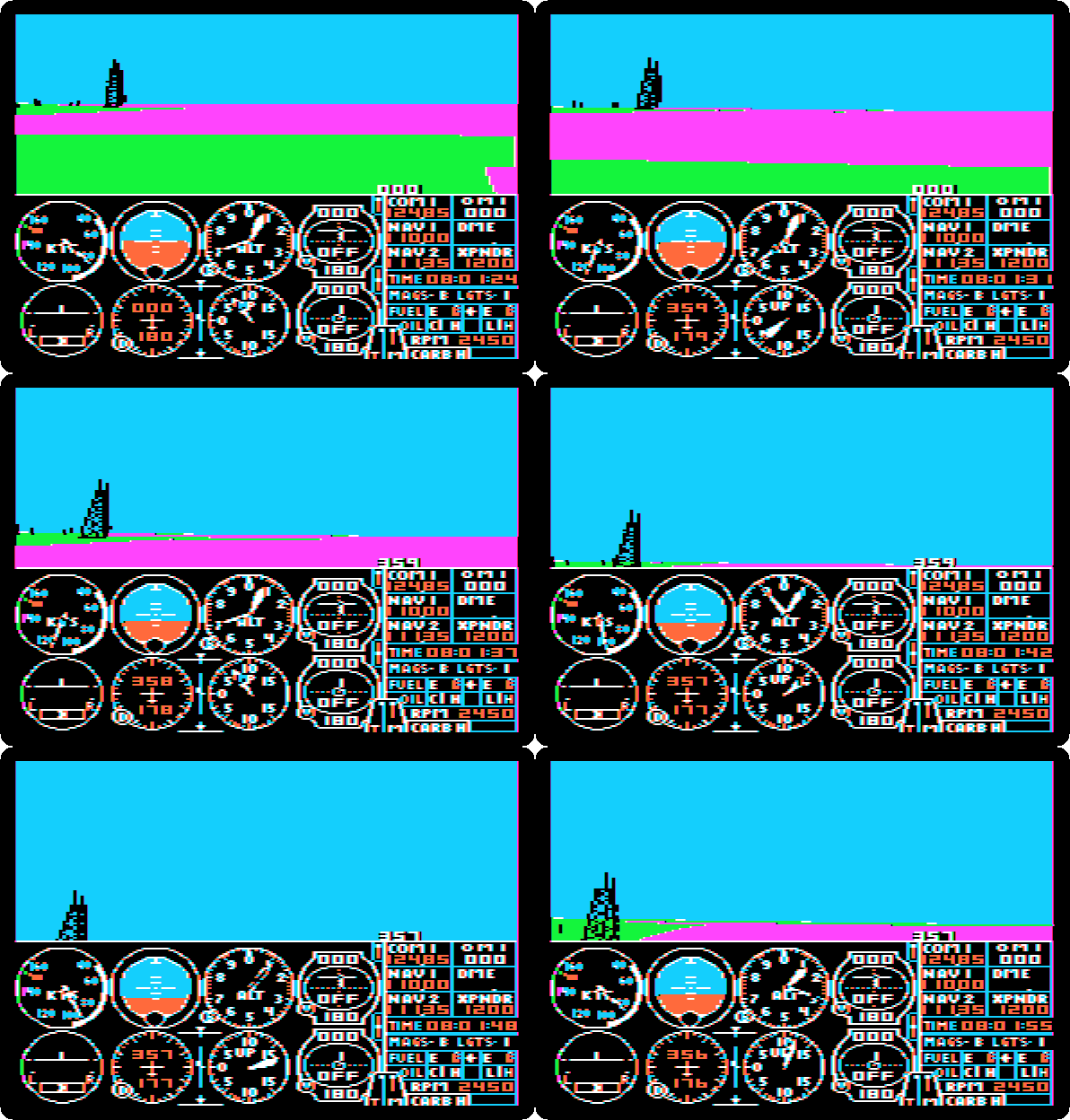
The plane turns slowly to the left, a few degrees in half a minute, and the tallest tower comes nearer, along the shore. The recording is at the speed of the machine.
Into the lake
-
Press
Fthree times andTfour times: a steep bank, and the nose down.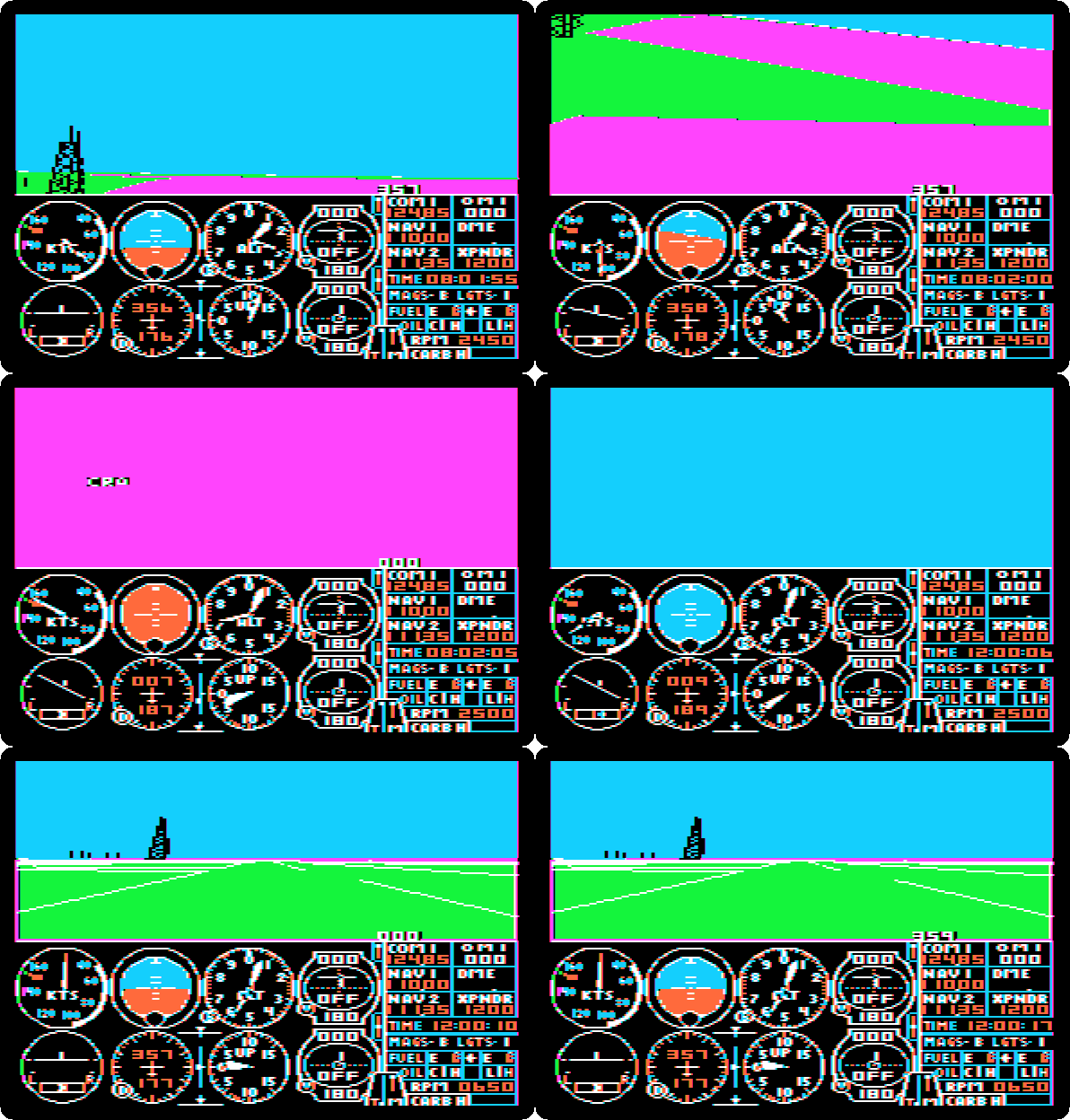
The plane rolls over and dives into the lake, which fills the view, and the simulator writes
CRASH. The drive loads the editor for a moment, and the plane is back at the start of the runway, the clock at noon.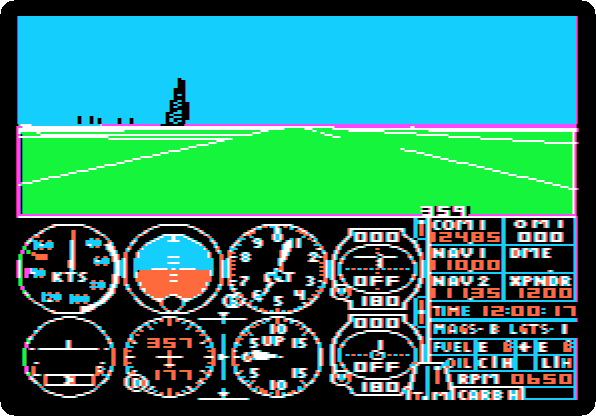
At night
-
Press Escape, and on the first page put back the position the plane had at first: Return down to
NORTH POSITION, and17188, Return,16671, Return,591for the altitude, Return, and0and Return for the pitch, the bank and the heading. Then Return down toTIME: HOURSon the second page,21and Return, for nine in the evening, and Escape.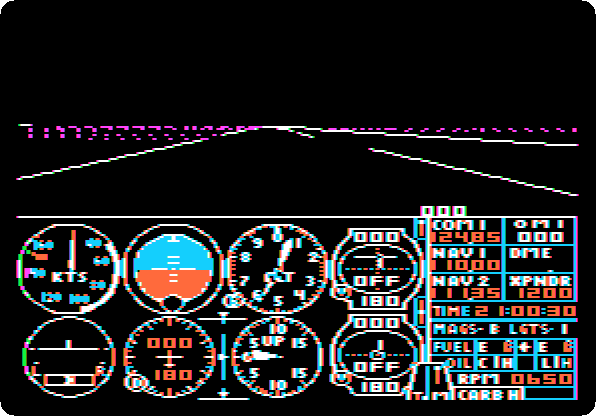
At night the sky and the ground are black, and the runway is its lines and its lights, the city a row of dots on the horizon.
-
Press
4for the radar at night: the same map, in lines and lights.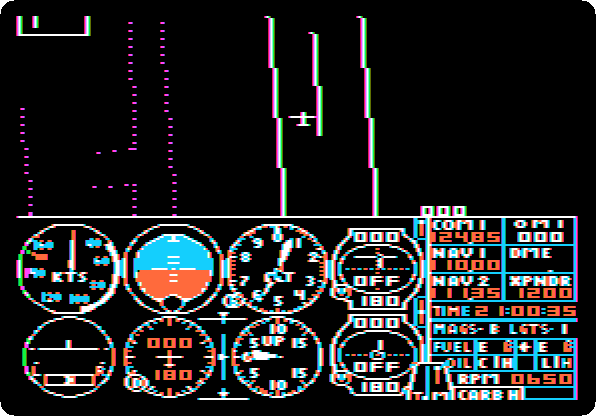
What next
Next: Karateka.
Robot Odyssey is another simulation of 1984 on these pages, of digital logic rather than flight.