Things to do with an Apple II
izapple2 emulates the Apple ][+ and the Apple //e and runs their real ROMs and software, so it is a way of finding out first hand what using one was like. Each page here takes one thing an Apple II owner did, and walks through it step by step, with the command to start izapple2 for it and what you will see on the way.
Each page says what it needs and where it comes from. Some need nothing but
izapple2; the rest use disks from public archives, which
fetch-disks.sh downloads into the folder disks. Each
page gives the whole machine it uses, card by card, as a command line of
izapple2, and after it a shorter one with a model of izapple2 that has that
machine, and often more. The whole command needs the option -board, which
izapple2 does not have yet; the shorter one works with izapple2 as it is.
First steps
The Apple ][ of 1977
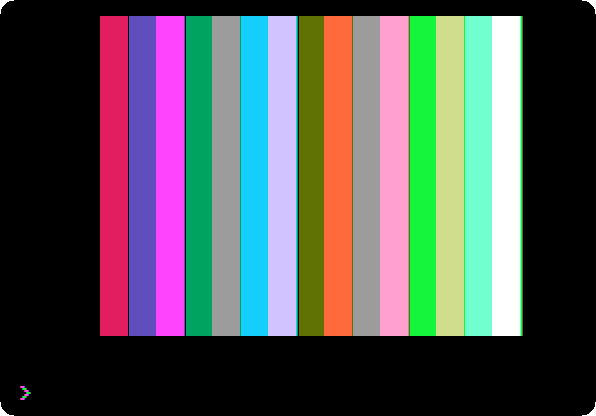
Wozniak’s machine and its ROM: the Monitor, machine code written a line at a time in the Mini-Assembler, and Integer BASIC, with its whole numbers and its sixteen colours.
The Apple ][ and its cassettes

Apple’s first programs, loaded from the recordings of their tapes into a first Apple ][: Breakout played with the paddle, the colour graphics and the high resolution graphics demonstrated, and the two colours Wozniak told the readers of Byte how to add.
Switch on an Apple ][+
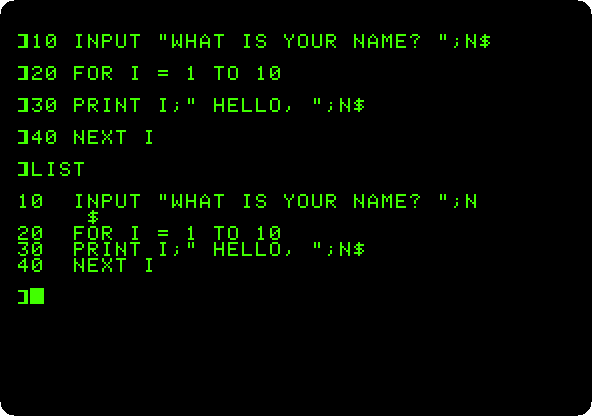
No disk, no operating system: switched on, the Apple ][+ is in Applesoft BASIC and waiting. A few commands, a program typed, listed and run, and a loop that never ends stopped with Control-C.
From Integer BASIC to Applesoft
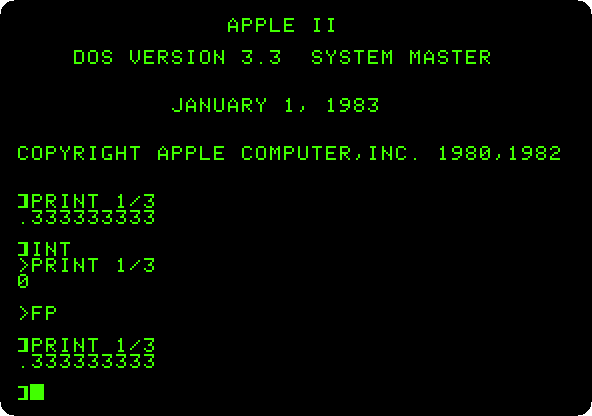
Applesoft loaded from its tape into the first Apple ][, and then the two BASICs on one machine with the Language Card, on an Apple ][+ and on the first Apple ][.
Switch on an Apple //e
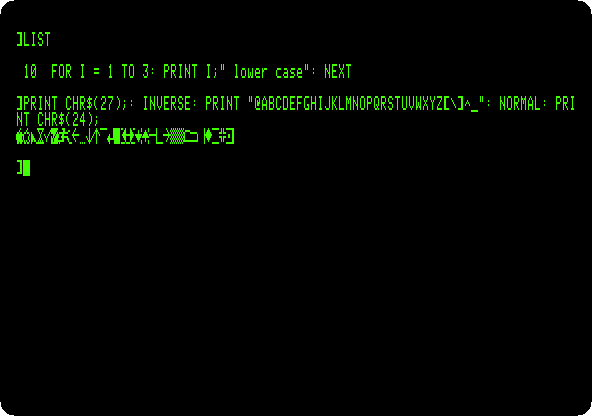
The Apple II of the rest of the decade: lower case, 80 columns, the MouseText of the enhanced //e, and the self test in its ROM, run with both Apple keys.
The Apple //e, original and enhanced
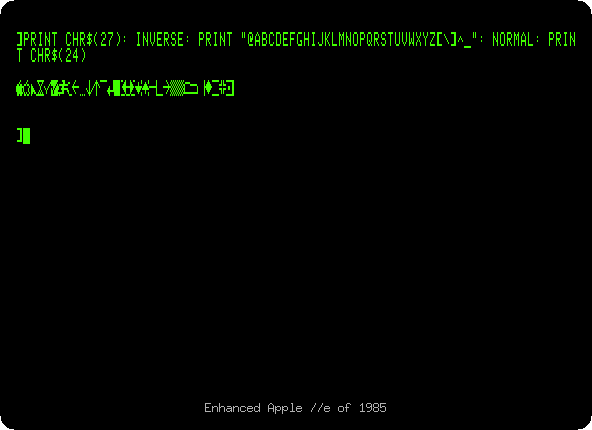
The //e of 1983 and the enhanced one of 1985, side by side: Applesoft in small letters, MouseText where there were inverse capitals, and the Mini-Assembler back in the Monitor.
Life with DOS 3.3
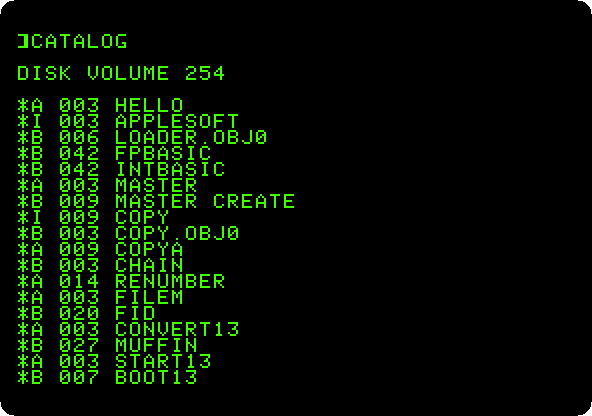
Two Disk II drives and the System Master: the catalog of a diskette, the program that greets you, and a blank diskette made into one that starts the machine with a program of your own.
From 13 sectors to 16: DOS 3.2 and DOS 3.3
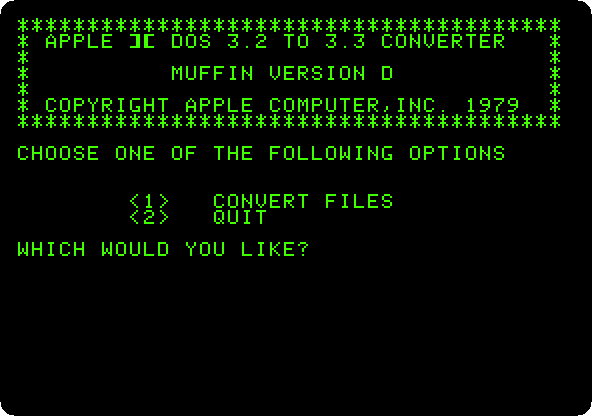
DOS 3.2 on the controller of 13 sectors, and then the upgrade: DOS 3.3 can’t read the old diskette, MUFFIN moves a program from it, and BOOT13 starts it anyway.
ProDOS
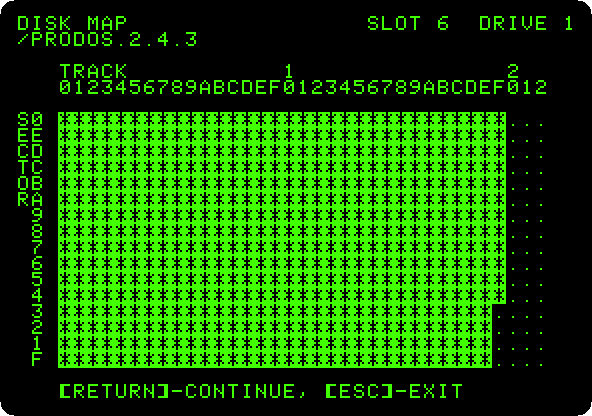
The operating system of the Apple II from 1984 on, in its version of 2023: the program selector it starts with, BASIC and a catalog in 80 columns, a folder and a text file on the RAM disk of the //e, and the diskette mapped file by file in Copy II Plus.
Apple II DeskTop
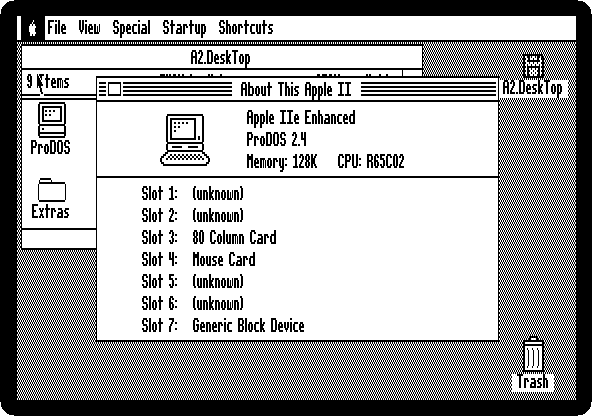
The Apple II with a mouse, windows and icons: a disk opened with a double click, a file read, the machine asked what it has in its slots, a picture in double high resolution, the flying toasters, and the Calculator.
Making things
A game in Applesoft
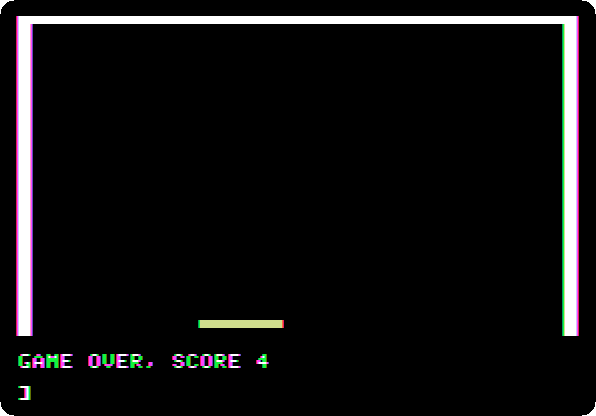
A bat on a paddle and a ball, in the low resolution colour graphics of the Apple ][+: typed in as the listings of the magazines were, and played with the mouse as the paddle.
Logo and its turtle
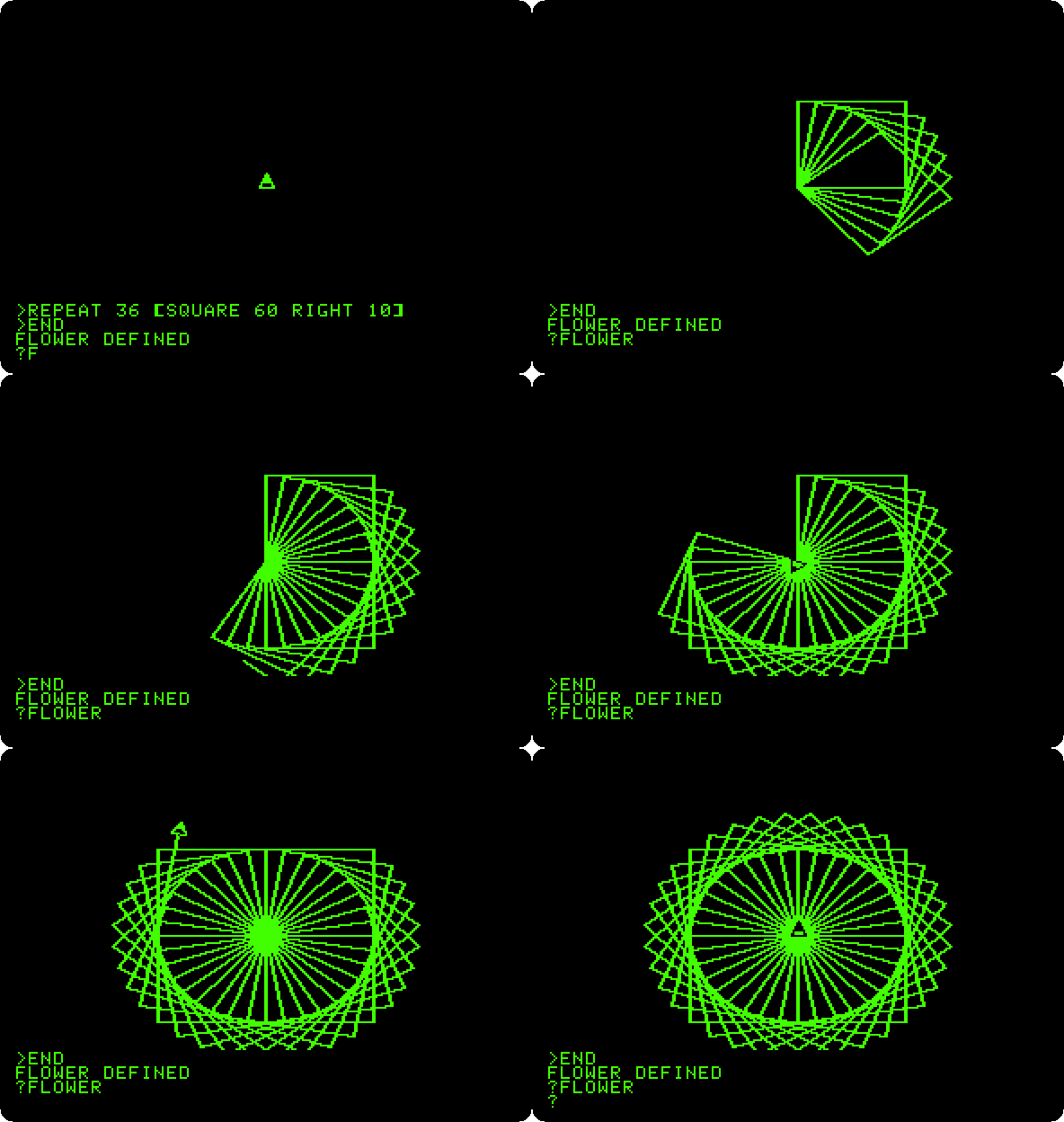
Apple Logo on an Apple ][+: words and lists, the turtle moved by hand, and procedures that teach it new words, a flower of squares and a spiral that calls itself, saved on the diskette.
Printing
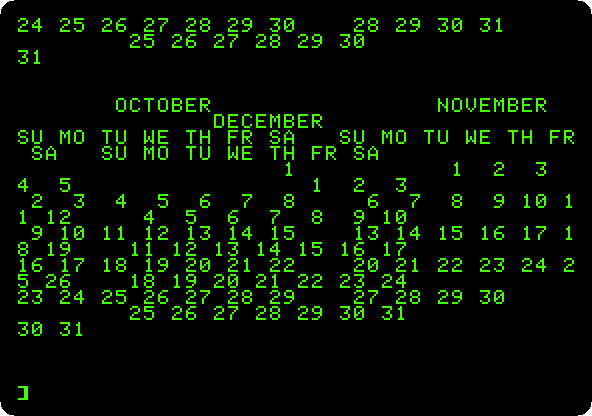
A program typed into an Apple ][+ with a parallel printer card: its
listing printed with PR#1, and a calendar of 1977 three months across,
wider than the screen, as it comes out on paper.
Apple Pascal
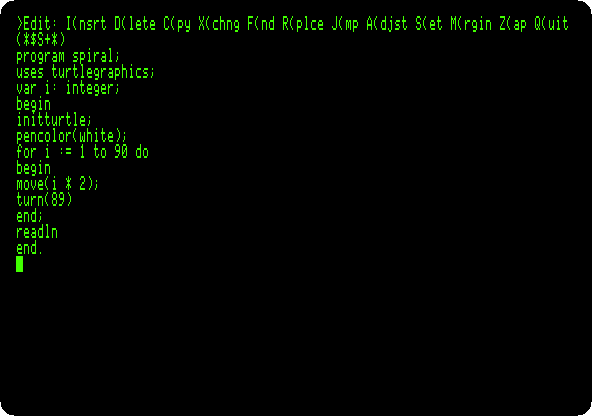
The UCSD p-System on an Apple //e with two drives: the Filer, the editor, the compiler, and a program that draws with the turtle.
A game in Apple Pascal: 2048
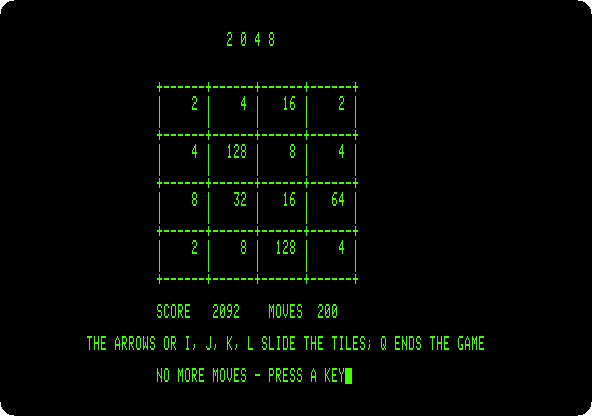
A whole game written in Apple Pascal, its listing in this repository: typed into the editor, compiled, and played to the end, 200 moves.
A game in Applesoft: the snake
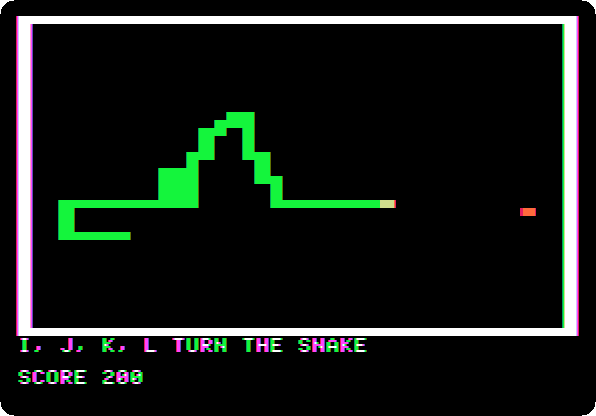
A whole game of 35 lines of Applesoft, its listing in this repository: the snake in the low resolution graphics, typed in, explained, and played.
Assembly language with Merlin
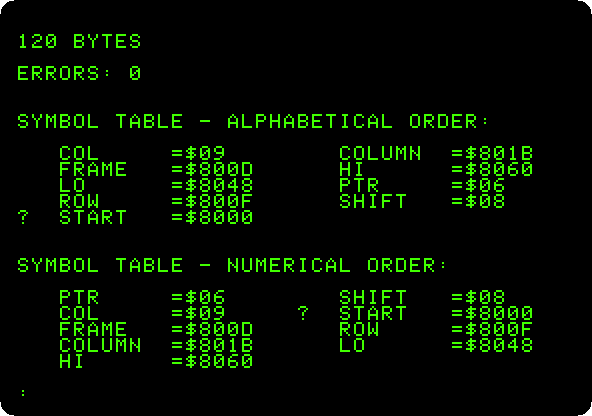
A program in the language of the 6502, its source in this repository: typed into the Merlin assembler of 1983, assembled into 120 bytes, and run, bars of colour moving many times a second.
Work
VisiCalc
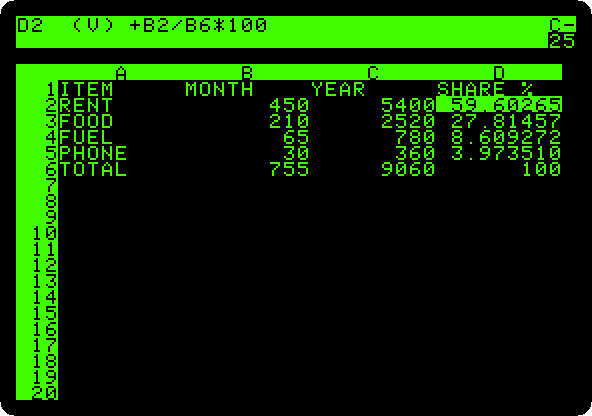
The first spreadsheet, from its original disk of 13 sectors: a household budget typed in, totalled, a formula replicated down a column, and the rent changed to see the whole sheet worked out again.
AppleWorks
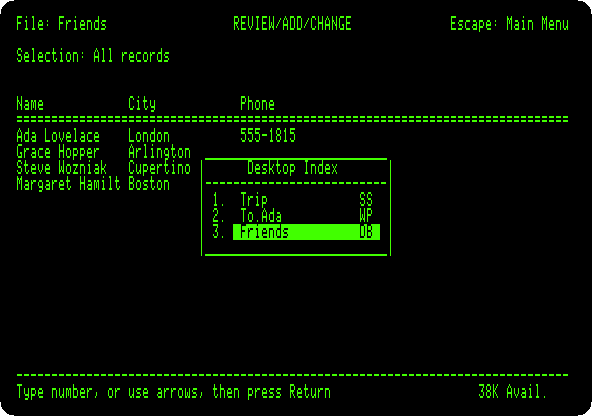
The word processor, spreadsheet and data base of the //e in one: the costs of a trip worked out, a letter with that table in it, a list of friends, and the three saved.
The SwyftCard
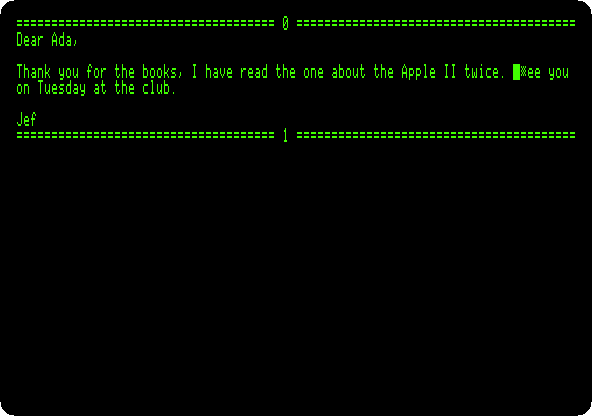
Jef Raskin’s editor on a card for the //e, before the Canon Cat: its tutorial, the cursor leaping to what you type with the Apple keys, and a letter written from nothing with a sentence moved by leaping.
Cards
The Mockingboard
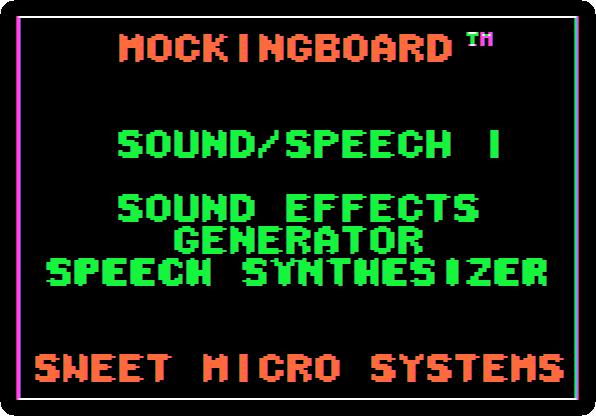
The sound card of the Apple II, from its demonstration disk of 1982: its menus, and its sound effects, recorded to listen to.
160 columns: the Videx Ultraterm
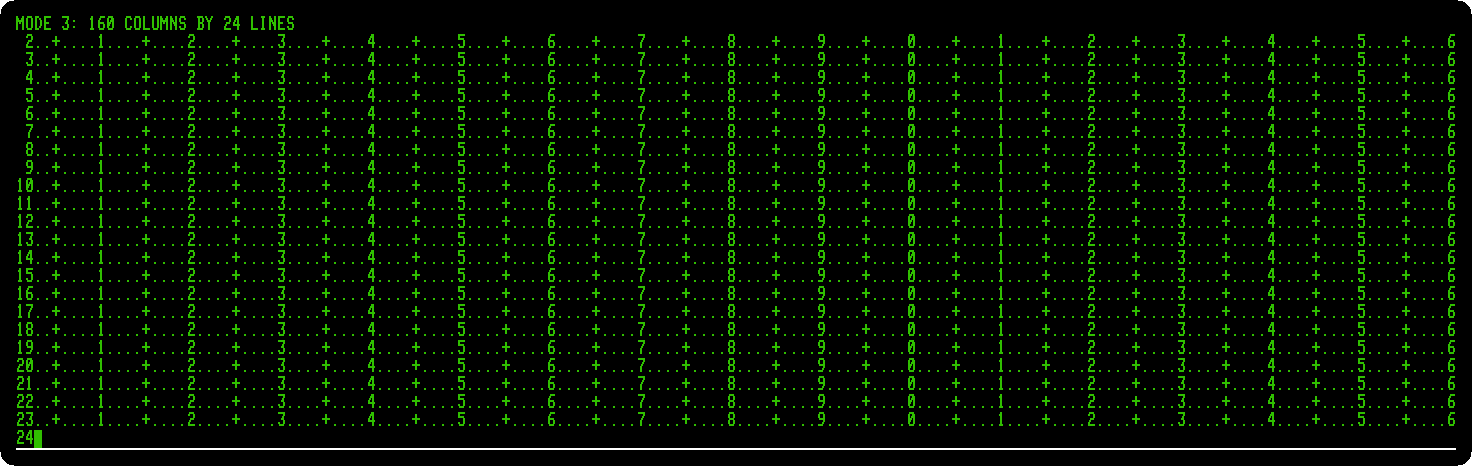
The card that gave the Apple ][+ up to 160 columns of text: the demonstration of its own disk of utilities, and a program that shows each of its modes, up to 160 by 24 and 80 by 48.
The RGB card and its fourteen video modes
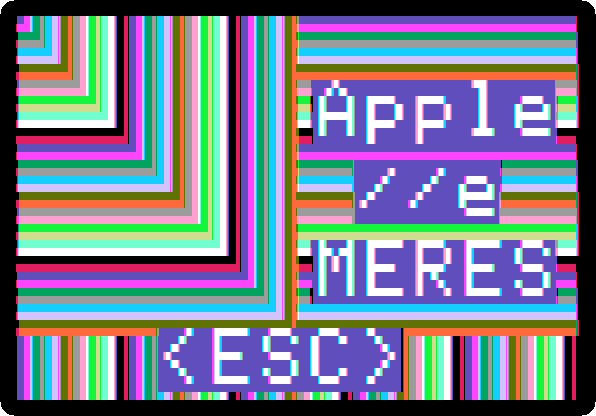
The demonstration disk of the Video-7 RGB card for the //e: each of the fourteen video modes it lists, the six of the //e and the eight the card adds, text in sixteen colours, 160 and 560 dots across.
A megabyte on a card: the Memory Expansion Card
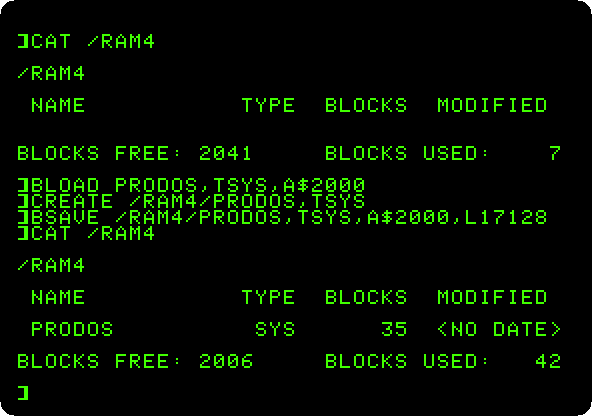
Apple’s memory card for the Apple ][, ][+ and //e, a megabyte on an Apple ][+: the RAM disk ProDOS finds on it, a file loaded from it in a sixth of the time, the test in its ROM, and the card from DOS 3.3.
What is in the slots: Card Cat
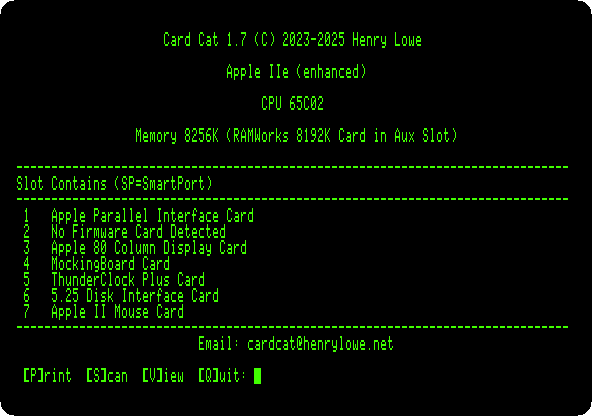
A modern program that finds the card in each slot, run on a //e with all seven full, and the ROM of a card read by it.
The time from a ThunderClock
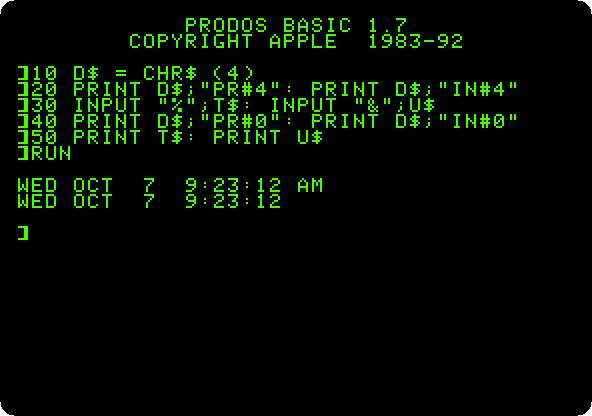
A clock card for the Apple ][+: the time read from BASIC through its firmware, as its manual shows, and a program saved by ProDOS with the date it takes from the card.
Other systems
Forth in ROM
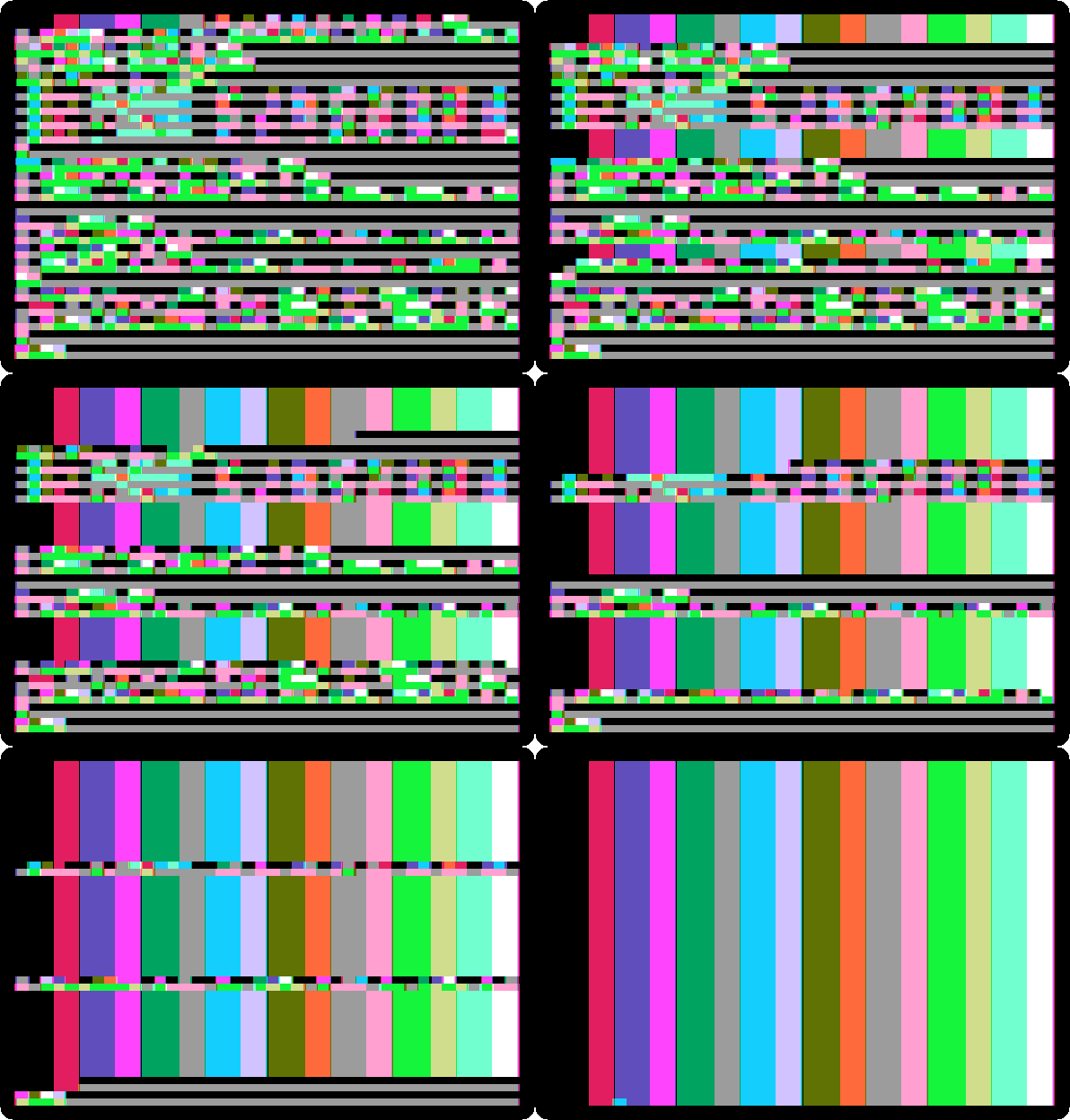
An Apple ][+ that starts in FORTH-79, from a card of Offete Industries: words used and new ones defined, loops and decisions, and the machine underneath, its memory, its speaker and its graphics, driven from Forth.
CP/M on the Z80 SoftCard
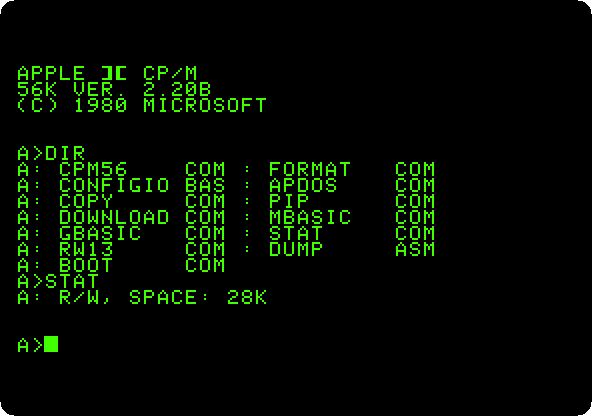
A Z80 on a card turns an Apple ][+ into a CP/M computer: its disk, an assembler source, a program in Microsoft BASIC-80 saved among its files, and the high resolution graphics drawn from GBASIC.
Clones
The Base 64A, an Apple ][+ from Taiwan
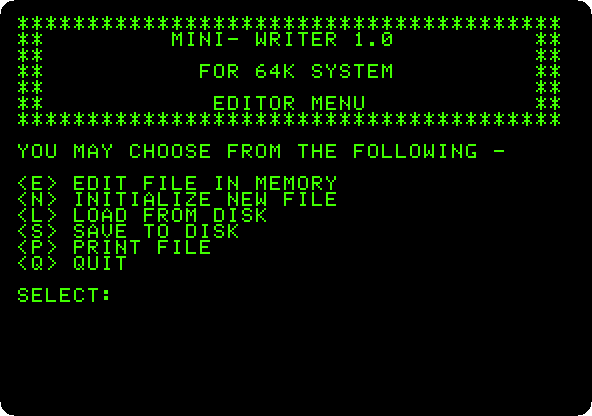
A copy of the Apple ][+ with small letters on the screen and a word
processor in its ROM, started with WRITER: a letter written, a name
replaced in it and the letter printed, and Apple’s DOS 3.3 started on it.
The Basis 108, an Apple ][+ from Germany
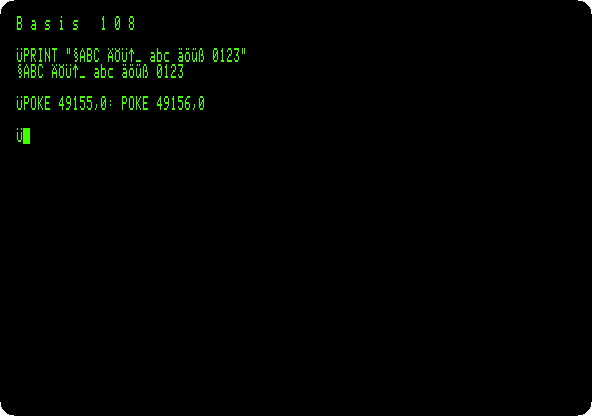
A copy of the Apple ][+ for work, in 80 columns from the start: small letters, its four sets of characters, ASCII, German, APL and the Apple’s, chosen from BASIC, and Apple’s DOS 3.3 in 80 columns.
Play
Karateka
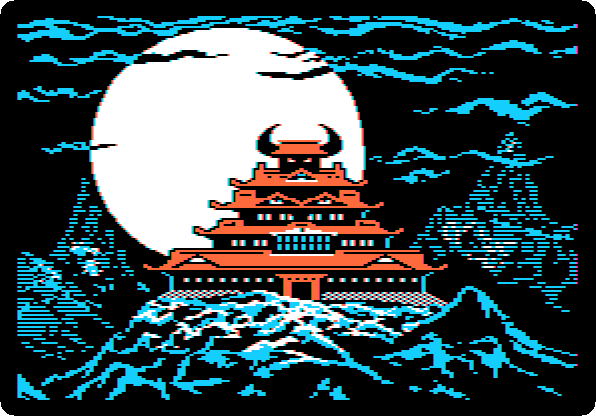
Jordan Mechner’s game of 1984, from its original disk: its titles and prologue told like a film, Akuma and the princess, and the karateka up the cliff and past the first guard, played with the joystick.
Lode Runner
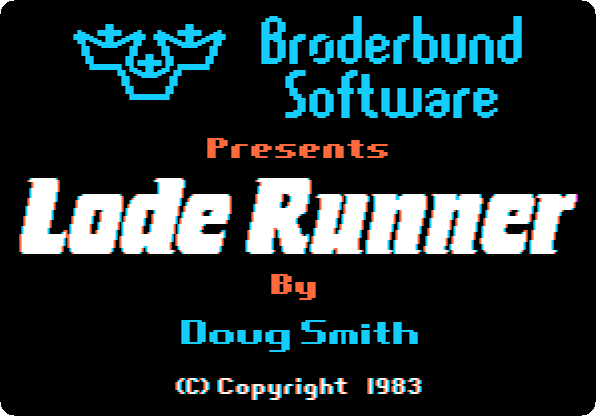
Broderbund’s game of 1983, from a copy of its original disk: the title, the demonstration that plays itself, and a game played from the keyboard, until a guard catches the runner.
Total Replay
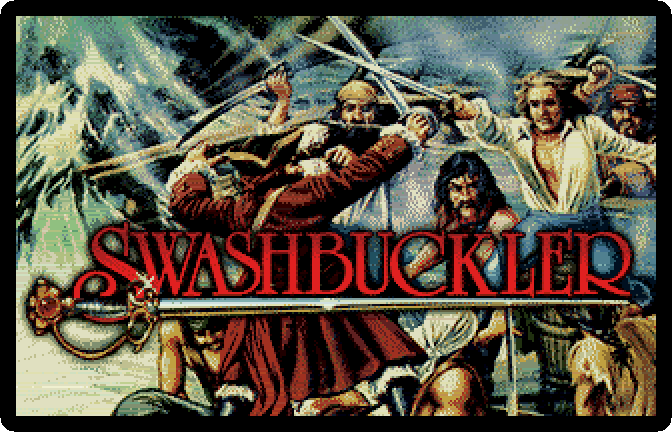
Hundreds of games on one hard disk, with the box art in Super Hi-Res: the launcher, its attract mode, and a game found by typing its name.
The disks
./fetch-disks.sh
downloads every disk the pages use into disks/, from the archives
disks.tsv lists, and checks each against its SHA-256. It only
downloads what is missing or has changed, so it can be run again at any time.
./fetch-disks.sh CPM1.PO gets only the disks named.
How the pictures are made
Every picture is made by running the machine through the steps of its page,
with the same disks, by the Go programs in
activities. See
AGENTS.md for how, and
EDITORIAL.md for how the pages are written.