Lode Runner
Lode Runner was Doug Smith’s game, published by Broderbund in 1983 for the Apple II before any other computer. A runner collects the gold of a level of bricks, ladders and ropes while guards chase him; he can’t jump or fight, only dig a hole in the bricks for a guard to fall into, and the hole fills again after a while. It came with 150 levels and an editor to make more, and it went on to most computers and consoles of the eighties.
This page starts Lode Runner from a copy of its original disk, watches the demonstration that plays itself, and plays the start of a game from the keyboard, until the game ends and writes its high score on the disk. Then it makes a level of its own with the board editor, saves it on a diskette, and plays it to the end.
What you need
Lode Runner.woz, a copy of the original Lode Runner disk, from the
woz-a-day collection of
the Internet Archive: download Lode Runner (woz-a-day collection).zip and
take it out of it. ./fetch-disks.sh in this repository downloads it into
disks/.
A WOZ file records a diskette bit by bit, its copy protection included, so
it is the disk Broderbund sold, as it was, and not a copy with the protection
taken out. The game writes its high scores on it, and izapple2 writes them
into the file, as a drive would on the diskette; ./fetch-disks.sh sees the
file changed, and downloads it again, without them.
my-disk.dsk, a blank diskette, for the levels you make: the game
doesn’t let you save them on its own disk. ./fetch-disks.sh makes
disks/blank.dsk, a file of 143,360 zero bytes; copy it, and keep
blank.dsk blank:
cp disks/blank.dsk my-disk.dsk
izapple2 writes what the game saves straight into my-disk.dsk.
Broderbund’s manual of Lode Runner is on the Internet Archive.
The machine
An Apple ][+ with one disk drive:
- the 6502 processor at 1 MHz, 48 KB of memory, and Applesoft BASIC in its ROM;
- the keyboard of the ][+, which types only capitals;
- a Disk II controller card in slot 6, with the Lode Runner disk in drive 1.
izapple2 -model none -board 2plus -cpu 6502 -screen color \
    -rom "<internal>/Apple2_Plus.rom" \
    -charrom "<internal>/Apple2rev7CharGen.rom" -forceCaps \
    -s6 'diskii,disk1=disks/Lode Runner.woz'
The model 2plus of izapple2 has this machine, with a Language Card and a
Videx Videoterm 80 column card more:
izapple2 -model 2plus -screen color "disks/Lode Runner.woz"
Start it
-
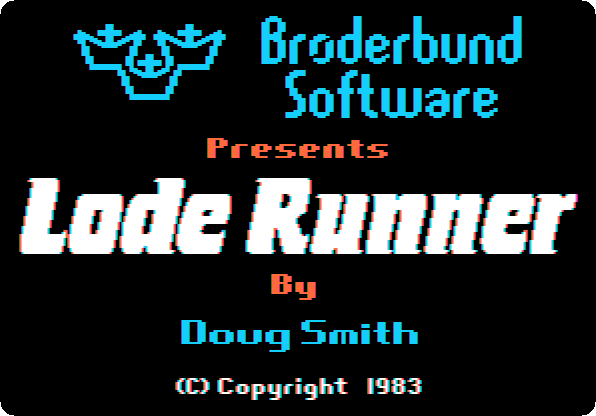
Start izapple2 with the command above. After a few seconds of the drive, the title comes up.
The demonstration
-
Wait. The game shows its first level, opening from the middle, and plays it by itself: the runner in white, the guards in orange, the gold in the small boxes.
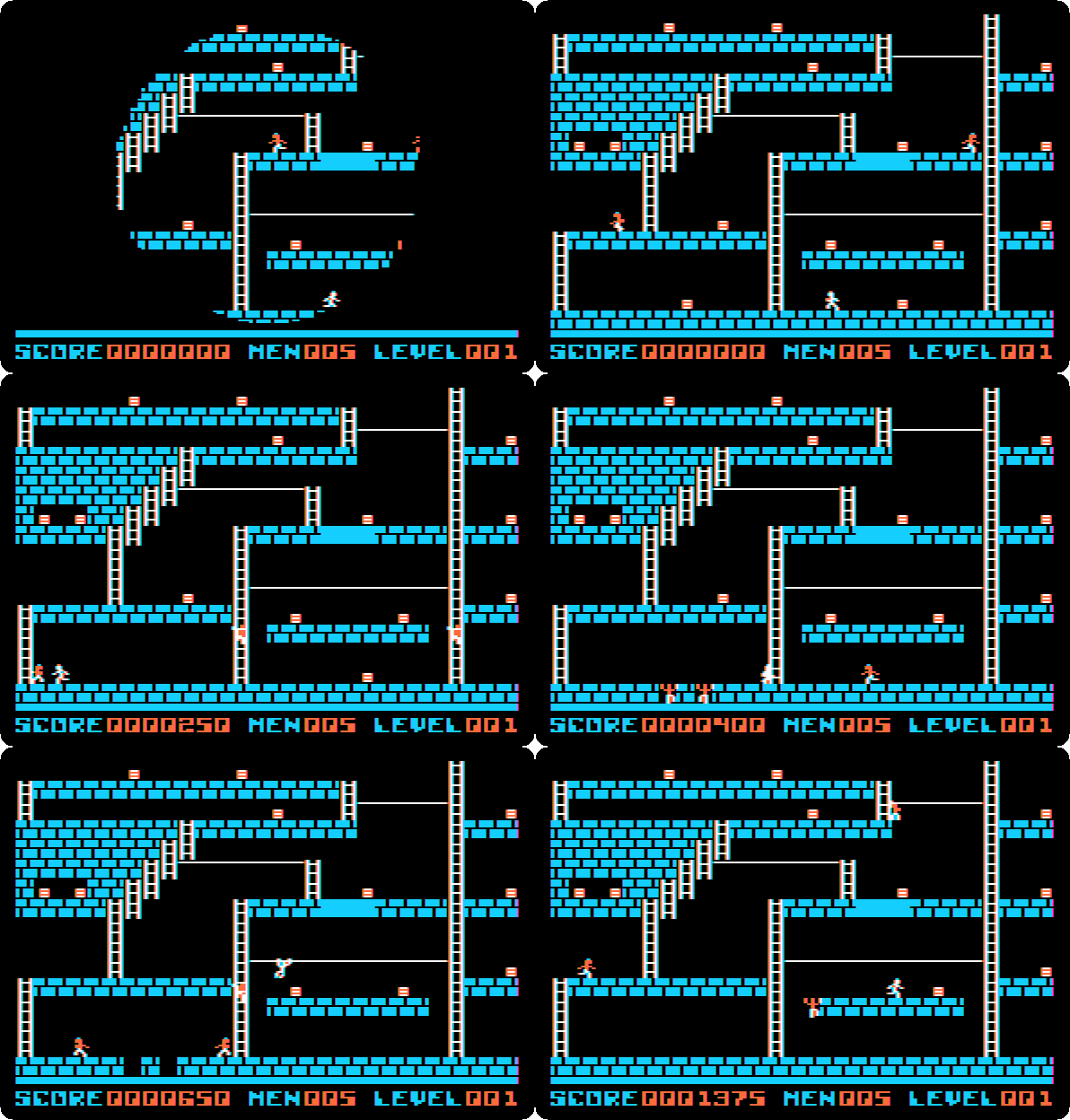
The runner goes for the gold and away from the guards, and digs holes in front of them. When all the gold is taken, a ladder appears to the top of the screen, the way out to the next level.
Play
-
Press Space to play. The first level comes up, with five runners,
MEN 005at the bottom.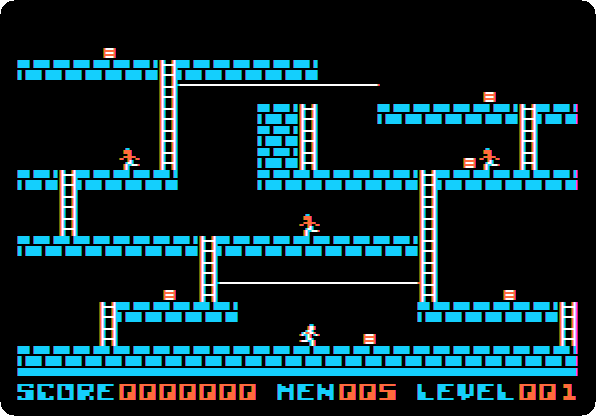
Lode Runner is played with a joystick, or with the keyboard. Without a joystick connected, izapple2 makes the mouse of your computer the joystick of the Apple II.
-
Press Control-K to play with the keyboard, then L to run right, I, when he is at the ladder, to climb, and J to run left. One key sets the runner going, and he goes on until the next key or a wall.
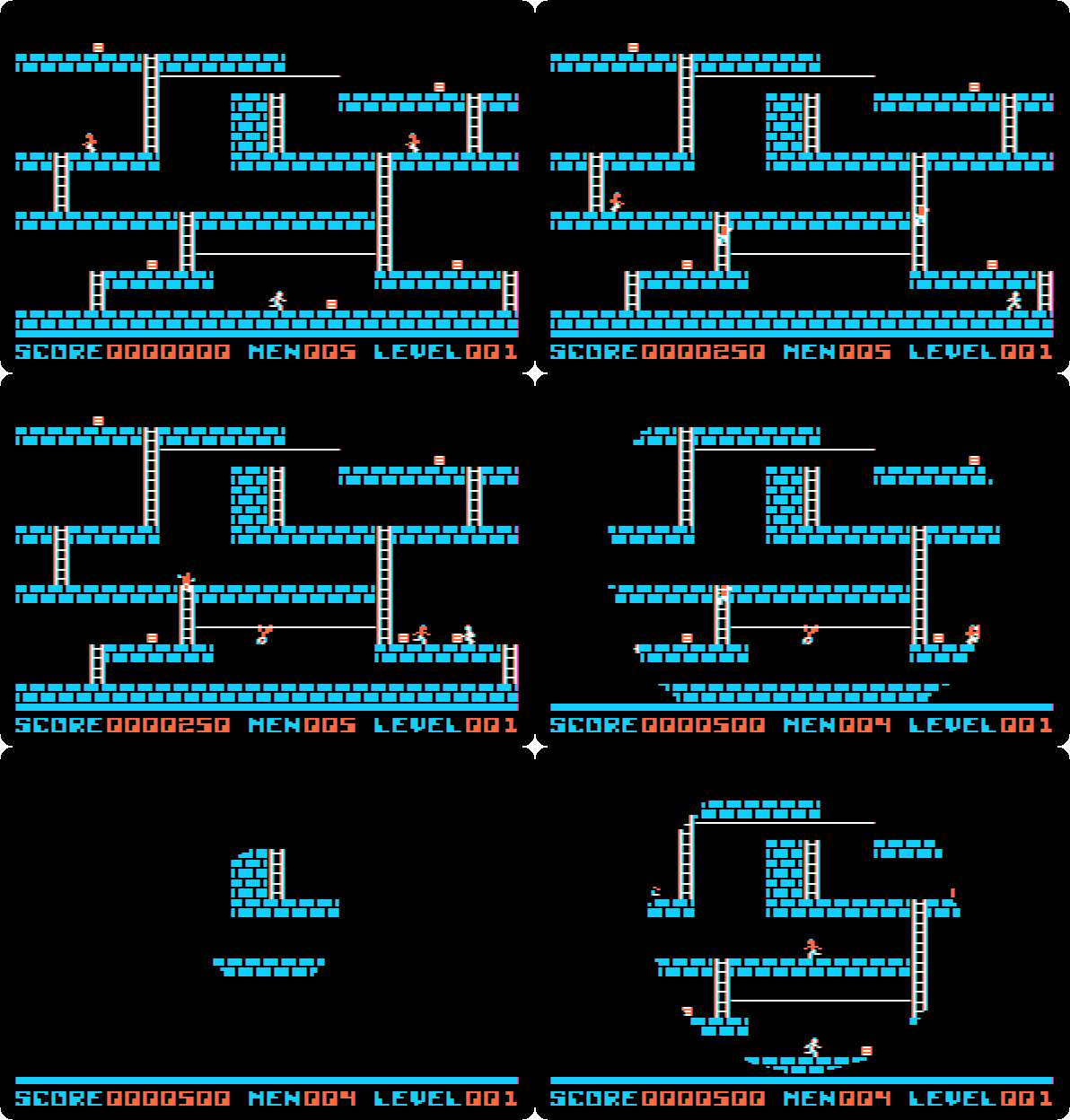
He takes the gold at his right, 250 points, climbs the ladder, and takes the next piece on the way left, but a guard is there, and catches him. The screen closes in a circle, and the level starts again, with one runner less,
MEN 004, and the score kept. The guards are not fooled for long: the way past them is to dig a hole in the bricks they walk on, and go on while they climb out. -
Press Control-R when the level is back, to end the game. The game ends with a score, so it shows the high scores, with this one in its place, and waits for the initials of the player.
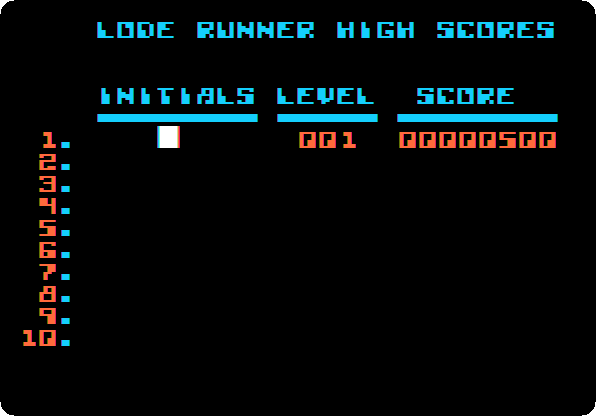
Type your initials, three letters, here
ADA, and press Return.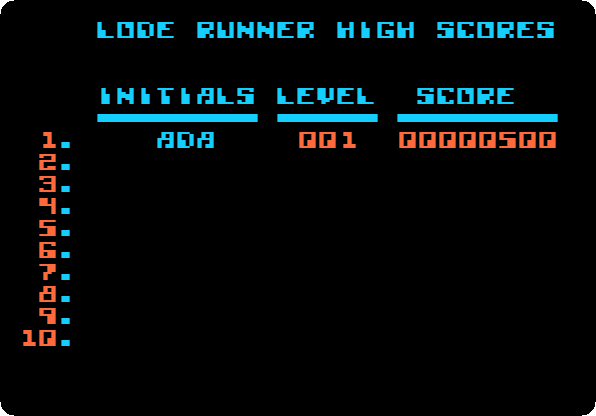
The game writes the high scores on its own disk, and they are there the next time it starts. Then the title comes up again.
Make a level of your own
The board editor makes new levels, a shape at a time, and saves them on a diskette of your own, the data disk.
-
Press Control-E when the title is up. The board editor waits for a command, a letter:
Eto edit a level,Pto play one,Ito initialize a data disk,Cto clear a level,Mto move one to another number, andSto clear the high scores.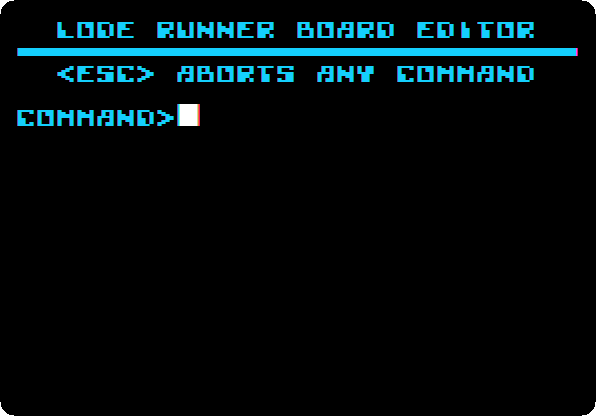
-
Press I to initialize a data disk. The editor asks if you are sure, since it erases the diskette.
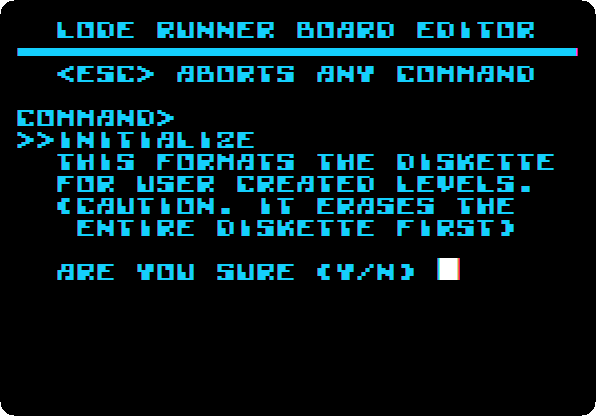
Change the disk: drop
my-disk.dskon the area of drive 1 of the window of izapple2. Then press Y. The drive formats it, a few seconds, and the editor waits for the next command. -
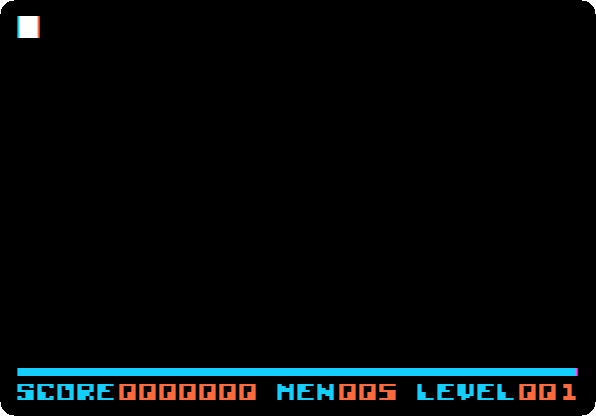
Press E, then type the number of the level, 001, all three digits, and press Return. Level 1 of the new disk comes up empty, with the cursor, a white square, at the top left.
-
Draw the level. A level is 28 squares across and 16 down. I, J, K and M move the cursor up, left, right and down, and a digit puts a shape where it is:
Key Shape 0nothing, to rub out 1brick, that the runner can dig 2stone, that he can’t 3ladder 4rope, to go across hand over hand 5trap door: it looks like a brick, and anyone on it falls through 6the ladder that appears when all the gold is taken 7gold 8guard 9the runner A level has one runner, and from one to five guards. This is the level of the page, a row of the screen a line, the digit of each shape in its place and a dot where there is nothing: for each row, from the left, type the digit of each shape, and K to go to the next square; at the end of the row, M goes down, and J 27 times back to the left.
......................6.....
......................6.....
......................6.....
..7.........4444444...6.....
1111113111111.....11113111..
......3...............3.....
......3........7......3.....
......3.....111511....3.....
......3...............3.....
......3...7...........3..7..
1111111111111113111111111111
...............3............
...............3.......22222
...............3.......2.8.2
.9.............3.....7.2...2
2222222222222222222222222222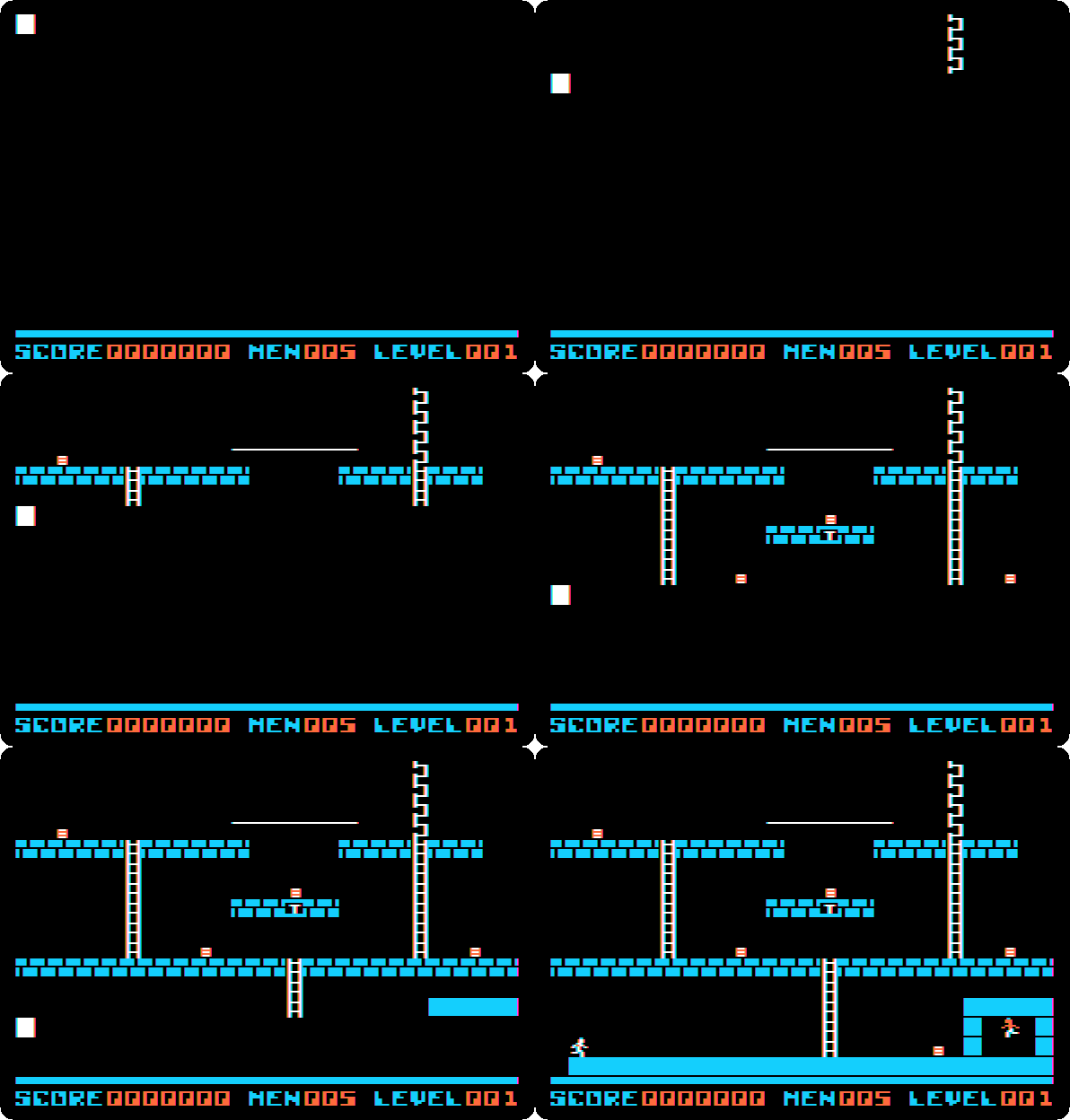
The runner starts at the bottom left. Five pieces of gold: one at the bottom, two on the middle floor, one on the left of the top floor, and one on a small floor in the middle, over a trap door. The guard is shut in a room of stone, at the bottom right, so that this level is easy to win. The ladder at the top right is hidden until all the gold is taken.
-
Press Control-S to save the level on the data disk, and Control-Q to go back to the editor. A level not saved is lost.
-
Press P, type 001 and press Return to play it, and Control-K for the keyboard, as before:
- L to the gold at the right, J back to the ladder, and I up it;
- J to the left, through the gold, to the next ladder, I up it, and J to the gold;
- L back, along the rope, and K in the middle of it: he lets go, falls to the small floor, takes the gold, and falls through the trap door, to the middle floor;
- L to the last gold, at the right, J back to the ladder, and I up it to the top.
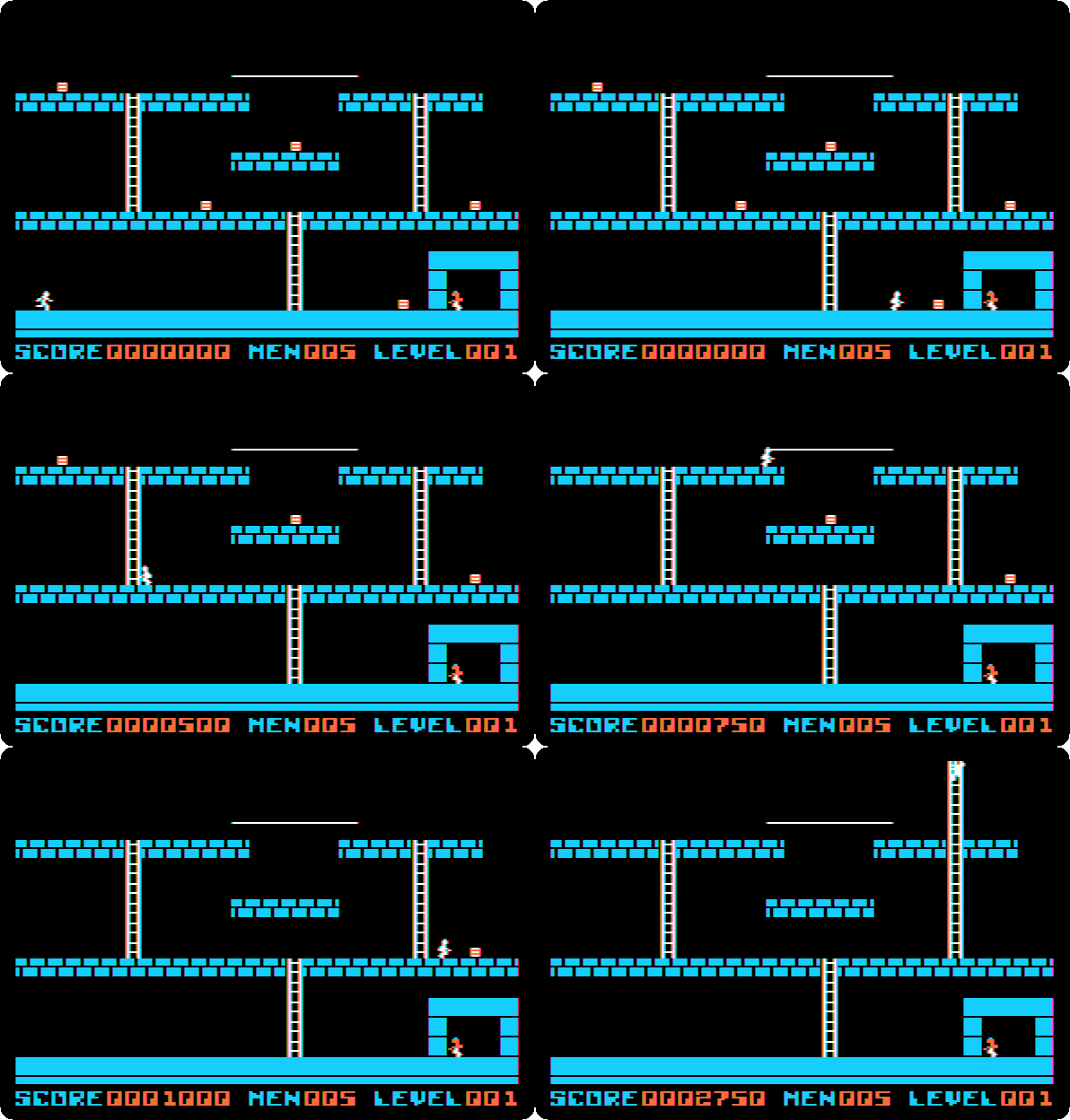
With the last piece of gold the hidden ladder appears, and up it the level is won: 250 points for each piece of gold and 1,500 for the level, 2,750.
The data disk keeps the level. Another day, start Lode Runner, press
Control-E, put my-disk.dsk in drive 1, and press P to play it, or E to
change it.
What next
Next: Mission: Asteroid, from the start to the end.
A game in Integer BASIC is a game you write yourself, in the BASIC of the first Apple ][.