A game in Applesoft
The Apple II was made to play games, and to write them. It had colour graphics
and a speaker, and a game port on the main board for paddles, a knob and a
button each, all within reach of a line of BASIC: GR switches to
graphics, COLOR= and PLOT draw, PDL reads where a paddle is turned to.
Magazines and books printed the listings of games, and their readers typed
them in.
This page writes one of those, a bat and a ball in the low resolution graphics of the Apple ][+, types it in, and plays it.
What you need
Only izapple2, as in Switch on an Apple ][+: nothing to download.
The Applesoft Tutorial, Apple’s manual to learn Applesoft, is on the Internet Archive.
The machine
An Apple ][+ with no disk drive:
- the 6502 processor at 1 MHz, 48 KB of memory, and Applesoft BASIC in its ROM;
- the keyboard of the ][+, which types only capitals;
- a pair of paddles in its game port;
- no cards in its slots.
izapple2 -model none -board 2plus -cpu 6502 -screen color \
    -rom "<internal>/Apple2_Plus.rom" \
    -charrom "<internal>/Apple2rev7CharGen.rom" -forceCaps
The model 2plus of izapple2 has this machine, with a Language Card and a
Videx Videoterm 80 column card more:
izapple2 -model 2plus -screen color -s6 empty
Type the game
-
Start izapple2 with the command above. The screen is in colour, as on the colour television many Apple IIs were plugged into: the game is in colour.
-
Type the program, each line ended with Return:
10 GR : HOME
20 X = 20:Y = 5:DX = 1:DY = 1:S = 0:Q = -1
30 COLOR= 15: HLIN 0,39 AT 0: VLIN 0,39 AT 0: VLIN 0,39 AT 39
40 P = INT ( PDL (0) * 32 / 255) + 1
50 IF P <> Q THEN COLOR= 0: HLIN 1,38 AT 38: COLOR= 13: HLIN P,P + 5 AT 38:Q = P
60 COLOR= 0: PLOT X,Y
70 IF X + DX < 1 OR X + DX > 38 THEN DX = - DX
80 IF Y + DY < 1 THEN DY = - DY
90 IF Y + DY = 38 AND X + DX >= P AND X + DX <= P + 5 THEN DY = - DY:S = S + 1: VTAB 22: PRINT "SCORE ";S
100 X = X + DX:Y = Y + DY
110 IF Y > 38 THEN VTAB 22: PRINT "GAME OVER, SCORE ";S: END
120 COLOR= 9: PLOT X,Y
130 GOTO 40
In izapple2 you can paste it instead, with Command-V on a Mac or Shift-Insert elsewhere: izapple2 types what you paste, slowly enough for the machine to keep up. A line longer than the screen goes on on the next one as you type it; it is still one line until Return.
GRswitches to the low resolution graphics: 40 by 40 blocks in 16 colours, with four lines of text under them.- Line 30 draws the walls in white, colour 15, with horizontal and vertical
lines,
HLINandVLIN. - Line 40 reads the paddle, from 0 to 255, and turns it into where the bat starts, from 1 to 33. Line 50 draws the bat, six blocks of yellow, colour 13, when it has moved, after clearing its row with black, colour 0.
- Lines 60 to 120 are the ball: rubbed out, bounced off the walls and the bat, moved, and drawn again in orange, colour 9.
-
Type
HOMEandLIST 60,130to see the end of it the way Applesoft keeps it.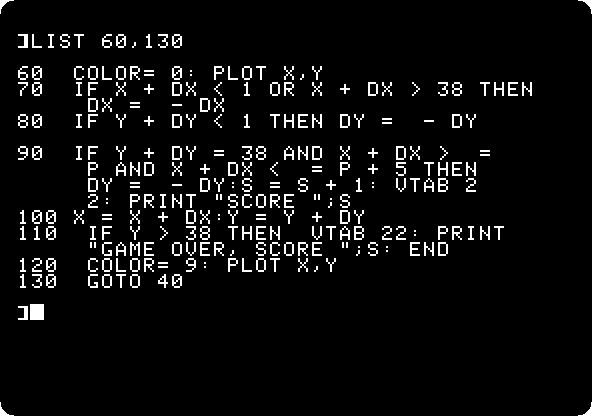
Play it
-
Type
RUN, and move the mouse left and right over the izapple2 window. Without a joystick connected, izapple2 turns the mouse into one: the position of the pointer across the window is paddle 0, from 0 a hundred and twenty eight dots left of the middle of the window to 255 as far right of it.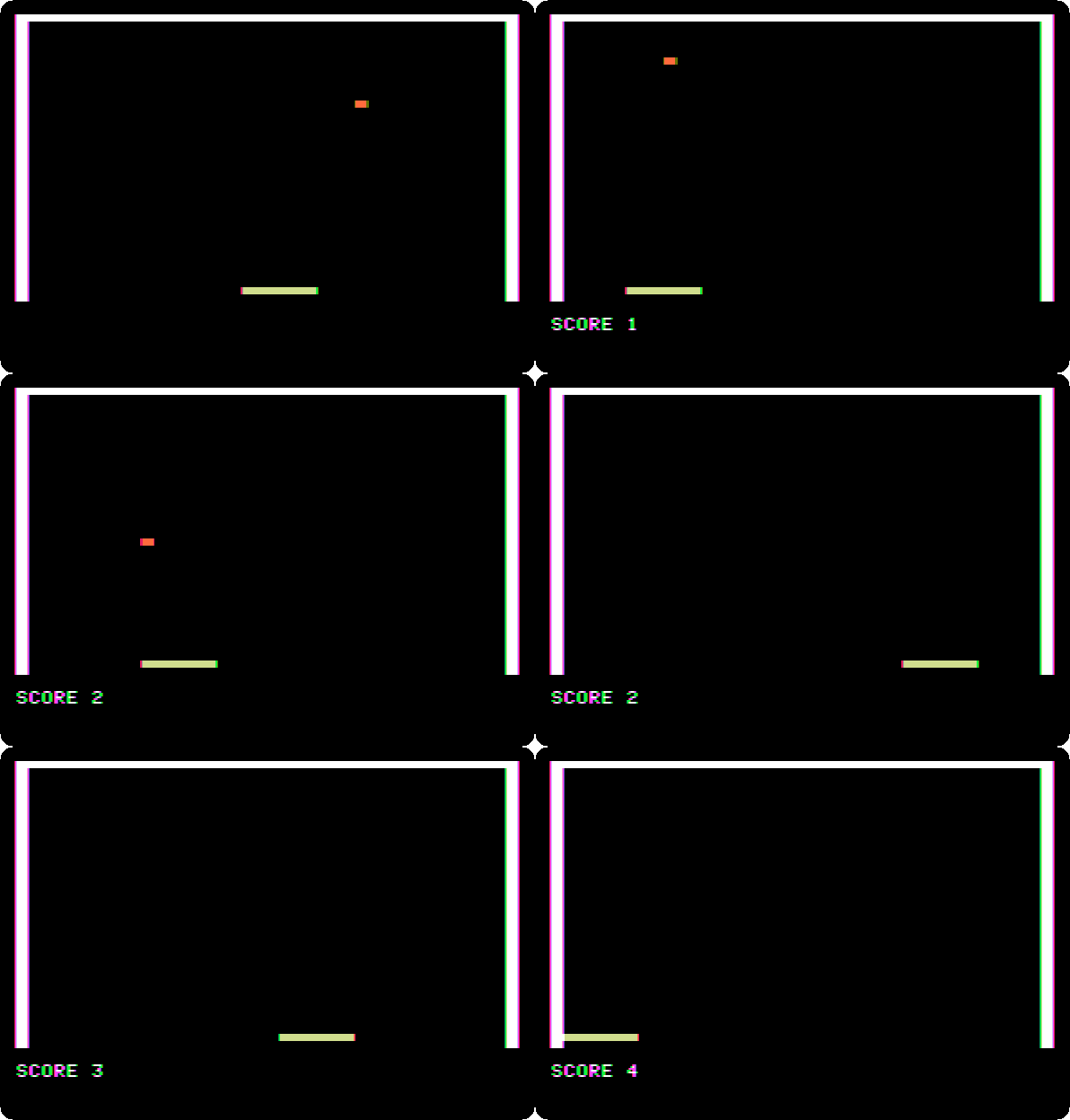
This is the speed of the machine: Applesoft works out every line of the program again each time round the loop, and a ball that moves a block at a time is as fast as it goes. The ball blinks because it is rubbed out before it is drawn again. Control-C stops the game, as it stops any Applesoft program.
The walls are white with a fringe of colour at their edges: on a television, the Apple II makes its colours out of the timing of its white dots, and the dots at the edge of a white line are coloured.
-
Miss the ball. The program ends, with the score.
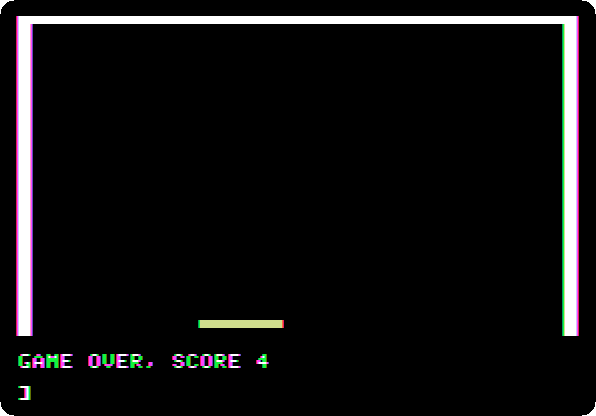
RUNplays again.TEXTgives back the whole screen to text.
What next
Life with DOS 3.3 shows how to keep the game on a diskette: with
DOS started, SAVE GAME saves it and RUN GAME runs it again.