CP/M on the Z80 SoftCard
At the end of the seventies the business software of small computers ran on CP/M, the operating system of Digital Research, and CP/M ran on the Z80 and the 8080 processors, not on the 6502 of the Apple II. In 1980 Microsoft sold a card that changed that, the Z80 SoftCard: a Z80 processor on a card, which takes over the machine while the 6502 waits, with CP/M and Microsoft’s BASIC on a diskette. The Apple II could then run the programs written for CP/M.
This page starts CP/M on an Apple ][+ with the SoftCard, looks at its disk, writes a program in Microsoft BASIC-80 and saves it among the files of CP/M, and draws in high resolution from GBASIC, the BASIC-80 of the SoftCard with the graphics of the Apple II.
What you need
CPM1.PO, the CP/M 2.20B diskette of the Microsoft SoftCard, for 56 KB.
It is in softcard.zip on the Asimov
archive:
download it and take CPM1.PO out of it. ./fetch-disks.sh in this
repository downloads it into disks/ and checks it.
The SoftCard CP/M Reference Manual of Microsoft is on the Internet Archive.
The machine
An Apple ][+ with the Microsoft Z80 SoftCard:
- the 6502 processor at 1 MHz, 48 KB of memory, and Applesoft BASIC in its ROM;
- the keyboard of the ][+, which types only capitals;
- a 16 KB Language Card in slot 0, which makes the memory of CP/M 56 KB;
- the Microsoft Z80 SoftCard in slot 4;
- a Disk II controller card in slot 6, with the CP/M diskette in drive 1.
izapple2 -model none -board 2plus -cpu 6502 -screen green \
    -rom "<internal>/Apple2_Plus.rom" \
    -charrom "<internal>/Apple2rev7CharGen.rom" -forceCaps \
    -s0 language \
    -s4 z80softcard \
    -s6 diskii,disk1=disks/CPM1.PO
The model cpm of izapple2 is this same machine, with the CP/M diskette
inside izapple2:
izapple2 -model cpm -screen green
Start it
-
Start izapple2 with the command above. The Apple ][+ starts from the diskette as always, and what it loads hands the machine over to the Z80. CP/M shows its version, 2.20B for 56K, and its prompt,
A>: the drive it works on is drive A.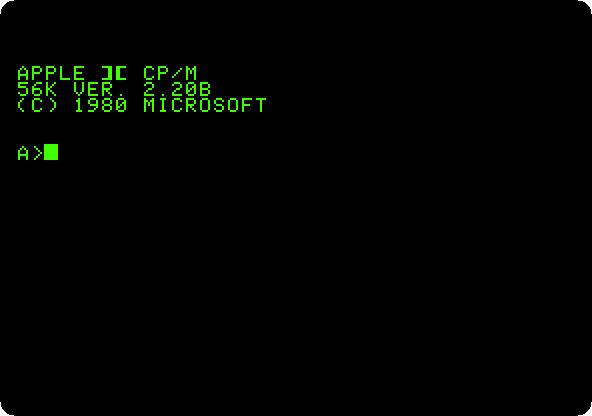
The disk
-
Type
DIRand thenSTAT, each with Return.DIRlists the files of the disk, with a name of up to eight letters and a type of three:COMis a program, run by typing its name.STATsays how much room is left on it.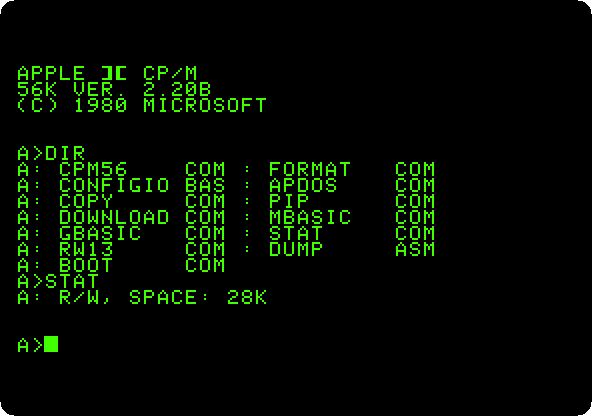
PIPcopies files,FORMATprepares a blank diskette, andMBASICis Microsoft BASIC. -
Type
TYPE DUMP.ASM.TYPEshows a text file on the screen: this one is the source of a program of CP/M, in the assembly language of the 8080, which the Z80 also runs. Press Control-C to stop it.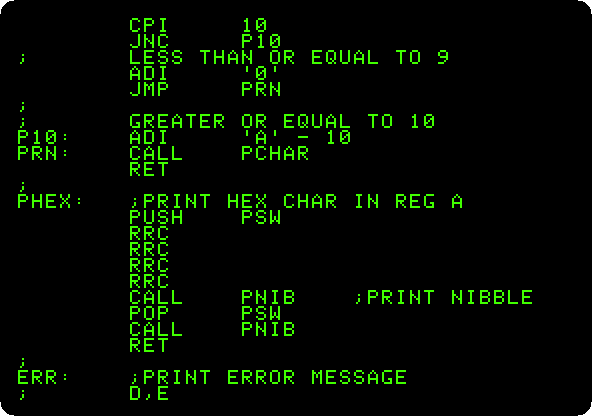
Microsoft BASIC-80
-
Type
MBASIC. BASIC-80 starts, says how much memory it has left for your program, and waits withOK. Type the program and run it:10 FOR I = 1 TO 10 20 PRINT USING "### #####.##"; I, SQR(I)*1000 30 NEXT RUN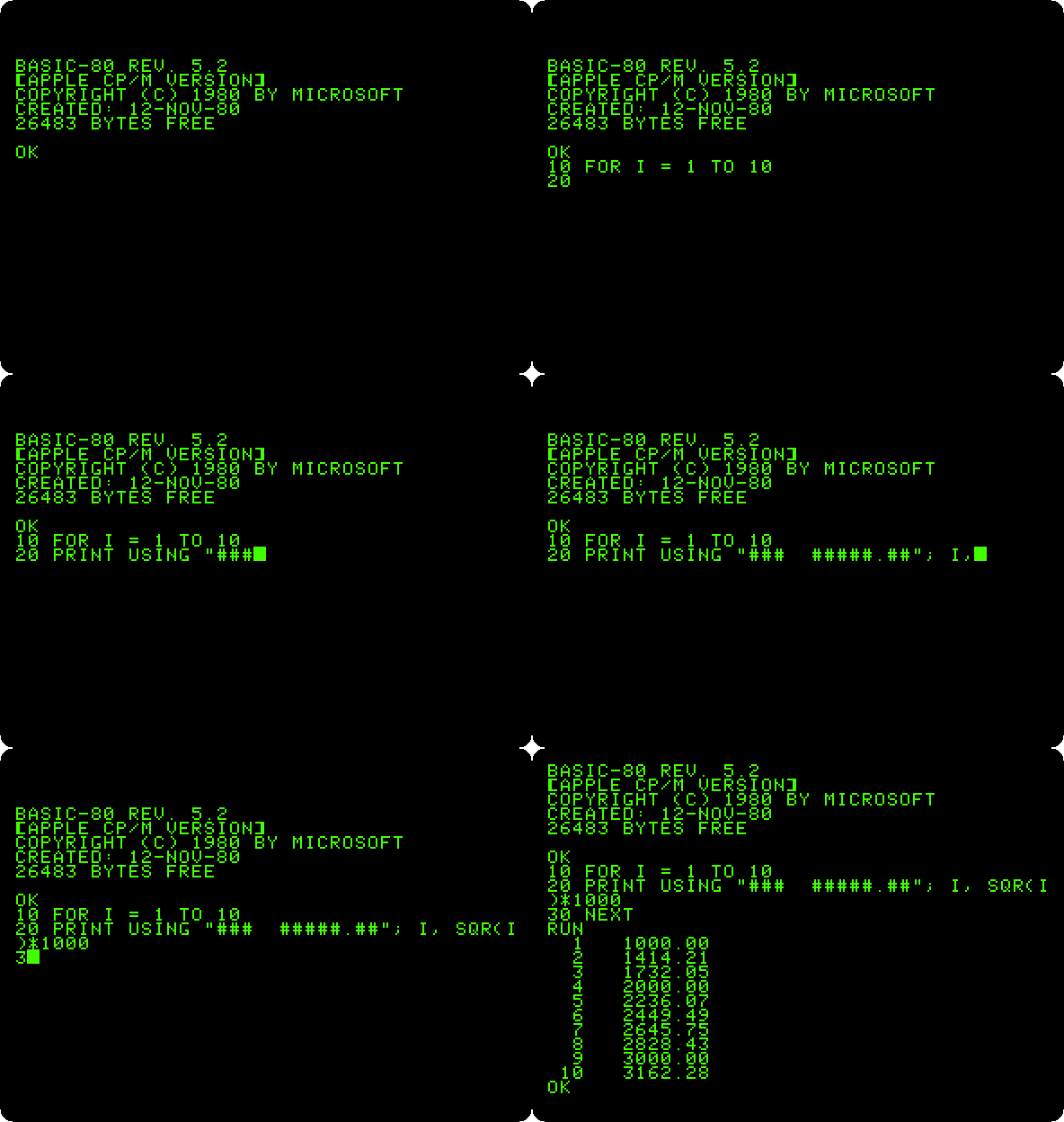
It is the BASIC of Microsoft on another processor, a cousin of Applesoft: the same language with more, as
PRINT USING, which lines up the numbers in columns with the decimals given. -
Type
SAVE "ROOTS",A, and thenSYSTEMto leave BASIC and go back to CP/M.,Asaves the program as plain text, not in the compact form BASIC keeps it in, so that any program of CP/M can read it. TypeDIRandTYPE ROOTS.BAS.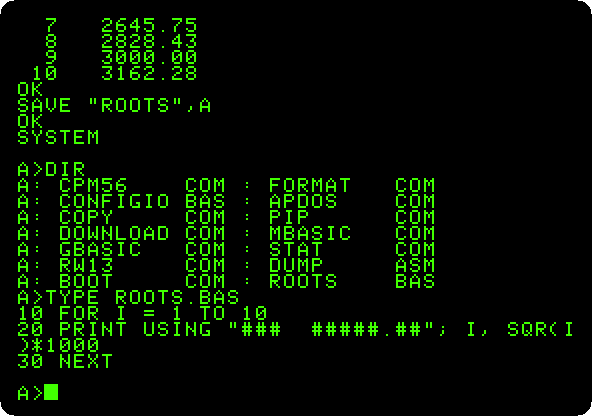
ROOTS.BASis on the disk now, with the programs of CP/M, andTYPEshows it as it was typed.
Graphics from the Z80
-
Type
GBASIC, the same BASIC-80 with the graphics of the Apple II added, and the program:10 HGR : HCOLOR = 3 20 FOR I = 0 TO 159 STEP 6 30 HPLOT 0,I TO I*1.75,159 40 HPLOT 279,159-I TO 279-I*1.75,0 50 NEXT RUNPress F6 in izapple2 for colour.
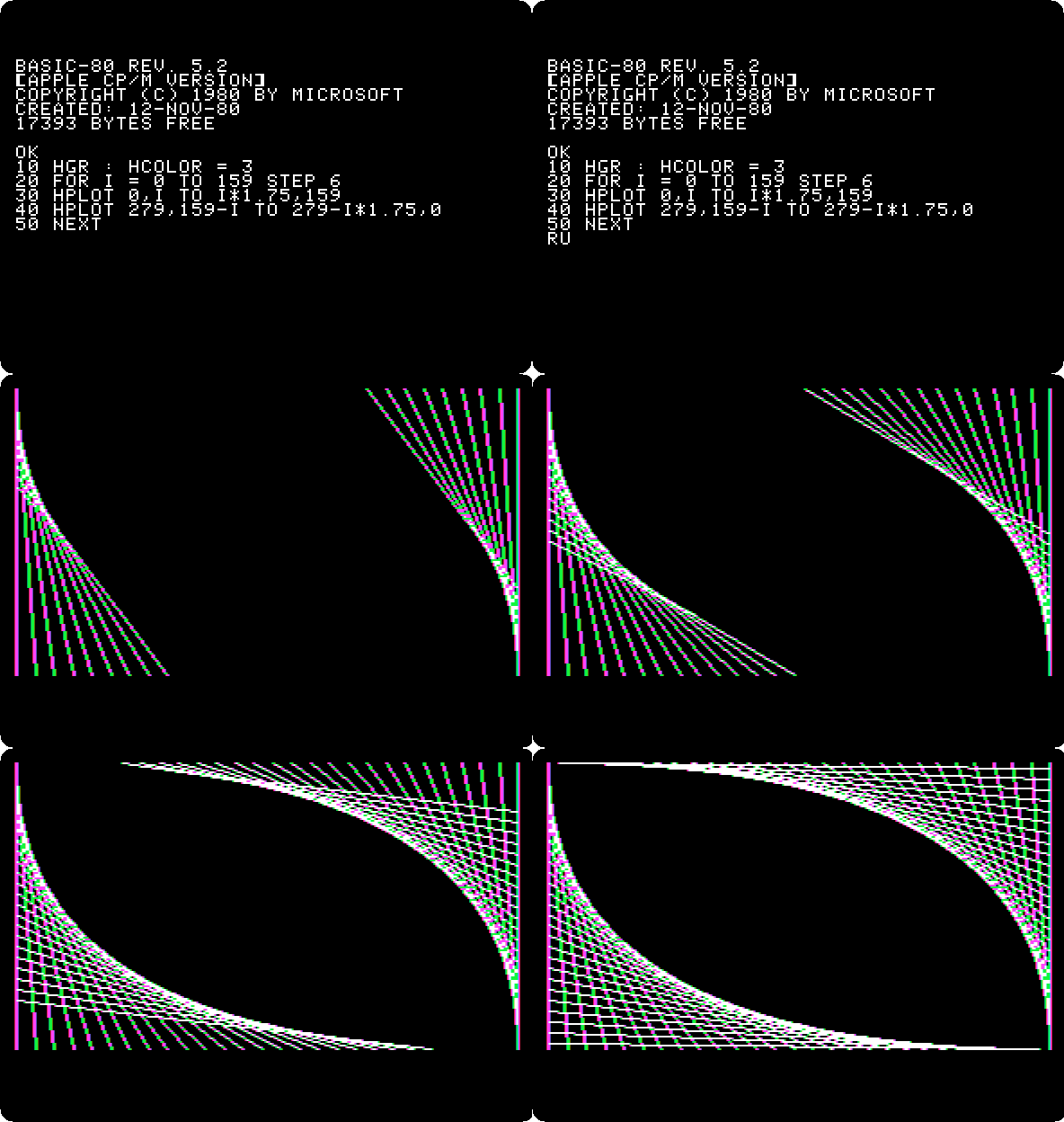
HGR,HCOLORandHPLOTare the words of Applesoft for the high resolution graphics, 280 dots across, here run by the Z80. The lines are white, and the colours at their edges are those of a colour television showing white dots next to black ones. GBASIC leaves 17,393 bytes for programs, where MBASIC left 26,483. -
Type
SYSTEMto go back to CP/M.
What next
Apple Pascal is another system that brought its own world to the Apple II, the p-System of the University of California.