Dazzle Draw: sixteen colours on the Apple IIc
Activities › Making things and work
The //e with its extended 80 column card, and every IIc, have 128 KB of memory, and with it a mode of graphics the Apple ][ didn’t have: double high resolution, made as the 80 columns, half of each line in each 64 KB: 560 dots across, twice as many as high resolution, or 140 in sixteen colours, all the ones of low resolution. Dazzle Draw, of David Snider, published by Broderbund in 1984, was a painting program for it, with the mouse: menus at the top, the colours and the choices of each tool at the bottom, and the whole screen to paint on.
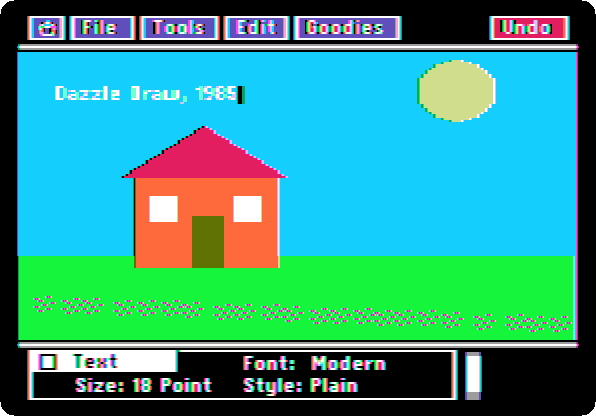
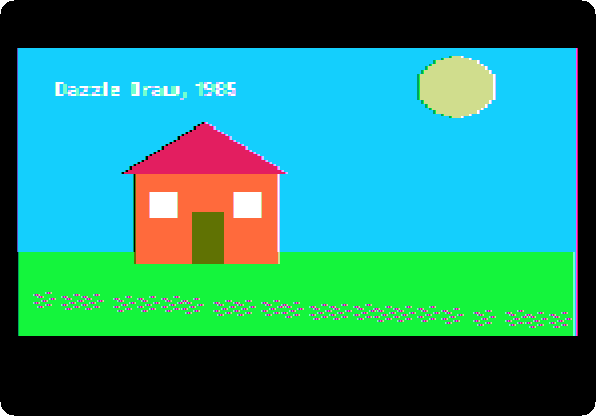
This page loads two of the pictures that came with it, and paints one of its own: a sky, a house, the sun, flowers, and a line of text.
What you need
Dazzle Draw 1.2.dsk, the program, its last version, of 1988, and
Dazzle Draw Slide Show.DSK, a disk of pictures for it, whose volume is
DD.FLIPSIDE, the other side of the Dazzle Draw disk by its name. Both are
in the folder of Dazzle Draw
on Asimov. ./fetch-disks.sh in this repository downloads them into
disks/.
The machine
The Apple IIc of 1984, on a colour monitor, with its mouse, and a second disk drive, which plugged into its back:
- the 65C02 processor at 1 MHz and 128 KB of memory: 64 KB, the top 16 KB of it the memory of a language card, which izapple2 puts in slot 0 as for the //e, and 64 KB more where the //e has its extended 80 column card;
- its two serial ports, in slots 1 and 2 for the programs;
- its port for the mouse, which its ROM gives to the programs as a mouse card in slot 4; izapple2’s IIc has the mouse in it;
- its disk drive, on the disk port in slot 6, with Dazzle Draw in drive 1 and its pictures in drive 2.
izapple2 -model none -board 2c -cpu 65c02 -screen color \
    -rom "<internal>/Apple2c_ROM255.rom" \
    -charrom "<internal>/Apple IIe Video Enhanced.bin" \
    -s0 language \
    -s1 iicserial \
    -s2 iicserial \
    -s6 "iicdisk,disk1=disks/Dazzle Draw 1.2.dsk,disk2=disks/Dazzle Draw Slide Show.DSK"
Dazzle Draw
-
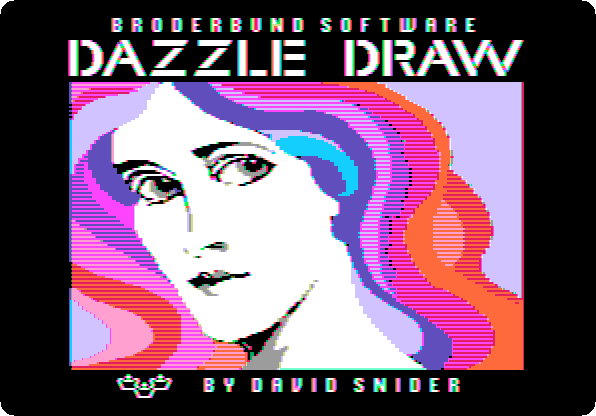
Start izapple2 with the command above: ProDOS, and the title of Dazzle Draw, in double high resolution.
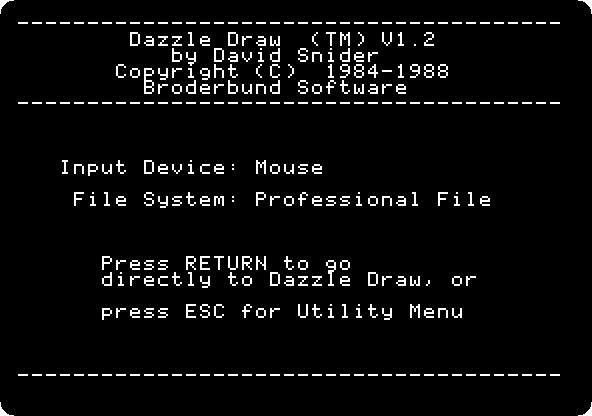
It finds the mouse by itself.
-
Press Return, and move the pointer to the top left corner: the pointer of Dazzle Draw goes by the steps of the mouse, and the one of izapple2’s window by where it is, and they meet again on an edge. The menus, at the top, and the page, empty.

Its pictures
-
Hold the button on File, and let it go on Load, and click Picture.
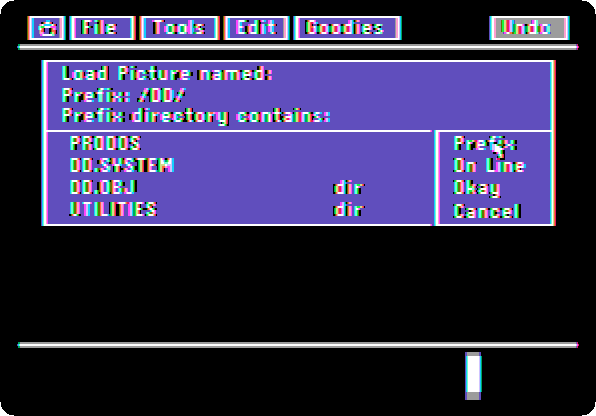
The pictures are in drive 2: click On Line, which lists the disks in the drives, click Prefix, click
/DD.FLIPSIDEand click Okay. TypeMONARCH, and click Okay.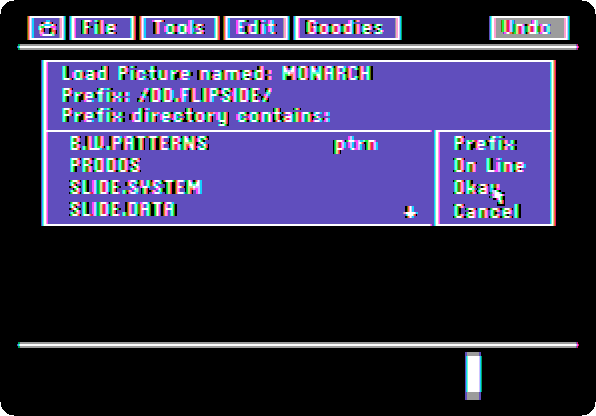
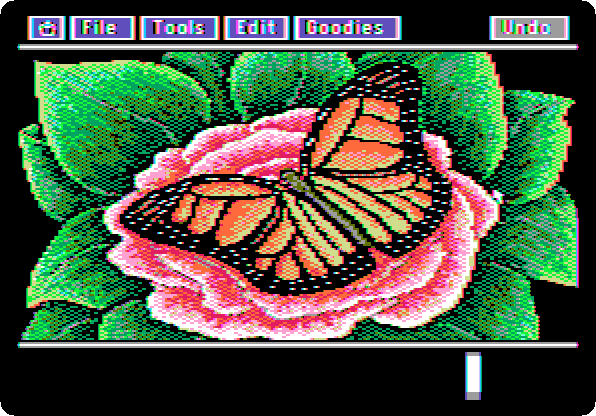
-
Choose View Picture in the Goodies menu: the whole screen, without the menus. Click to go back.

-
Load
ROOMthe same way, Load, Picture, its name and Okay: the prefix is kept. View it.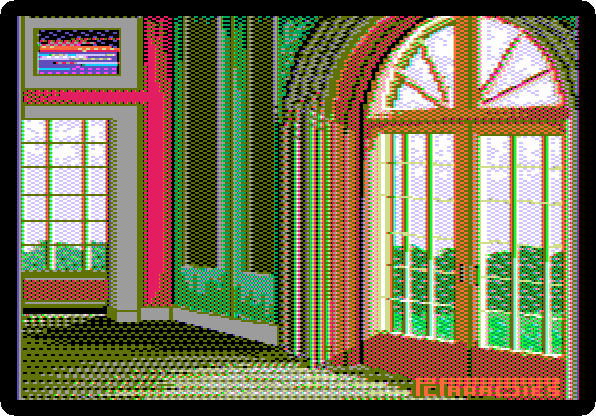
A picture of its own
-
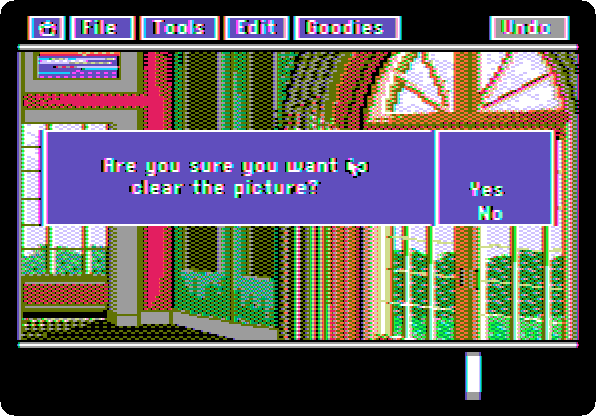
Choose Clear Picture in the Goodies menu, and click Yes.
-
Paint: a tool in the Tools menu, a colour at the bottom left, and the mouse on the page.

- The sky: Flood Fill, light blue, and a click on the black. It fills a line at a time.
- The ground: Shapes, green, the filled rectangle at the bottom, and the button held from a corner to the other. The sun: the filled oval, in yellow.
- The house: orange and the filled rectangle for its walls, olive for the door, white for two windows.
- The roof: Lines, red, three lines, and Flood Fill in it.
- Flowers: Spray Paint, magenta, across the ground.
- A line: Text, a click where it goes, and type
Dazzle Draw,
1985
.
-
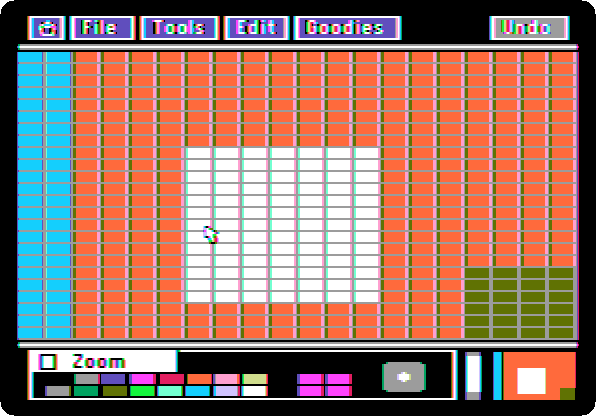
Choose Zoom in the Tools menu, and click a window: the dots of the picture, big enough to paint one at a time.
-
Choose View Picture in the Goodies menu.
What next
Next: Printing.
MousePaint on the Apple IIc is Apple’s program for the mouse, in black and white, and The RGB card and its fourteen video modes shows double high resolution on the //e.