MousePaint on the Apple IIc
Activities › Making things and work
In 1984 the Macintosh came out with a mouse and MacPaint, and Apple brought both to the Apple II the same year: the AppleMouse, which plugged into the back of the Apple IIc, or into a card in a slot of the //e and the ][+, and MousePaint, on the diskette in its box. MousePaint looks like MacPaint: a menu bar, tools in a column at the left, patterns at the bottom, and a window with the picture, in black and white, on the high resolution screen of the Apple II.
This page starts MousePaint on a IIc, opens the picture on its diskette, draws a house with its tools and patterns, writes a line in one of its fonts, and saves the picture on the diskette.
What you need
077_MousePaint_Drawing_Program_68C-3005-A_1984.dsk, the diskette of
MousePaint of 1984, from the
Internet Archive.
./fetch-disks.sh in this repository downloads it into disks/ and checks
it. MousePaint saves its pictures on its own diskette, and izapple2 writes
them into this file, as a drive would; ./fetch-disks.sh sees the file
changed, and downloads it again.
The manual of the mouse of the IIc, the Apple Mouse IIc Manual, is on the Internet Archive.
The machine
The Apple IIc of 1984, with a mouse:
- the 65C02 processor at 1 MHz and 128 KB of memory: 64 KB, the top 16 KB of it the memory of a language card, which izapple2 puts in slot 0 as for the //e, and 64 KB more where the //e has its extended 80 column card;
- its two serial ports, in slots 1 and 2 for the programs;
- its port for the mouse, at the back, which its ROM gives to the programs as a mouse card in slot 4; izapple2’s IIc has the mouse in it, the one of the computer it runs on;
- its disk drive, on the disk port in slot 6, with MousePaint in it.
izapple2 -model none -board 2c -cpu 65c02 -screen green \
    -rom "<internal>/Apple2c_ROM255.rom" \
    -charrom "<internal>/Apple IIe Video Enhanced.bin" \
    -s0 language \
    -s1 iicserial \
    -s2 iicserial \
    -s6 iicdisk,disk1=disks/077_MousePaint_Drawing_Program_68C-3005-A_1984.dsk
The model 2c_rom255 of izapple2 is this machine; the diskette goes
after the options:
izapple2 -model 2c_rom255 -screen green disks/077_MousePaint_Drawing_Program_68C-3005-A_1984.dsk
MousePaint
-
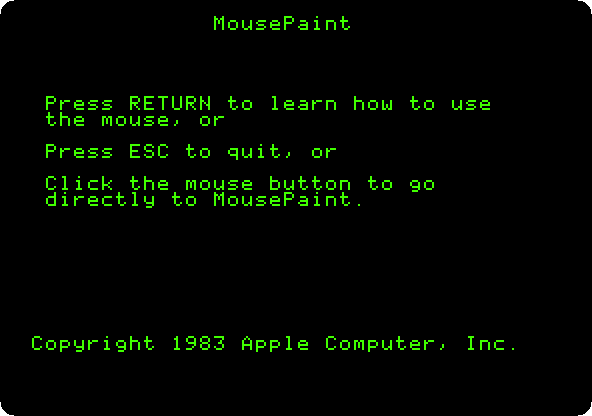
Start izapple2 with the command above. The diskette starts ProDOS, and MousePaint offers a lesson on the mouse first, with Return.
-
Click the mouse for MousePaint itself. Move the pointer to the top left corner: the pointer of MousePaint goes by the steps of the mouse, and the one of izapple2’s window by where it is, and they meet again on an edge.
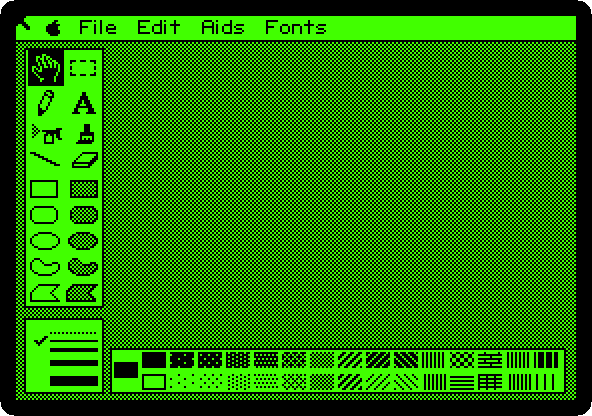
The tools: the hand that moves the picture in its window and the rectangle that selects a part of it; the pencil and the letters; the spray can and the brush; the line and the eraser; and the shapes, empty on the left and filled with the pattern on the right. Under them, the thickness of the lines, and at the bottom, the patterns.
-
Hold the button on File, and let it go on Get picture…. Type
MOUSE.PICand Return: a picture of the AppleMouse, on the diskette.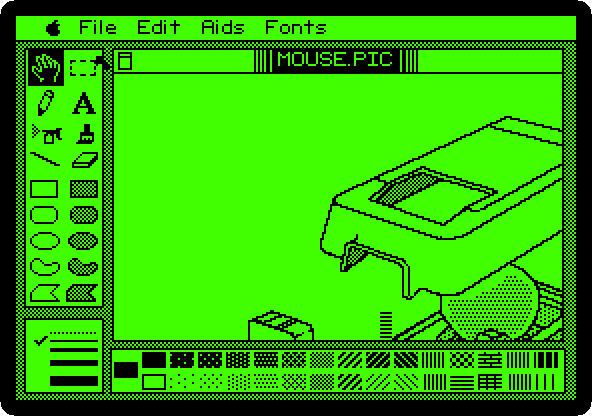
The window shows a part of the picture. Choose Show Page in the Aids menu: the whole of it, smaller.
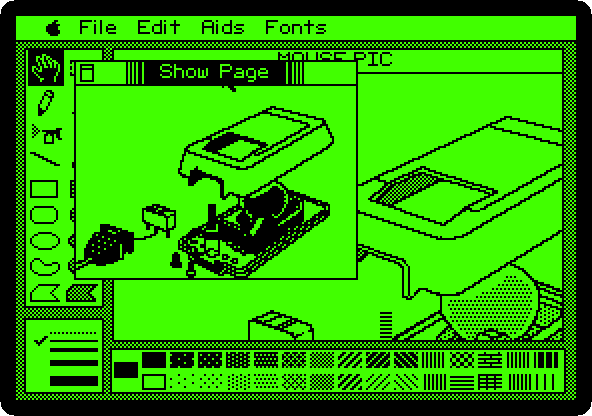
Click in it to close it.
A house
-
Choose Blank HiRes Screen in the File menu. MousePaint asks whether to save MOUSE.PIC: type
Nand Return. A page to draw on.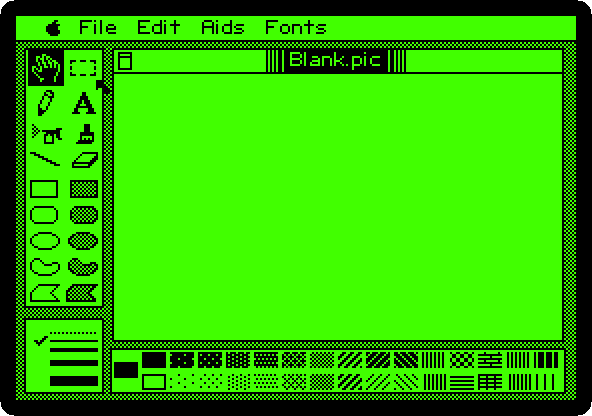
-
Draw: a tool, a pattern, and the button held from a corner to the other.
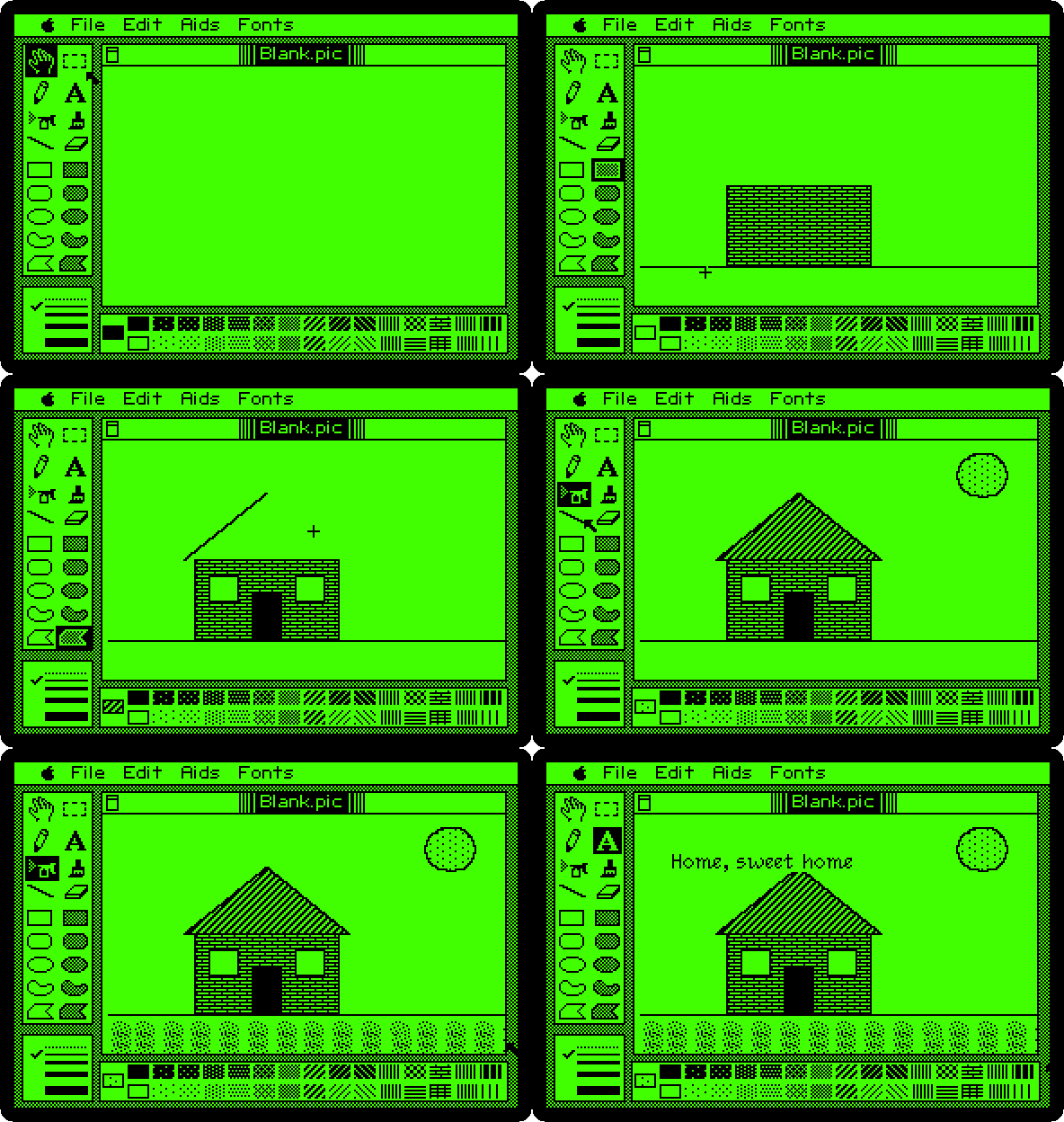
- The ground: the line, across the page.
- The walls: the bricks, the thirteenth pattern of the top row, and the filled rectangle. Then white, the first pattern of the bottom row, for two windows, and black, the first of the top row, for the door.
- The roof: the diagonal lines, the eighth of the top row, and the filled polygon: a click at each corner, and a double click at the last one, the same as the first.
- The sun: the dots, the second of the bottom row, and the filled oval.
- The grass: the spray can, held as it goes three times across under the ground.
-
The letters, and Venice in the Fonts menu. Give it a few seconds: what is typed before does not show. Click where the line goes, and type
Home, sweet home.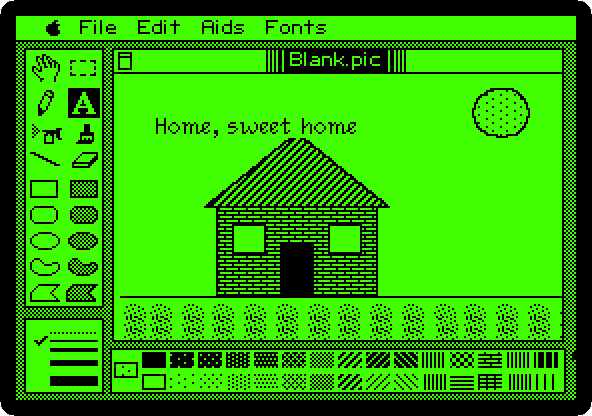
Its fonts have the names of cities, as the ones of the Macintosh: New York, Athens, Toronto and Venice, each a file on the diskette.
-
Choose Put a copy in… in the File menu, type
HOMEand Return: the picture is saved on the diskette, and the window takes its name.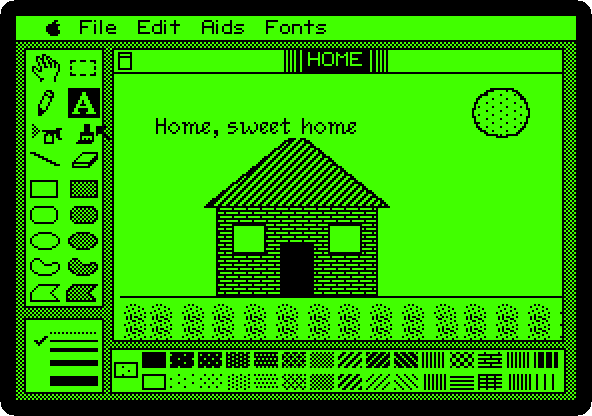
What next
Next: Dazzle Draw: sixteen colours on the Apple IIc.
Apple II DeskTop is the mouse on the //e, with windows and icons, and Switch on an Apple IIc the machine.