Two Apple IIcs on the line
The Apple IIc of 1984 had no slots, and what a //e had on cards it had built in, among them two serial ports at the back: one for a printer, one for a modem. The firmware of the modem port has a terminal mode: with it the IIc is a terminal, what is typed goes out of the port and what comes in shows on the screen, with no program at all.
This page has two IIcs, Ada’s and Grace’s, talk through their modem ports. Ada’s waits for a call; Grace’s modem dials it. They write to each other, and Grace hangs up. Ada’s screen is on the left of the page, and Grace’s on the right.
What you need
Nothing more than izapple2, run twice on the same computer, in two windows: the two IIcs talk through the network of the computer.
The Apple IIc Technical Reference Manual, on the Internet Archive, has the commands of the ports in its chapter 8.
The machines
Two Apple IIcs, each:
- the 65C02 processor at 1 MHz and 128 KB of memory, the top 16 KB of the first 64 KB the memory of a language card, which izapple2 puts in slot 0;
- the printer port, which izapple2 puts in slot 1, and the modem port, in slot 2;
- the disk drive built in, which izapple2 puts in slot 6, with no disk.
On Ada’s, the modem port waits for a call on port 1978 of the computer, as if a modem that answers were on its cable:
izapple2 -model none -board 2c -cpu 65c02 -screen green \
    -rom "<internal>/Apple2c_ROM255.rom" \
    -charrom "<internal>/Apple IIe Video Enhanced.bin" \
    -s0 language \
    -s1 iicserial \
    -s2 iicserial,device=tcp \
    -s6 iicdisk
On Grace’s, a modem of izapple2 is on the cable, one that dials a host and a port of the network instead of a telephone number:
izapple2 -model none -board 2c -cpu 65c02 -screen green \
    -rom "<internal>/Apple2c_ROM255.rom" \
    -charrom "<internal>/Apple IIe Video Enhanced.bin" \
    -s0 language \
    -s1 iicserial \
    -s2 iicserial,device=netmodem \
    -s6 iicdisk
Ada’s IIc
-
Start Ada’s IIc with the first command. With no disk in its drive, the IIc waits for one: press Control-F2, Reset, for Applesoft BASIC, and type
HOMEand Return to clear the screen. -
Type
IN#2and Return: the keyboard and the modem port are both the input of the IIc now. Then press Control-A and T: the terminal mode. And Control-A and I: the IIc shows on its screen what is typed on it too, and not only what comes in.
Control-A is the command character of the modem port: the letter after it is a command to the port and not a key to send. The
]is the prompt of BASIC, left there before the terminal mode: what comes now goes after it.
Grace’s IIc calls
-
Start Grace’s IIc with the second command, in another window, and do the same: Control-F2,
HOME,IN#2, and Control-A T, but not Control-A I yet. -
Type
ATand Return: the modem answersOK. Then typeATD localhost:1978and Return: the modem dials port 1978 of this same computer, where Ada’s IIc waits, and answersCONNECT. Then Control-A I.
The modem shows the commands typed to it, until it is connected: with Control-A I before, each letter would show twice, once from the IIc and once from the modem.
Writing to each other
-
On Grace’s IIc, type
Hello Ada, can you read me?and Return.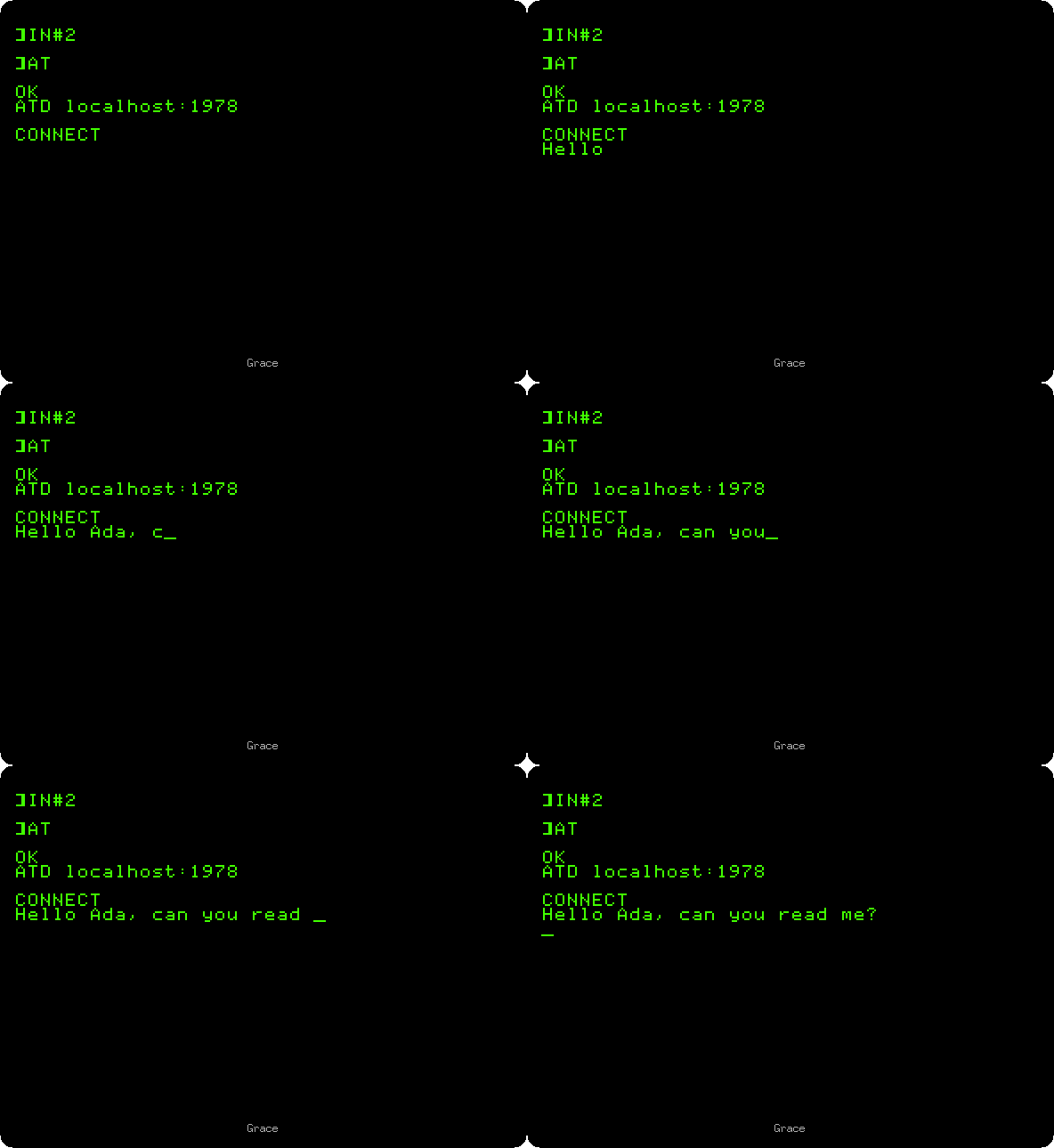
-
The line shows on Ada’s screen. On Ada’s IIc, type
Loud and clear,
Grace!
and Return.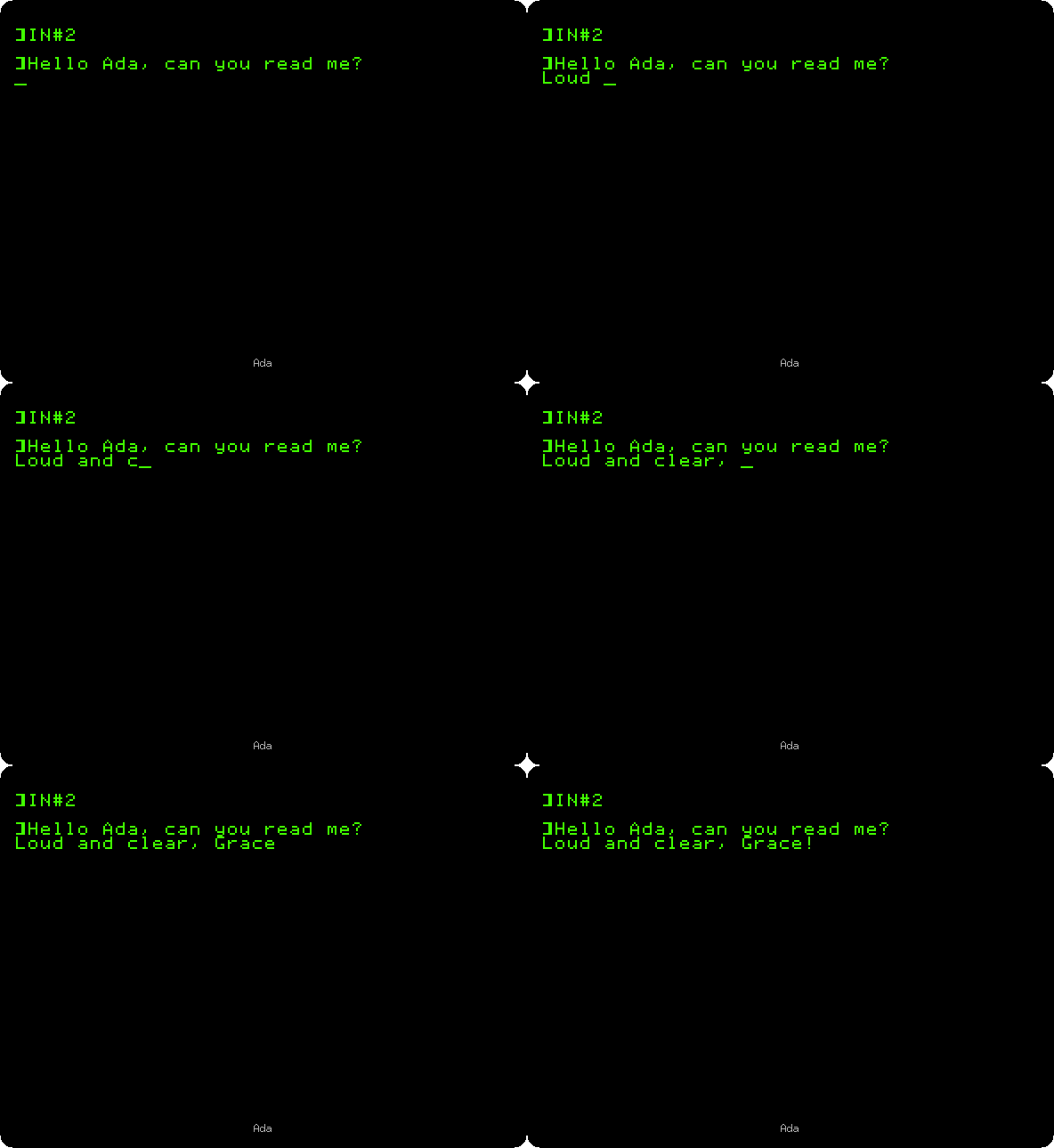
And it shows on Grace’s.
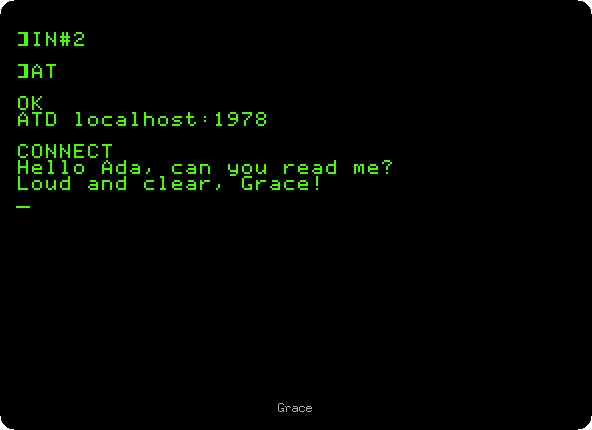
The ports go at 300 baud, about 30 characters a second, the speed of the modems of 1984: faster than anyone types.
Hanging up
-
On Grace’s IIc, press Control-A, type
40N: no echo on the screen, and lines of 40 columns. Wait a second, type+++, and wait another: the modem answersOK, back to its commands with the call still open. TypeATHand Return: it hangs up.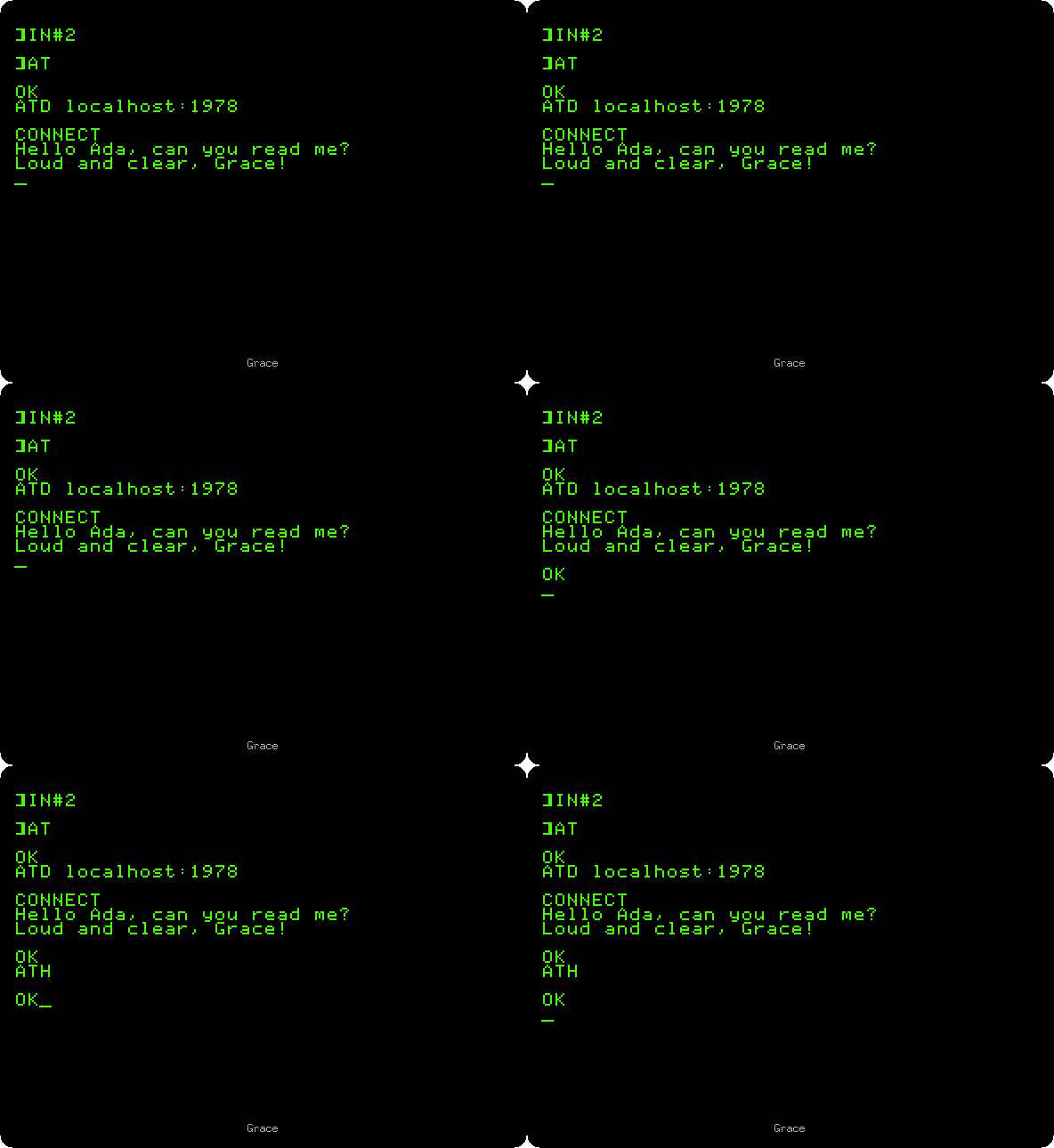
The
+++is not shown on Grace’s screen, as the echo is off, but it is on Ada’s: the modem sends on the pluses before it knows, by the second of silence after them, that they were for it. Control-A Q leaves the terminal mode, on each IIc, back to BASIC.
What next
Next: Forth in ROM.
Calling a BBS with ProTERM calls a BBS on the internet with the same modem, from a //e with a Super Serial Card.