The SwyftCard
Jef Raskin started the Macintosh project at Apple in 1979, and left Apple in 1982 to found Information Appliance, to make a computer simpler still: no menus, no files to name, no modes, only the text you write and a cursor that goes where you tell it. In 1985 the company sold the SwyftCard, a card for the Apple //e that takes over the machine when it is switched on and turns it into that editor. Its ideas went on into the Canon Cat of 1987.
Its cursor leaps: you hold one of two Leap keys and type a few letters, and the cursor jumps to the next place they are, forward or backward, in a blink. Everything you have, the whole Text, is one long document divided into pages, and leaping is how you get anywhere in it.
This page follows the SwyftCard’s own tutorial through its first leaps and a chunk of text deleted and brought back, and then writes a letter from nothing and moves a sentence of it by leaping.
What you need
SwyftWare_-_SwyftCard_Tutorial.woz, the tutorial diskette that came
with the card, in the
SwyftWare collection of the
Internet Archive. ./fetch-disks.sh in this repository downloads it into
disks/ and checks it. The program itself is in the ROM of the card, which
izapple2 carries.
The SwyftCard Manual and its Quick Reference Guide are on the Internet Archive.
The machine
An enhanced Apple //e with the SwyftCard and one disk drive:
- the 65C02 processor at 1 MHz and 128 KB of memory: 64 KB on the board, the top 16 KB of it the memory of a language card, which izapple2 puts in slot 0, and 64 KB more on the extended 80 column card, in the auxiliary slot;
- the SwyftCard in slot 3, its program in a ROM of 16 KB that the card puts in place of the ROM of the //e;
- a Disk II controller card in slot 6, with the tutorial in drive 1, and then with no diskette.
izapple2 -model none -board 2e -cpu 65c02 -screen green \
    -rom "<internal>/Apple2e_Enhanced.rom" \
    -charrom "<internal>/Apple IIe Video Enhanced.bin" \
    -s0 language \
    -s3 swyftcard \
    -s6 diskii,disk1=disks/SwyftWare_-_SwyftCard_Tutorial.woz
For a Text of your own, the same machine with the drive empty:
izapple2 -model none -board 2e -cpu 65c02 -screen green \
    -rom "<internal>/Apple2e_Enhanced.rom" \
    -charrom "<internal>/Apple IIe Video Enhanced.bin" \
    -s0 language \
    -s3 swyftcard \
    -s6 diskii
The model swyft of izapple2 has the first machine, with 8 MB more of
memory on a RAMWorks card, a No-Slot Clock, a VidHD card and a Mockingboard
more, and the tutorial diskette that izapple2 carries:
izapple2 -model swyft -screen green
The keys of the SwyftCard are keys of the //e with other names:
| SwyftCard | Apple //e | izapple2 |
|---|---|---|
| Leap Backward | Open Apple | the left Alt or Option key |
| Leap Forward | Solid Apple | the right Alt or Option key |
| Use Front | Control | Control |
| Delete | Delete | Delete |
The tutorial
-
Start izapple2 with the first command. The copyright of the card shows for a moment while the drive runs, and then the first page of the tutorial, in 80 columns.
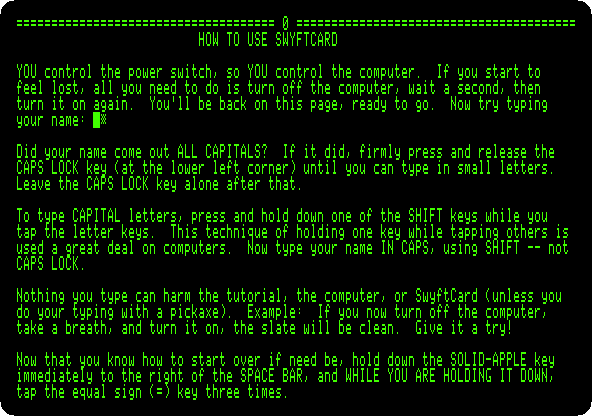
A line of equal signs with a number, as the one at the top, is the start of a page. The tutorial is one Text of 67 pages, and asks you to type in it as you read: as it says, nothing you type can harm it, and switched off and on again it is as it was.
-
Hold down Solid Apple, and, while holding it, tap
=three times. Then let go.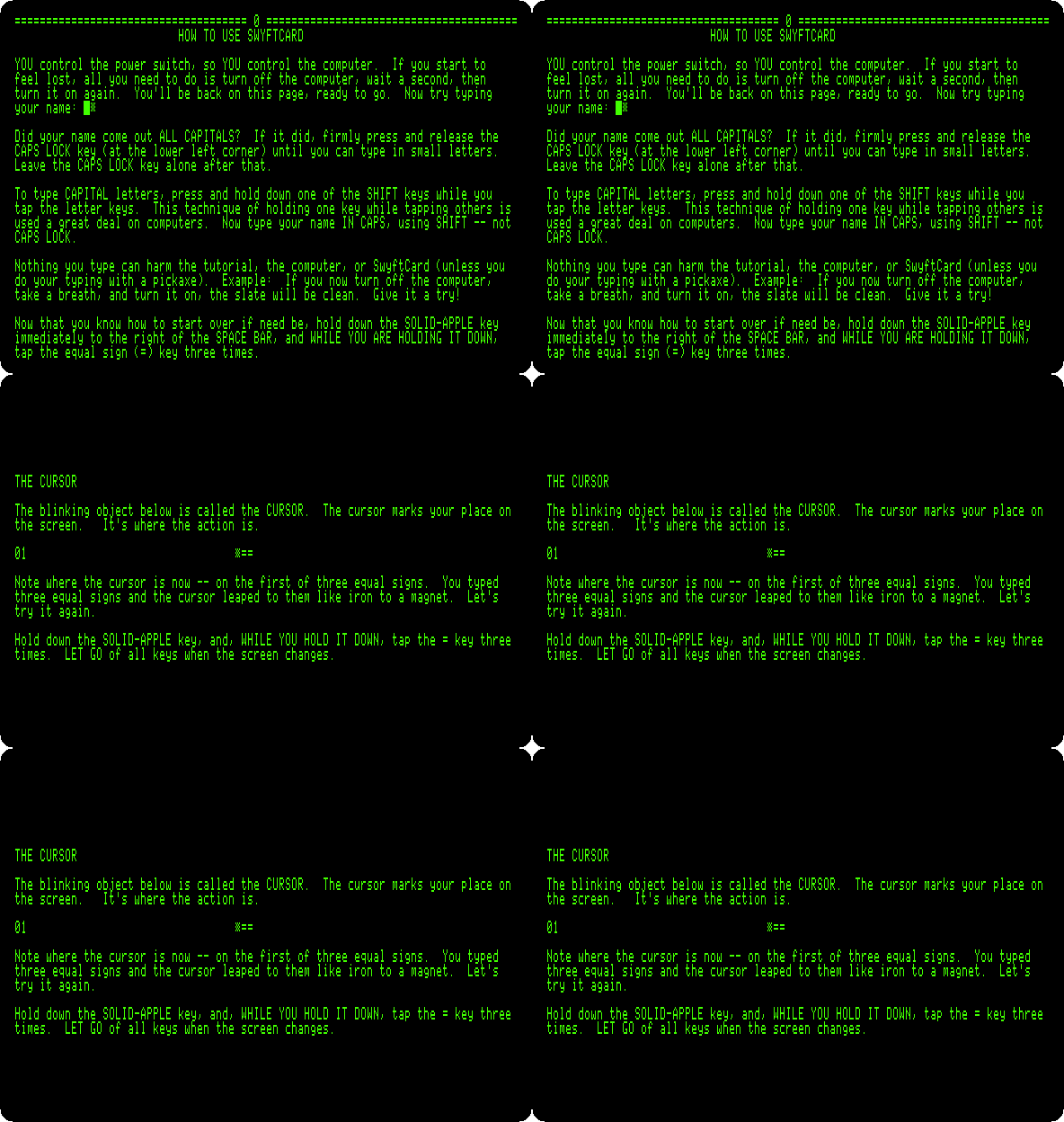
The cursor leaps to the next
===in the Text, on the next page, and the screen shows it there. It searches as you type: the first=already takes it to the next equal sign, and each one more narrows the search. Every page of the tutorial has a line with its number and===, so leaping to===is how you turn its pages. -
Leap to
===again, to The leaping cursor – an introduction, and do what it says: Solid Apple andj, to thejofjot; Open Apple andx, back to thexofmix; and Solid Apple andfr, forward tofrog.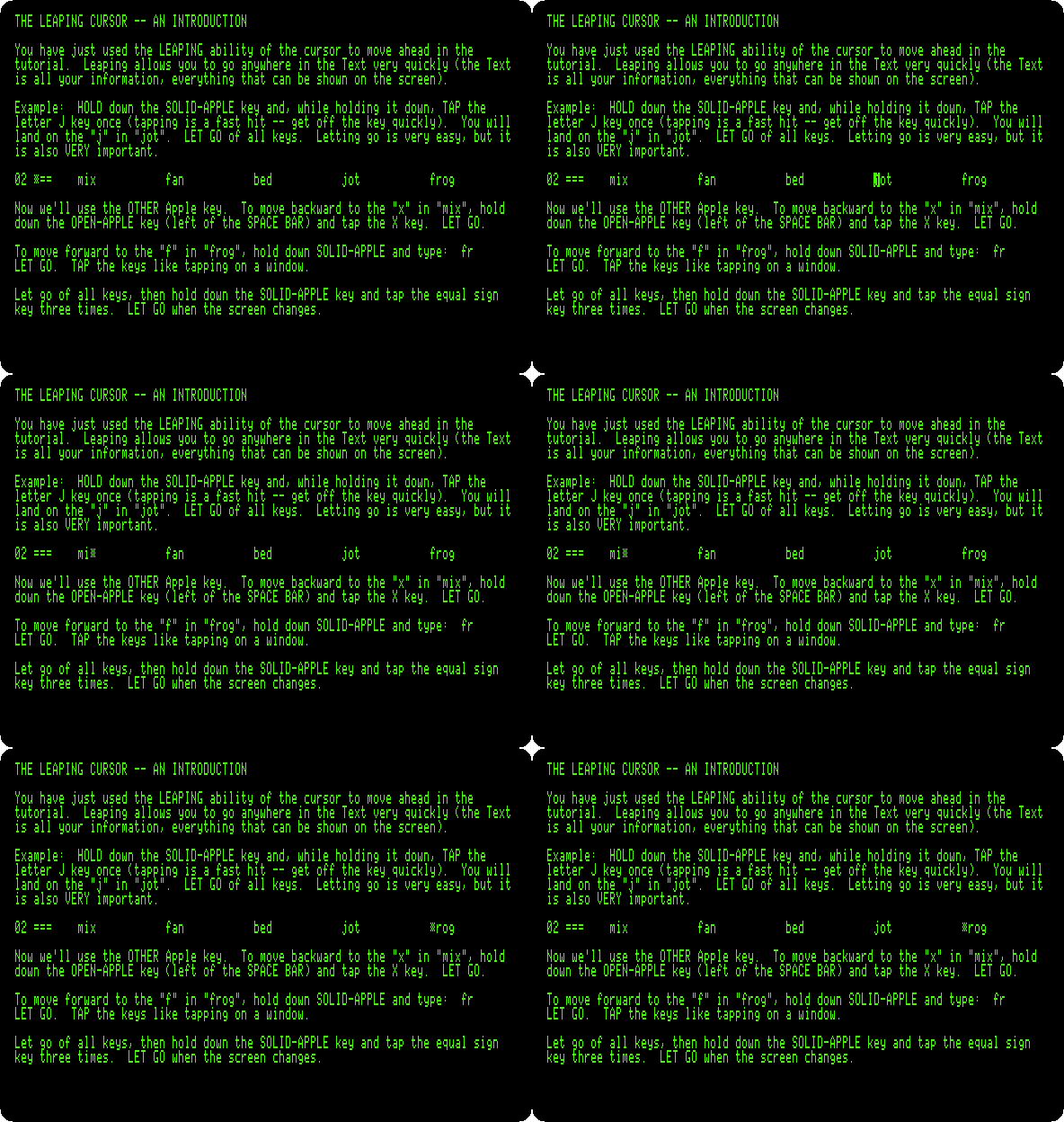
Solid Apple leaps forward and Open Apple backward, and the cursor lands on the first letter of what you typed. A small letter in the pattern finds the capital too, and a capital only the capital. Tapped alone, without a pattern, a Leap key creeps: the cursor moves one character.
-
Leap on to
===, page after page, to page 31, How to delete a chunk of text and bring it back. The pages on the way teach typing, the narrow and the wide cursor, Return, Tab and underlining, each with an example to try. -
Leap forward to
Mar, theMof Martin; leap forward to., the full stop at the end of the sentence; and press both Leap keys at once. Then press Delete, and, to bring the sentence back, hold Use Front, Control, and tapA.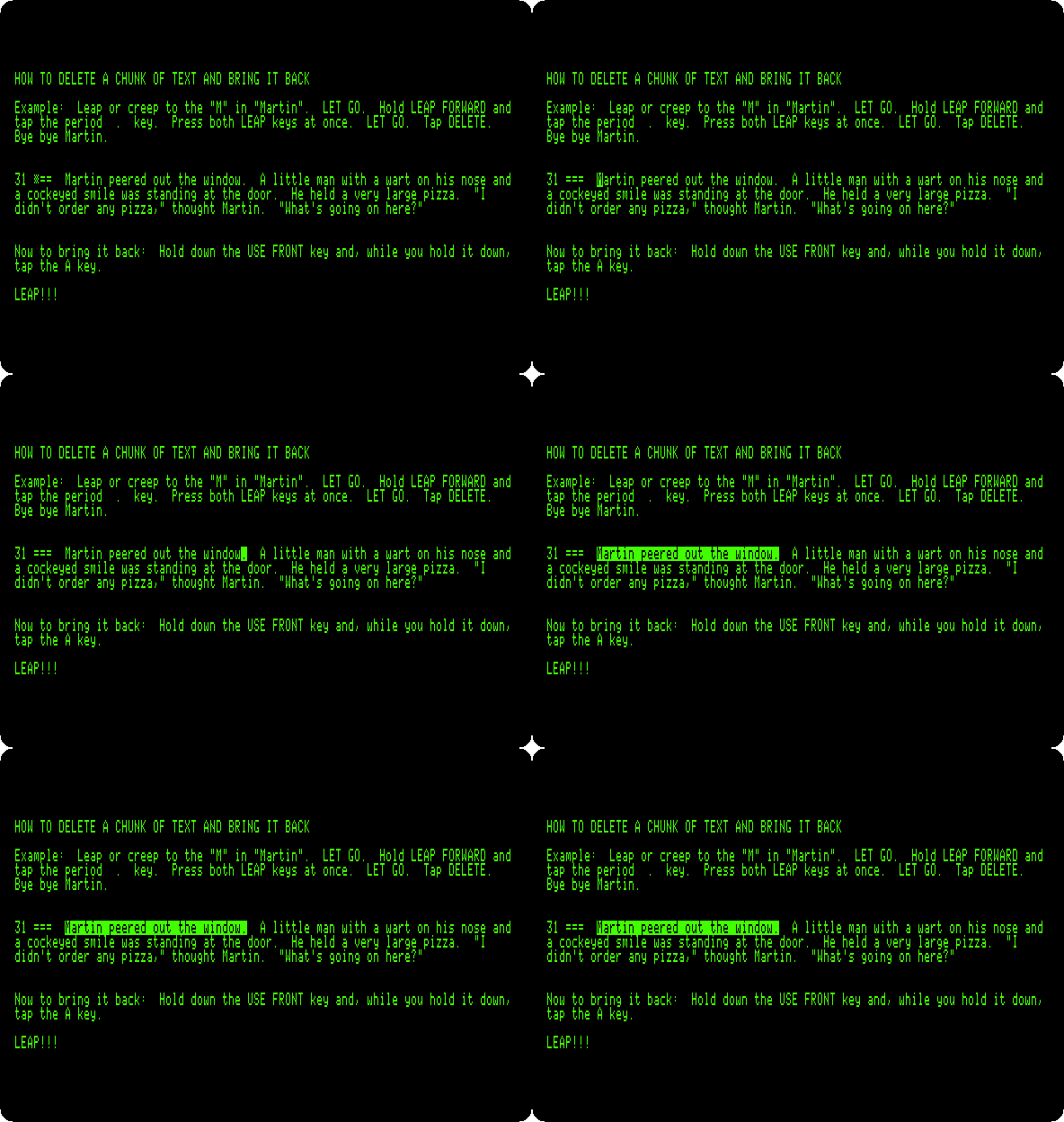
Both Leap keys together highlight what the cursor leaped over, the sentence, and Delete takes away what is highlighted. Use Front with
Ais Insert: it puts back the last text deleted, where the cursor is, highlighted again. Moving text is the same: delete it, leap to where it goes, and insert it.
A letter of your own
-
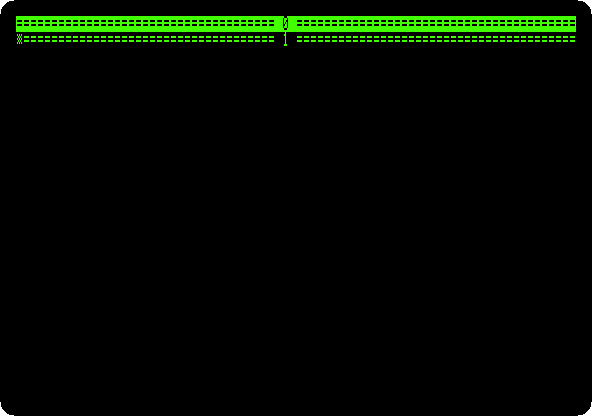
Quit izapple2 and start it with the second command, with no diskette. After the copyright, the Text is empty: the start of page 0 and of page 1, and the cursor at the start of page 1.
-
Type a letter, Return only at the end of a paragraph and for a blank line between them:
Dear Ada,

See you on Tuesday at the club.  Thank you for the books, I have read the one about the Apple II twice.

Jef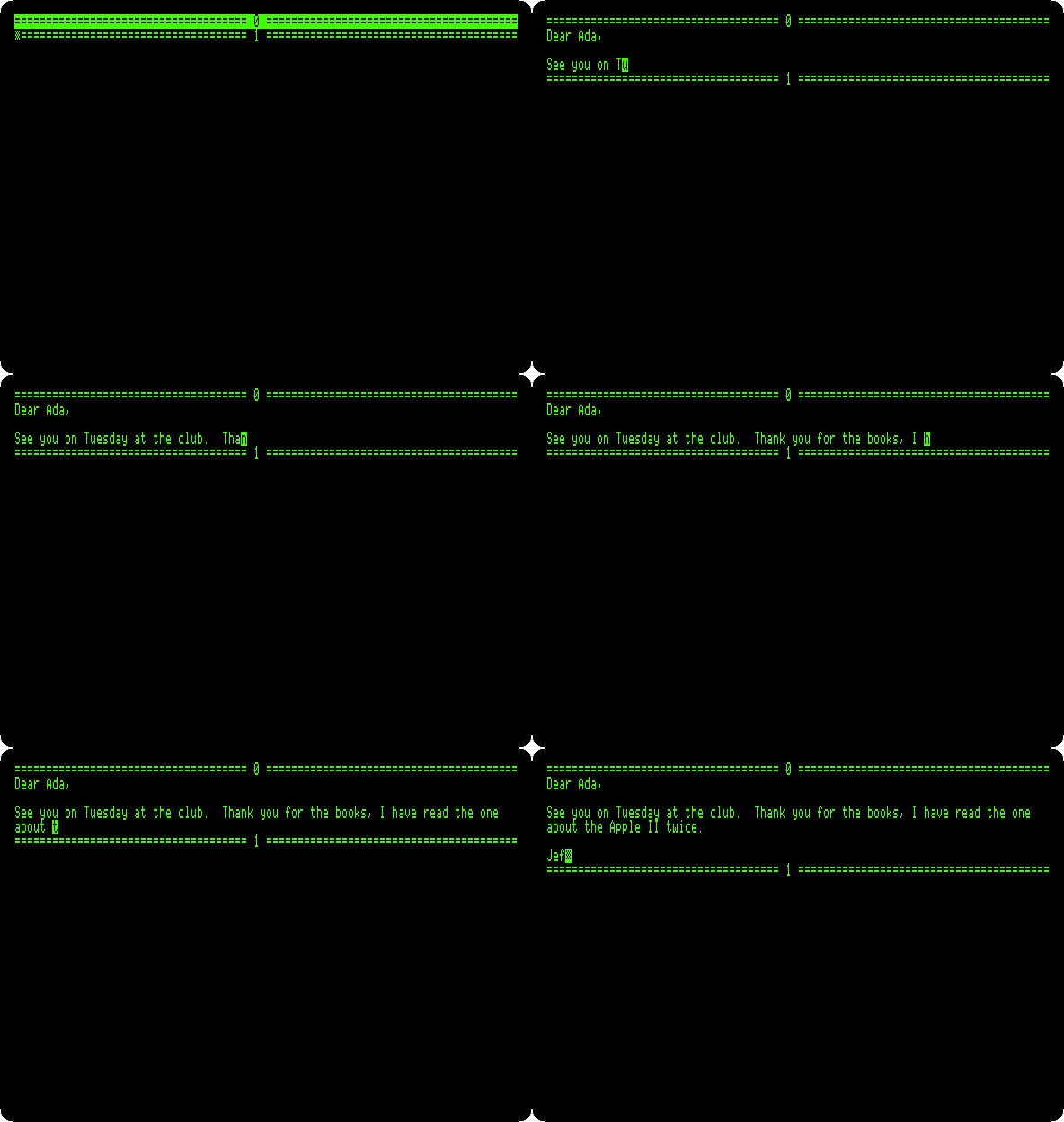
The words that do not fit on a line go on to the next as you type.
-
Move the thanks before the date. Open Apple and
Tha, back to theTof Thank; Solid Apple and., forward to its full stop; both Leap keys, and Delete. Then Open Apple andSee, back to the start of the paragraph, Control-A, Insert, and two spaces after the sentence put back.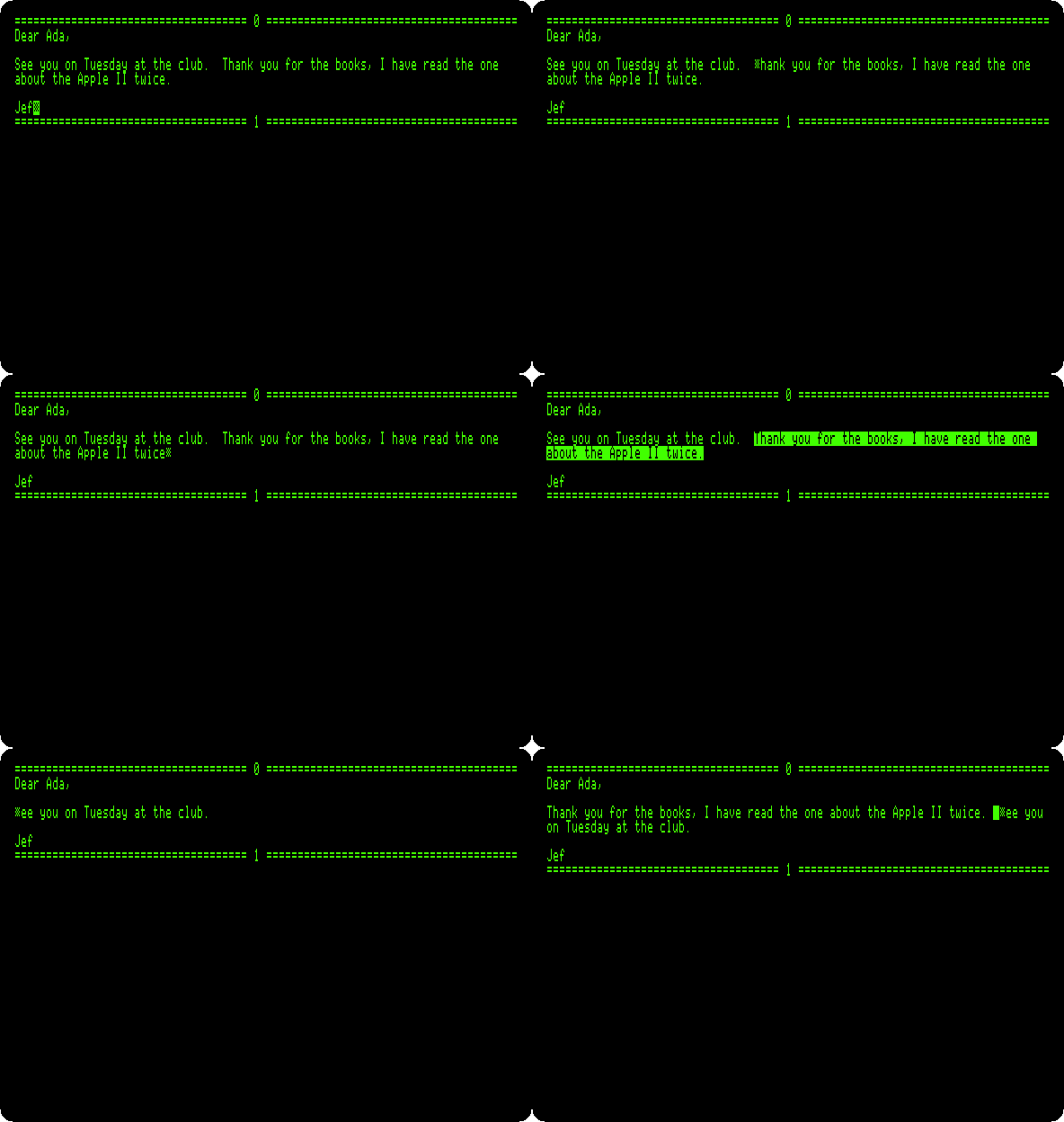
No mouse and no menu: the hands stay on the keyboard, and the thumbs on the Leap keys.
Two commands of the card do not work in izapple2 yet. Disk, Use Front
L, saves the whole Text on a blank diskette, and brings it back when the
//e is switched on with that diskette in the drive; izapple2 has no blank
diskette the card can write on, so the letter goes when izapple2 is closed.
Calc, Use Front G, gives a line like ? 5.6 + 3 to Applesoft and puts
the answer in the Text; in izapple2 Applesoft prints 8.6 and stays at its
prompt. IZAPPLE2.md
has both.
What next
AppleWorks is the other way to write a letter on the //e, with menus and files, and The Apple //e the machine the card takes over.