Apple II DeskTop
In 1984 the Macintosh showed what a mouse, windows and icons were for, and the Apple II got them too: Apple sold a mouse for the //e and the //c, and programs to use it. Apple II DeskTop was the Apple II’s own Finder: the disks and their files as icons, opened with a double click, moved with the mouse, and the menus and the desk accessories along the top of the screen, all in the 560 dots across of the 80 column graphics of a //e with 128 KB.
It started as MouseDesk, by the French company Version Soft, which Apple then sold as Apple II DeskTop. Today a group of Apple II enthusiasts keeps it alive and adds to it, at a2desktop.com. This page starts their version 1.4, opens a disk, reads a file, asks the machine what it has inside, opens a picture in colour, runs a screen saver, and uses the Calculator.
What you need
A2DeskTop-1.4-en_800k.2mg, the 800 KB disk of Apple II DeskTop 1.4,
from the releases of the project:
download A2DeskTop-1.4-en.zip and take it out of it. ./fetch-disks.sh in
this repository downloads it into disks/ and checks it.
The machine
An enhanced Apple //e with a mouse and a hard disk:
- the 65C02 processor at 1 MHz and 128 KB of memory: 64 KB on the board, the top 16 KB of it the memory of a language card, which izapple2 puts in slot 0, and 64 KB more on the extended 80 column card, in the auxiliary slot;
- the RGB modes of the extended 80 column card, which DeskTop uses to show its double high resolution graphics in black and white;
- a mouse card in slot 4;
- a hard disk interface, SmartPort, in slot 7, with the disk of Apple II DeskTop 1.4.
izapple2 -model none -board 2e -cpu 65c02 -screen color \
    -rom "<internal>/Apple2e_Enhanced.rom" \
    -charrom "<internal>/Apple IIe Video Enhanced.bin" -rgb \
    -s0 language \
    -s4 mouse \
    -s7 smartport,image1=disks/A2DeskTop-1.4-en_800k.2mg
The model desktop of izapple2 has this machine, with 8 MB more of memory on
a RAMWorks card, a No-Slot Clock, a VidHD card, a FASTChip accelerator and a
Disk II controller more, and the disk of DeskTop inside izapple2:
izapple2 -model desktop -screen color
Start it
-
Start izapple2 with the command above. The machine starts ProDOS from the disk in slot 7, and ProDOS starts DeskTop. There is a disk, A2.DeskTop, at the top right, the Trash at the bottom right, a menu bar, and a pointer.
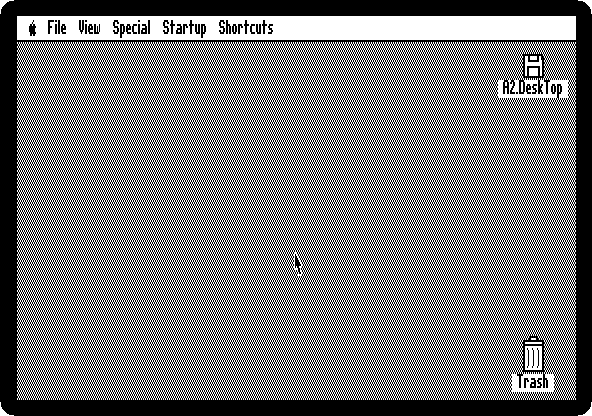
The mouse is the mouse of your computer: wherever the pointer is on the izapple2 window, it is on the Apple II screen. With a clock in the machine, DeskTop would show the time at the right of the menu bar; this one has none.
Open a disk
-
Double-click the disk icon. A window opens out of it, with the files of the disk.
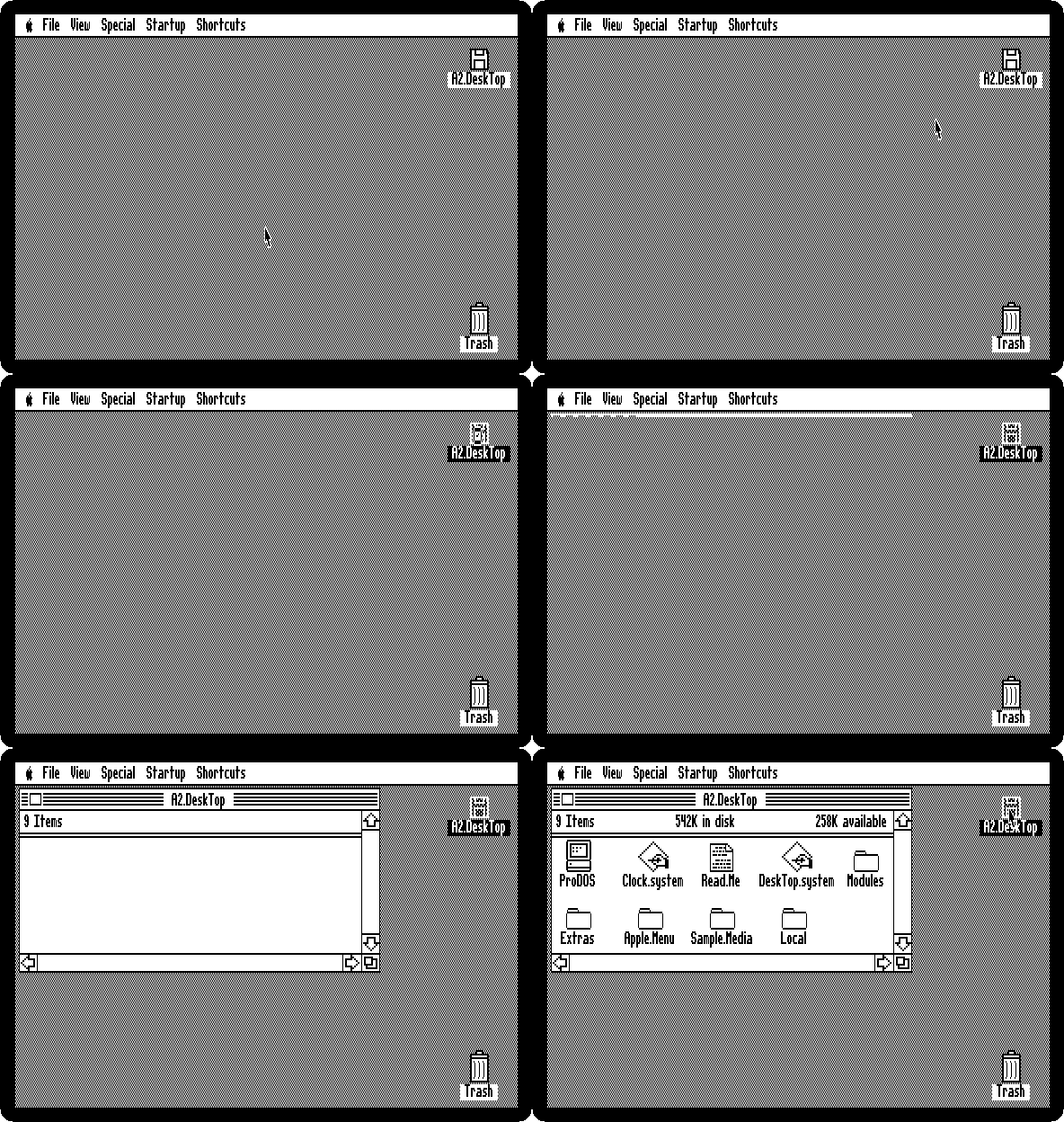
The top of the window says how many items there are, how much the disk holds and how much of it is free. ProDOS is the operating system, DeskTop.system is DeskTop, and the folders hold the rest.
-
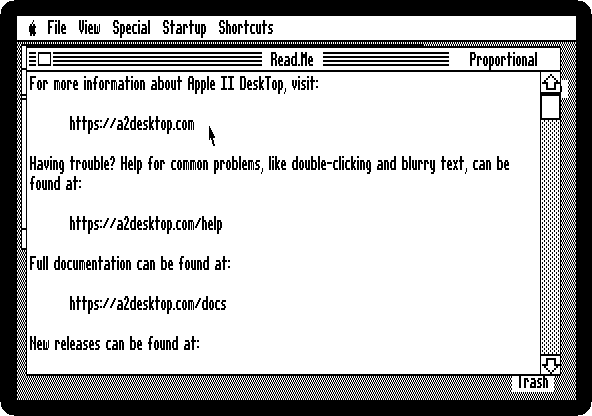
Double-click Read.Me. DeskTop shows the text in a window of its own, with a scroll bar. Press Escape to close it.
What is in the machine
-
Pull down the Apple menu, at the left of the menu bar, holding the button down, and let go on About This Apple II.
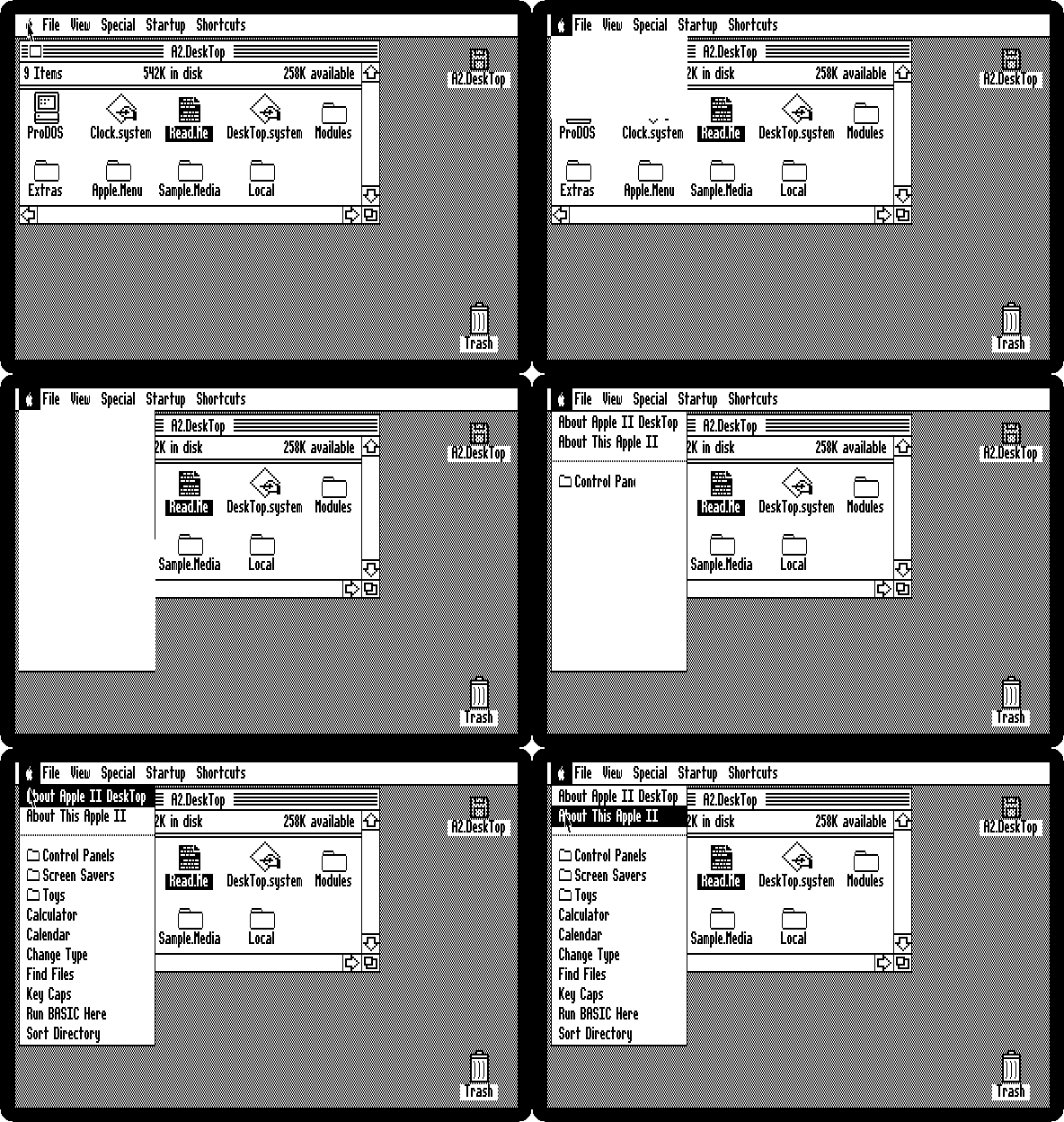
Under the two About items are the desk accessories, small programs that open over DeskTop.
-
Read what the machine is.
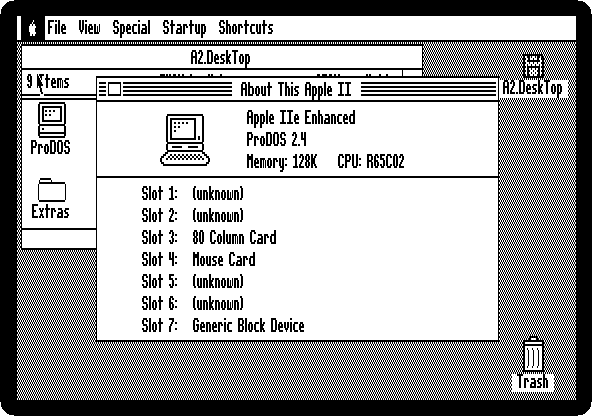
It is the machine of the command above: an enhanced Apple //e, with the 65C02 processor and 128 KB of memory. Then what is in each of its seven slots: the 80 column card in slot 3, as the //e shows it, the mouse card in slot 4, and the hard disk card that has the disk of DeskTop in slot 7. The other slots are empty in this machine, which DeskTop shows as (unknown). Press Escape to close it.
Pictures
-
Type
SAMPLE, the start of the name of the folder Sample.Media, and press Open Apple and O. Typing a name selects the icon that starts with it, and Open Apple-O, the left Alt or Option key with O, is Open in the File menu. The folder has pictures, texts, music and fonts that come with DeskTop.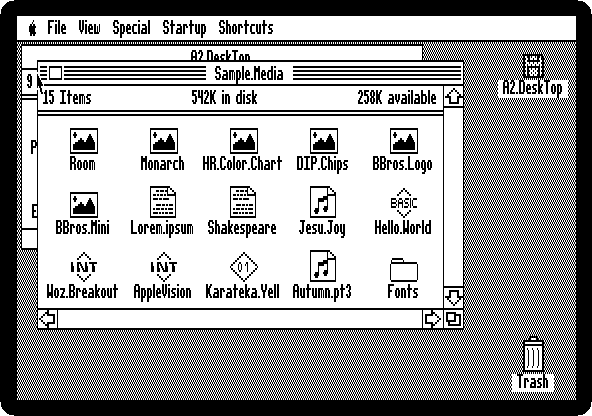
-
Type
MONARCHand press Open Apple and O. DeskTop shows the picture on the whole screen.
It is in the double high resolution graphics of the //e, 140 dots across in 16 colours, the graphics of the 80 column card: DeskTop shows them in colour, and its own screen in black and white, with the RGB modes of the card. Press Escape to go back, and Open Apple and W to close the window of the folder.
The screen savers
-
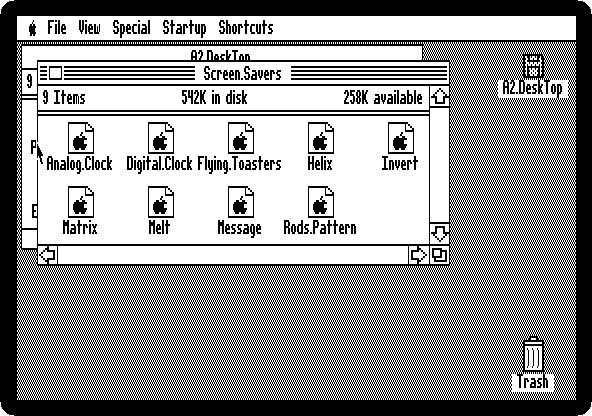
Choose Screen Savers from the Apple menu. It is a folder, of programs that keep the picture of the desktop from burning into the tube when the machine is left alone.
-
Type
FLYand press Open Apple and O, for Flying Toasters, after the screen saver of the Macintosh After Dark.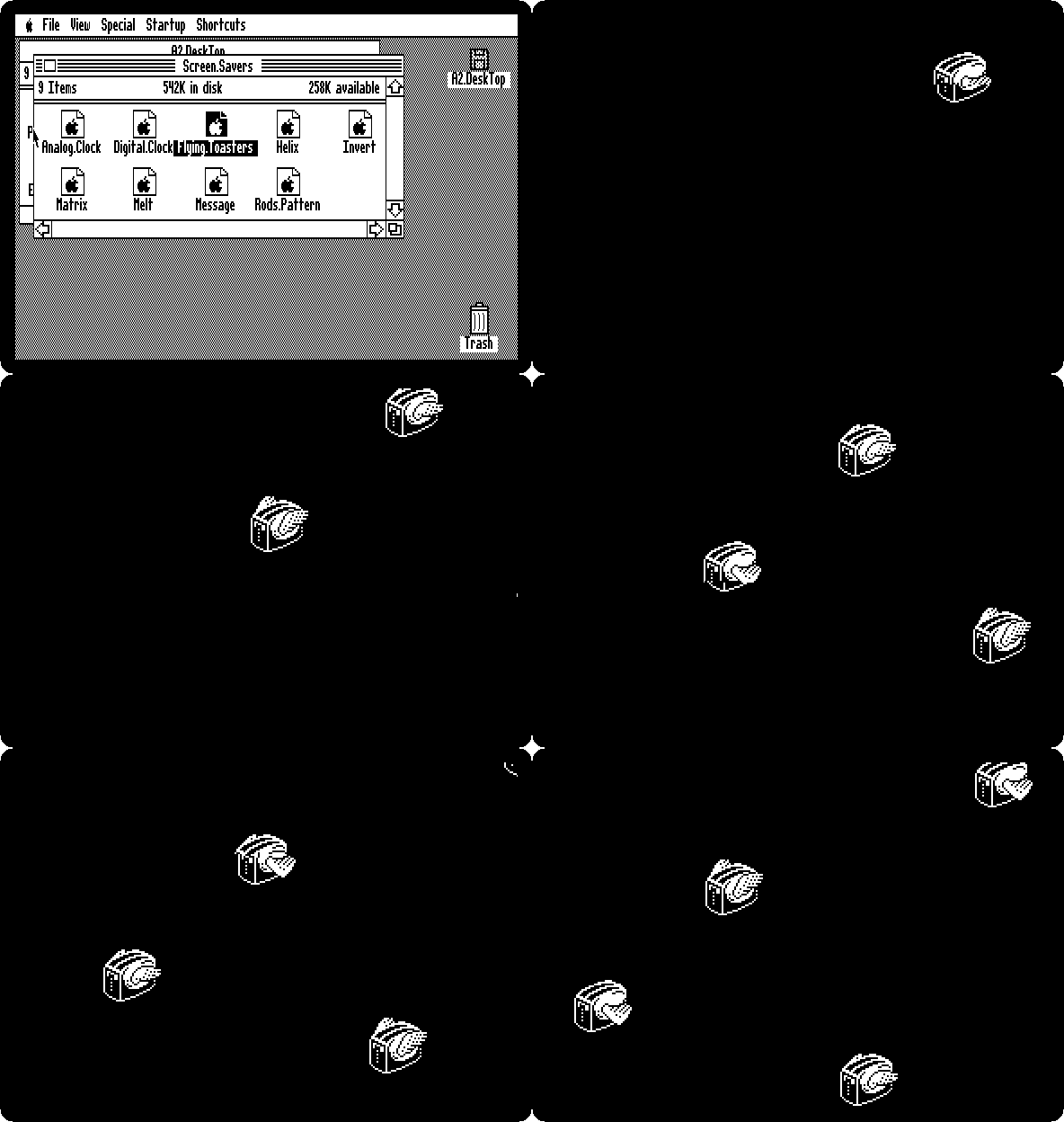
Press a key to stop it, and Open Apple and W to close the window.
The Calculator
-
Choose Calculator from the Apple menu, and click its keys, 1, 2, *, 3 and =.
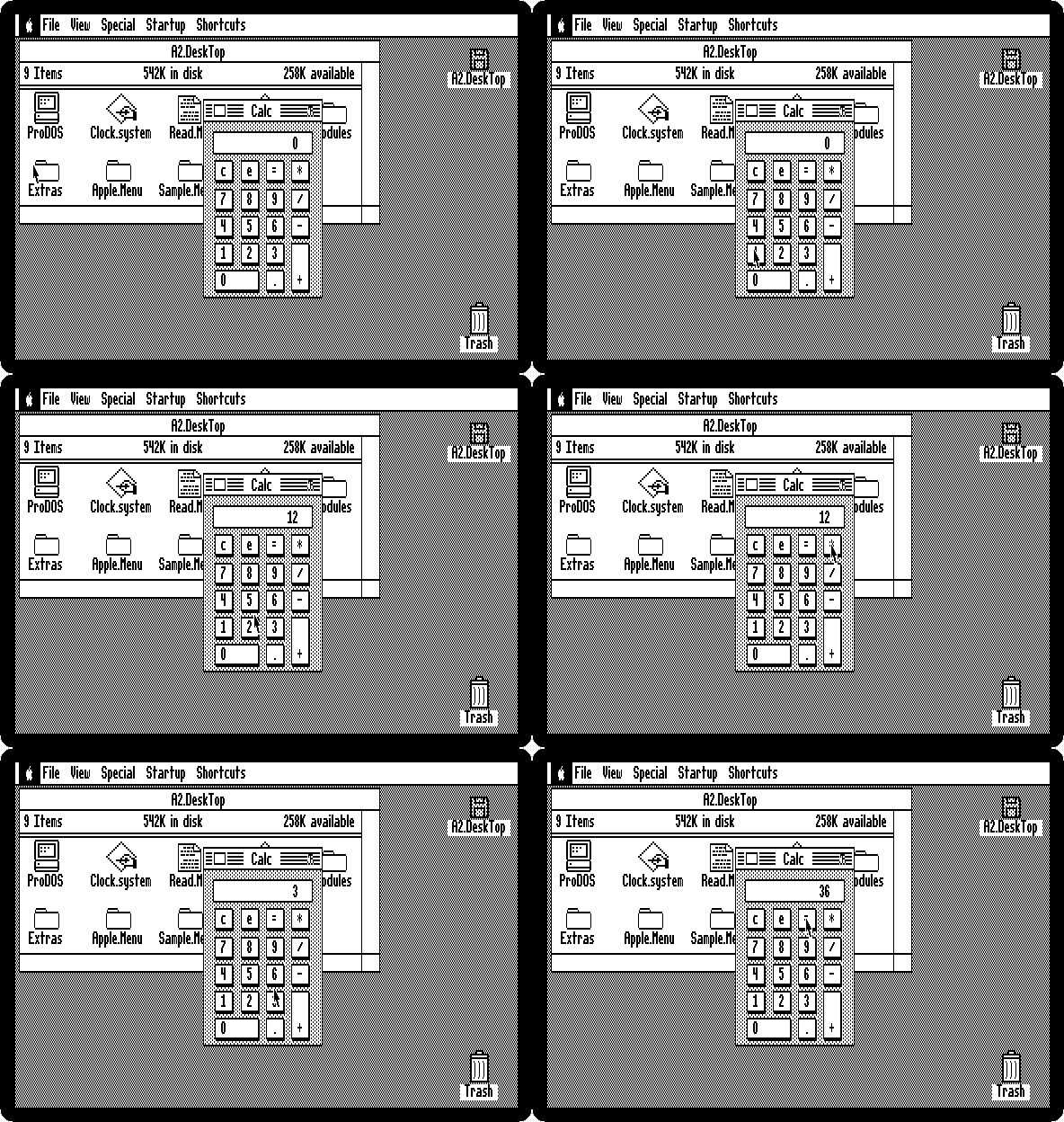
The Calculator stays open over the desktop until it is closed with the box at the left of its title.
What next
The other desk accessories of the Apple menu, the other screen savers, and the Toys folder, are worth a look. Switch on an Apple ][+ shows the Apple II before all this, with nothing on the screen but a prompt.