First steps
Activities › First steps
The Apple ][ of 1977
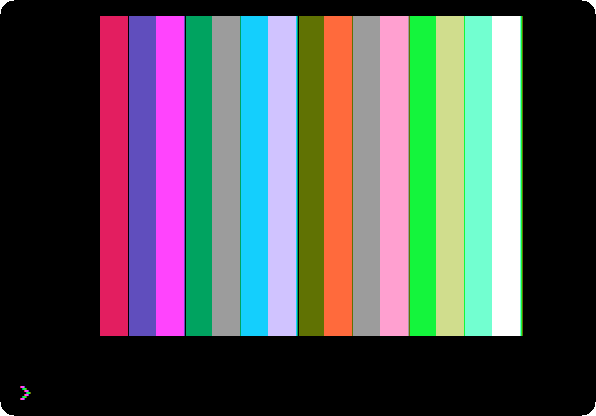
Wozniak’s machine and its ROM: the Monitor, machine code written a line at a time in the Mini-Assembler, and Integer BASIC, with its whole numbers and its sixteen colours.
The Apple ][ and its cassettes
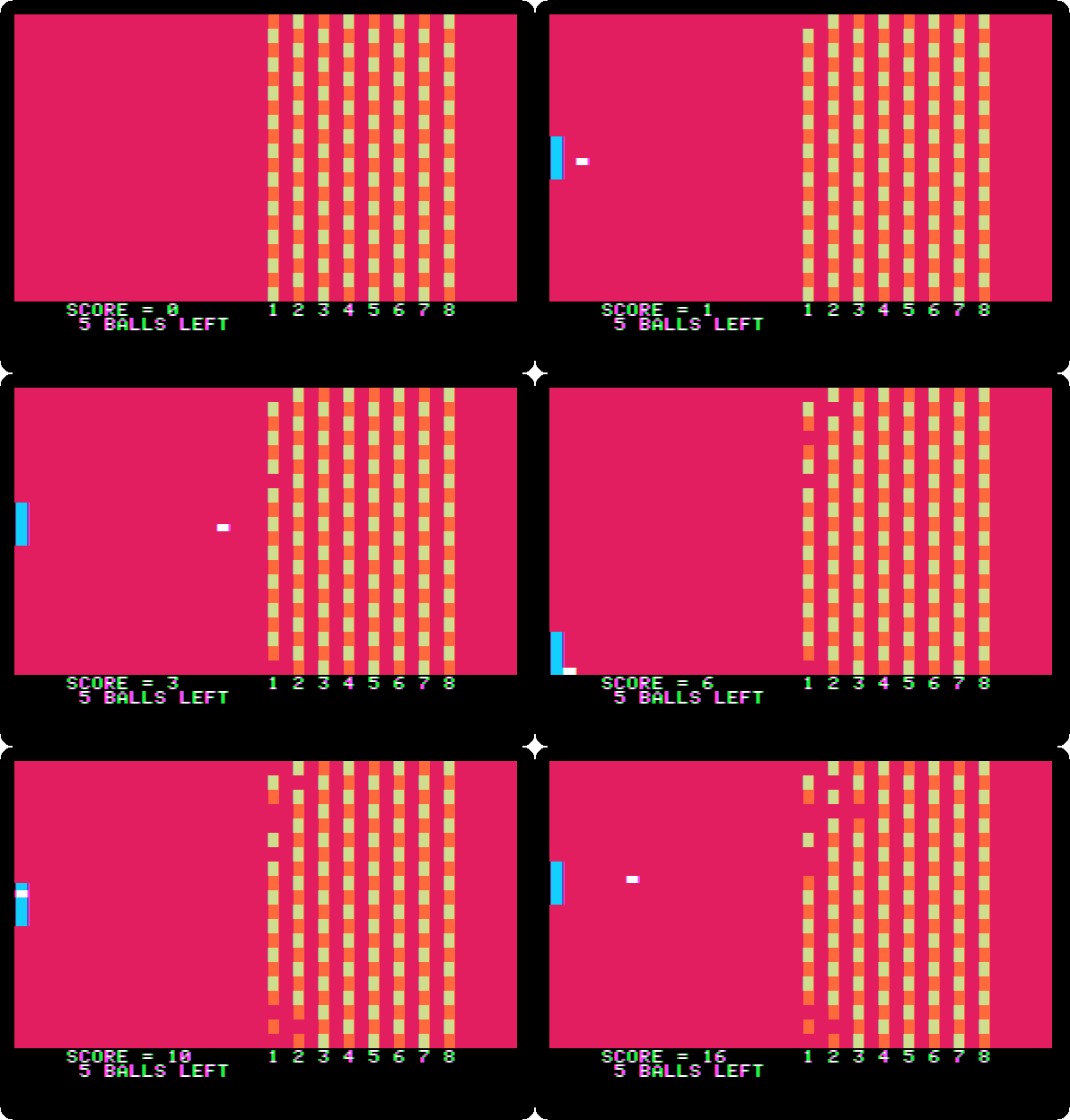
Apple’s first programs, loaded from the recordings of their tapes into a first Apple ][: Breakout played with the paddle, and the colour graphics and the high resolution graphics demonstrated.
From four colours to six

The high resolution graphics of the first Apple ][ in violet and green, and of the later boards in blue and orange too: the two colours Wozniak told the readers of Byte how to add, and the half dot that makes them.
Switch on an Apple ][+
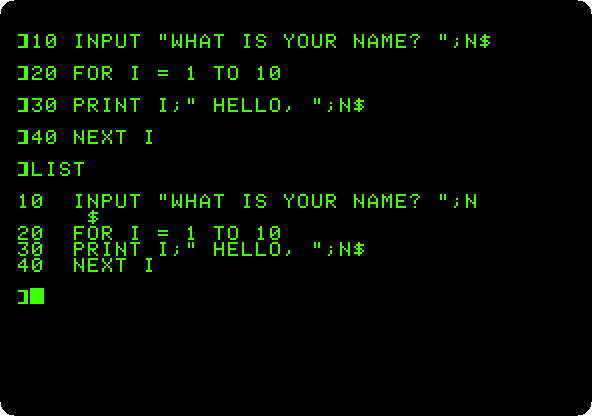
No disk, no operating system: switched on, the Apple ][+ is in Applesoft BASIC and waiting. A few commands, a program typed, listed and run, and a loop that never ends stopped with Control-C.
From Integer BASIC to Applesoft
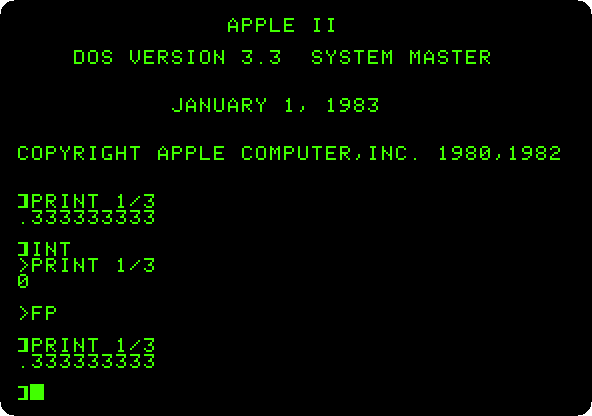
Applesoft loaded from its tape into the first Apple ][, and then the two BASICs on one machine with the Language Card, on an Apple ][+ and on the first Apple ][.
Switch on an Apple //e
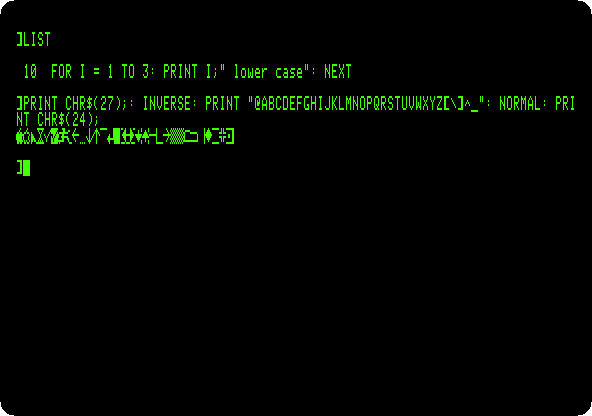
The Apple II of the rest of the decade: lower case, 80 columns, the MouseText of the enhanced //e, and the self test in its ROM, run with both Apple keys.
The Apple //e, original and enhanced
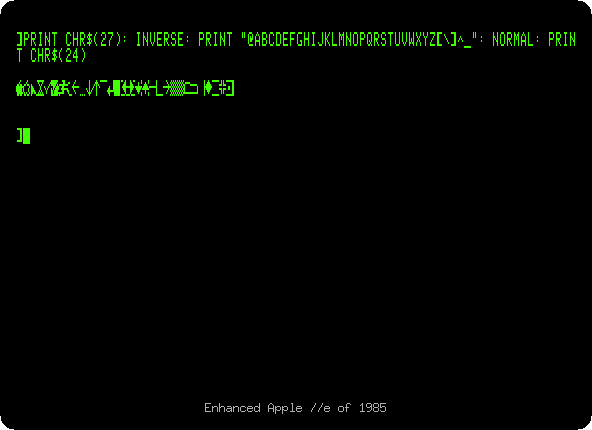
The //e of 1983 and the enhanced one of 1985, side by side: Applesoft in small letters, MouseText where there were inverse capitals, and the Mini-Assembler back in the Monitor.
Switch on an Apple IIc
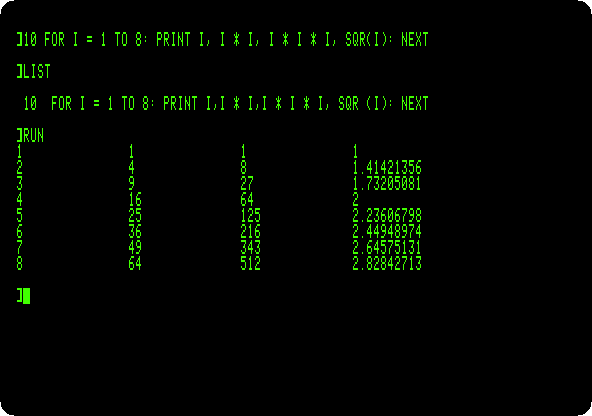
The Apple II to carry, of 1984, with no slots and all a //e had in them: switched on with no disk, Applesoft in small letters, and its 80 columns.
Life with DOS 3.3
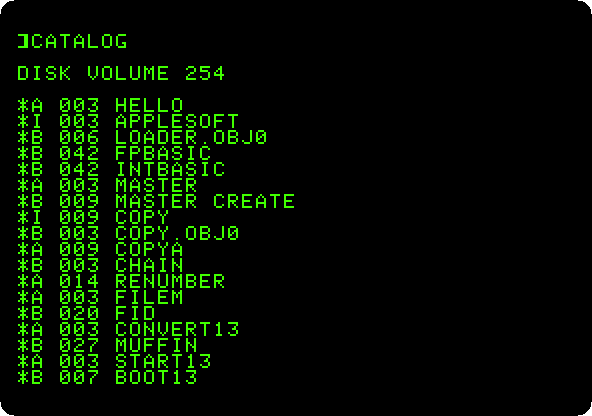
Two Disk II drives and the System Master: the catalog of a diskette, the program that greets you, and a blank diskette made into one that starts the machine with a program of your own.
From 13 sectors to 16: DOS 3.2 and DOS 3.3
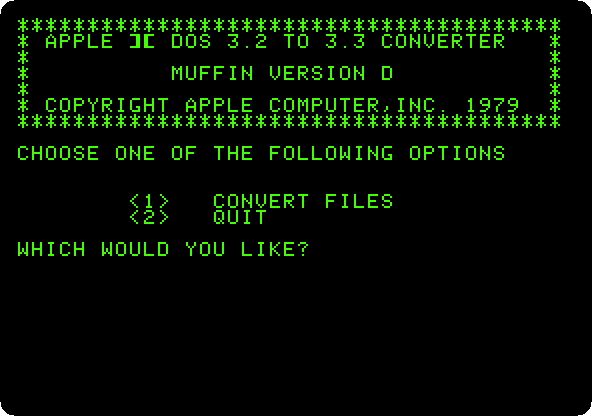
DOS 3.2 on the controller of 13 sectors, and then the upgrade: DOS 3.3 can’t read the old diskette, MUFFIN moves a program from it, and BOOT13 starts it anyway.
ProDOS
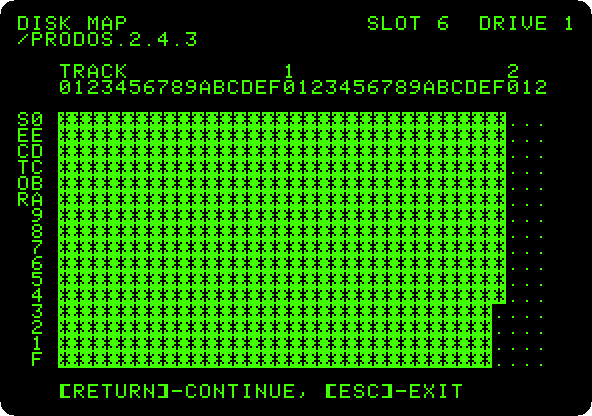
The operating system of the Apple II from 1984 on, in its version of 2023: the program selector it starts with, BASIC and a catalog in 80 columns, a folder and a text file on the RAM disk of the //e, and the diskette mapped file by file in Copy II Plus.
The System Utilities of the Apple IIc
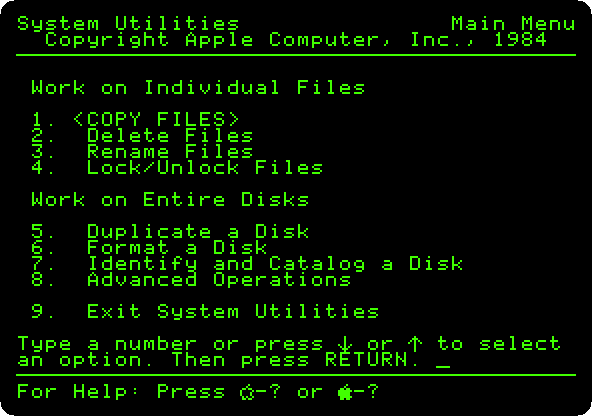
The disk of ProDOS that came with the IIc, for the work on files and disks: its own catalog, a diskette never used formatted in the external drive, two files copied to it, and the new disk read from BASIC.
Apple II DeskTop
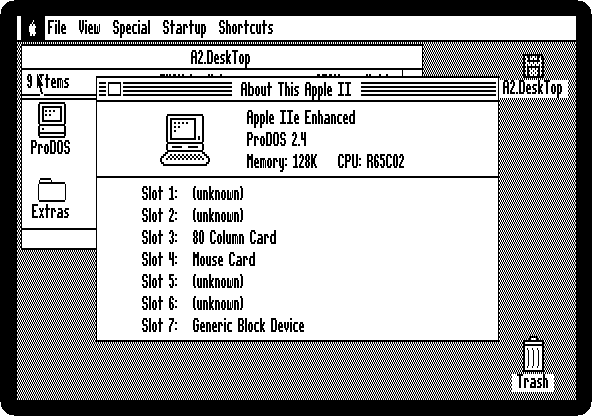
The Apple II with a mouse, windows and icons: a disk opened with a double click, a file read, the machine asked what it has in its slots, a picture in double high resolution, the flying toasters, and the Calculator.
Next section: Languages and programming