Apple Presents the IIc: The Apple at Work
Activities › First steps › Switch on an Apple IIc
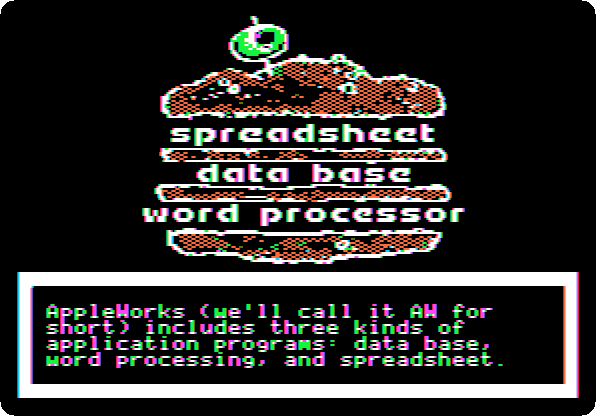
The Apple at Work is the diskette of Apple Presents the IIc, the owner’s guide of the IIc, on the programs of work: the word processor, the data base and the spreadsheet, the three of AppleWorks, Apple’s program of 1984 that had them all, and what puts them together. It does not run AppleWorks: it imitates it, a screen at a time, and asks for the keys a person would press.
This page goes through its introduction, a survey and a quiz, and the lesson of the word processor, as far as a letter changed for other friends, and then the same letter on the side of the diskette for 80 columns.
What you need
Apple Presents The IIc - The Apple At Work Side 2 40-Col 691-0014-A (Apple-1984).dskApple Presents The IIc - The Apple At Work Side 1 80-Col 691-0014-A (Apple-1984).dsk
The two sides of the diskette, from the folder of the masters of each model
on
Asimov.
./fetch-disks.sh in this repository downloads them into disks/.
Side 1 is for 80 columns, for a monitor, and side 2 for 40 columns, for a television. The IIc has a switch above its keyboard, 80/40, which the programs read when they start: this page goes through side 2, with the switch down, and then looks at side 1 with it up.
The machine
The Apple IIc of Switch on an Apple IIc, on a colour monitor, with the diskette in its drive:
izapple2 -model none -board 2c -cpu 65c02 -screen color \
    -rom "<internal>/Apple2c_ROM255.rom" \
    -charrom "<internal>/Apple IIe Video Enhanced.bin" \
    -s0 language \
    -s1 iicserial \
    -s2 iicserial \
    -s6 "iicdisk,disk1=disks/Apple Presents The IIc - The Apple At Work Side 2 40-Col 691-0014-A (Apple-1984).dsk"
For side 1, the same IIc with its switch up, on 80 columns:
izapple2 -model none -board 2c -cpu 65c02 -screen color \
    -rom "<internal>/Apple2c_ROM255.rom" \
    -charrom "<internal>/Apple IIe Video Enhanced.bin" \
    -s0 language \
    -s1 iicserial \
    -s2 iicserial \
    -s6 "iicdisk,disk1=disks/Apple Presents The IIc - The Apple At Work Side 1 80-Col 691-0014-A (Apple-1984).dsk" \
    -iic80ColumnSwitch
The introduction
-
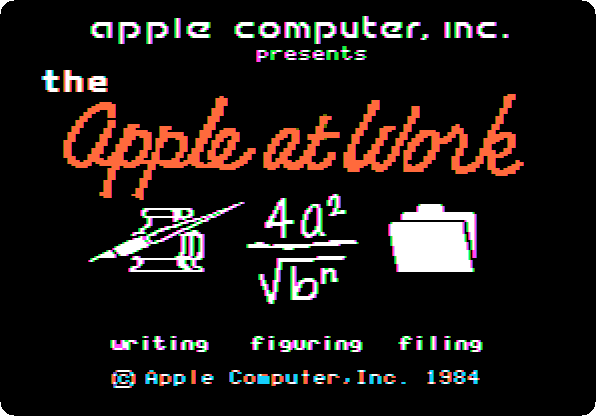
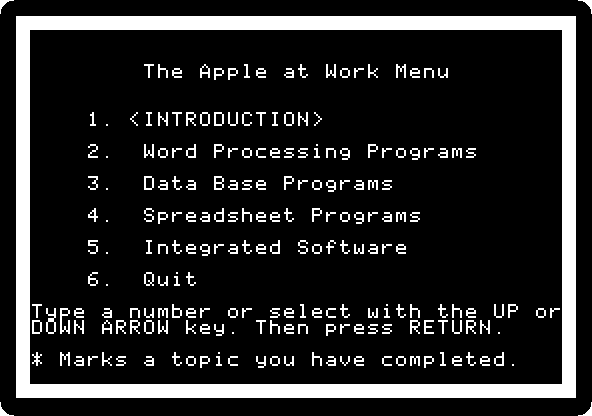
Start izapple2 with the command above: the title, writing, figuring, filing, and then the menu.
-
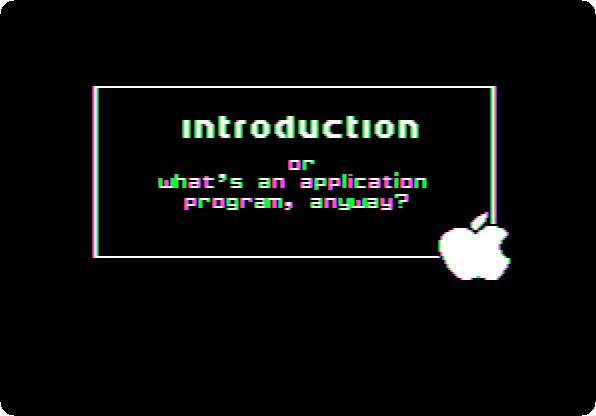
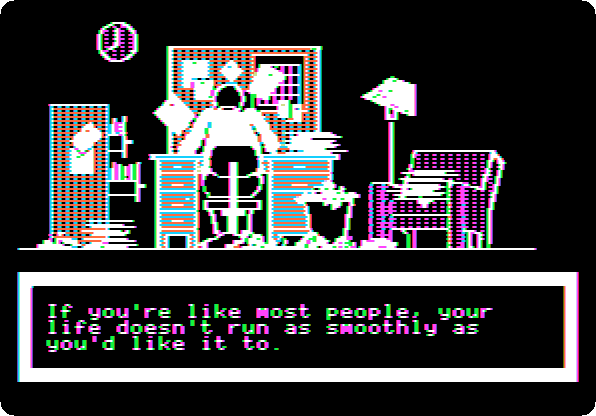
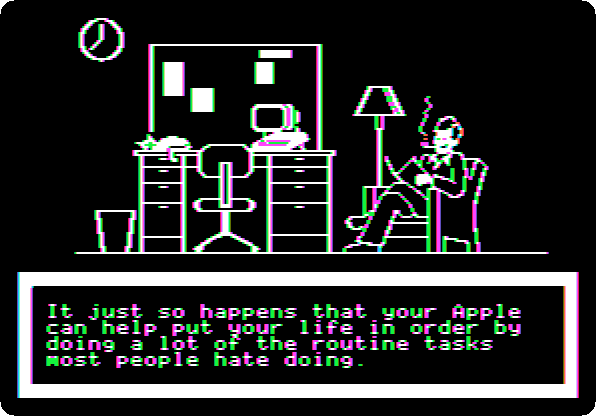
Press Return, for the introduction, or what’s an application program, anyway?, and Return at each page: a desk in a mess, and then in order, with the Apple on it.
-
Before going on, the guide asks to complete the Ziegfeld Organizational Assessment Profile.
Press Return twice, and answer its five questions: type the letter and Return. This page answers
Bto all.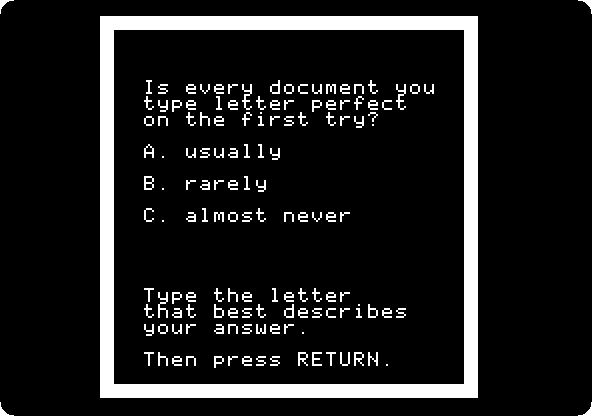
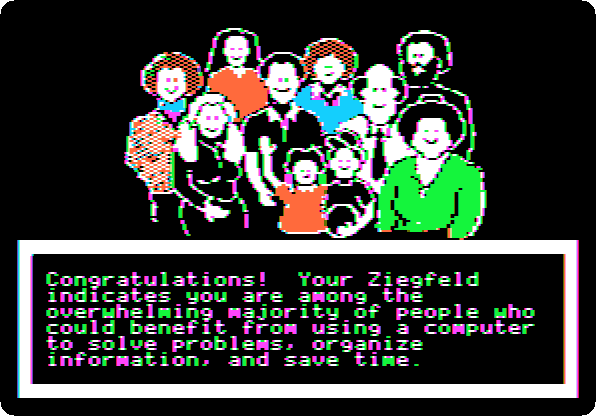
-
Press Return four times: a quiz on the three kinds of programs. The answers are
B, a word processor,A, a data base program, andA, a spreadsheet.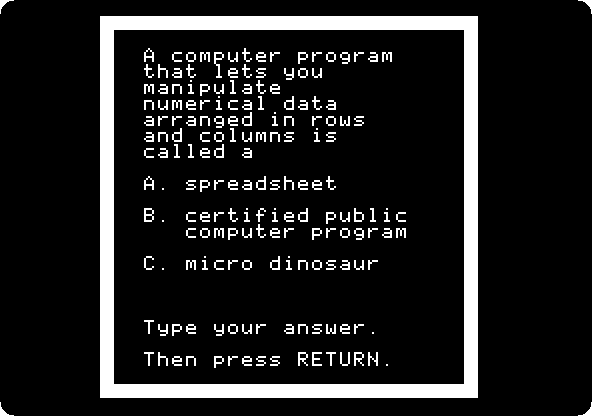
-
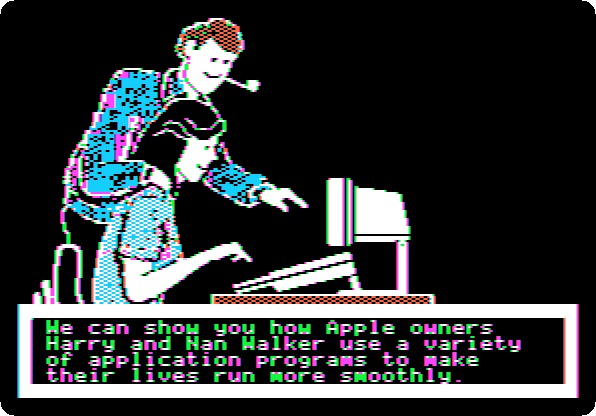
Press Return through the pages after it. Harry and Nan Walker will show the programs, which the guide shows as they are in AppleWorks.
The word processor
-
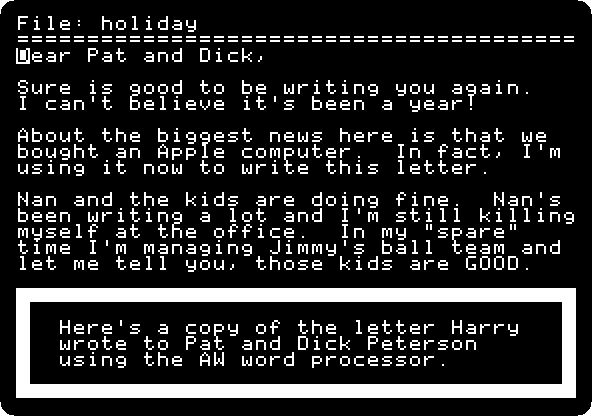
Press Return through the pages, to the letter Harry wrote to Pat and Dick Peterson in the word processor.
-
Press Return, and do what the guide asks: the down arrow to the end of the letter, Return twice, Open Apple-1 back to its beginning, the right arrow five times to the names, and type
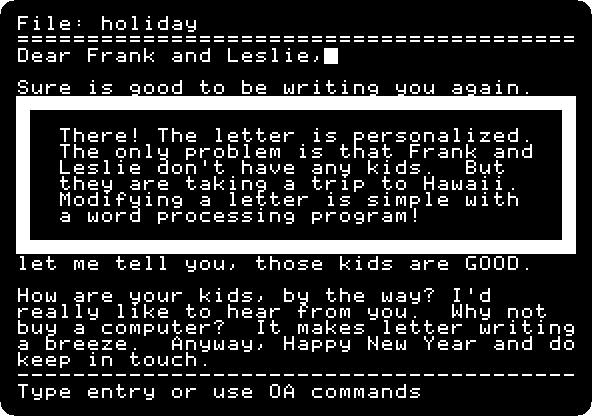
Frank and Leslie,over them.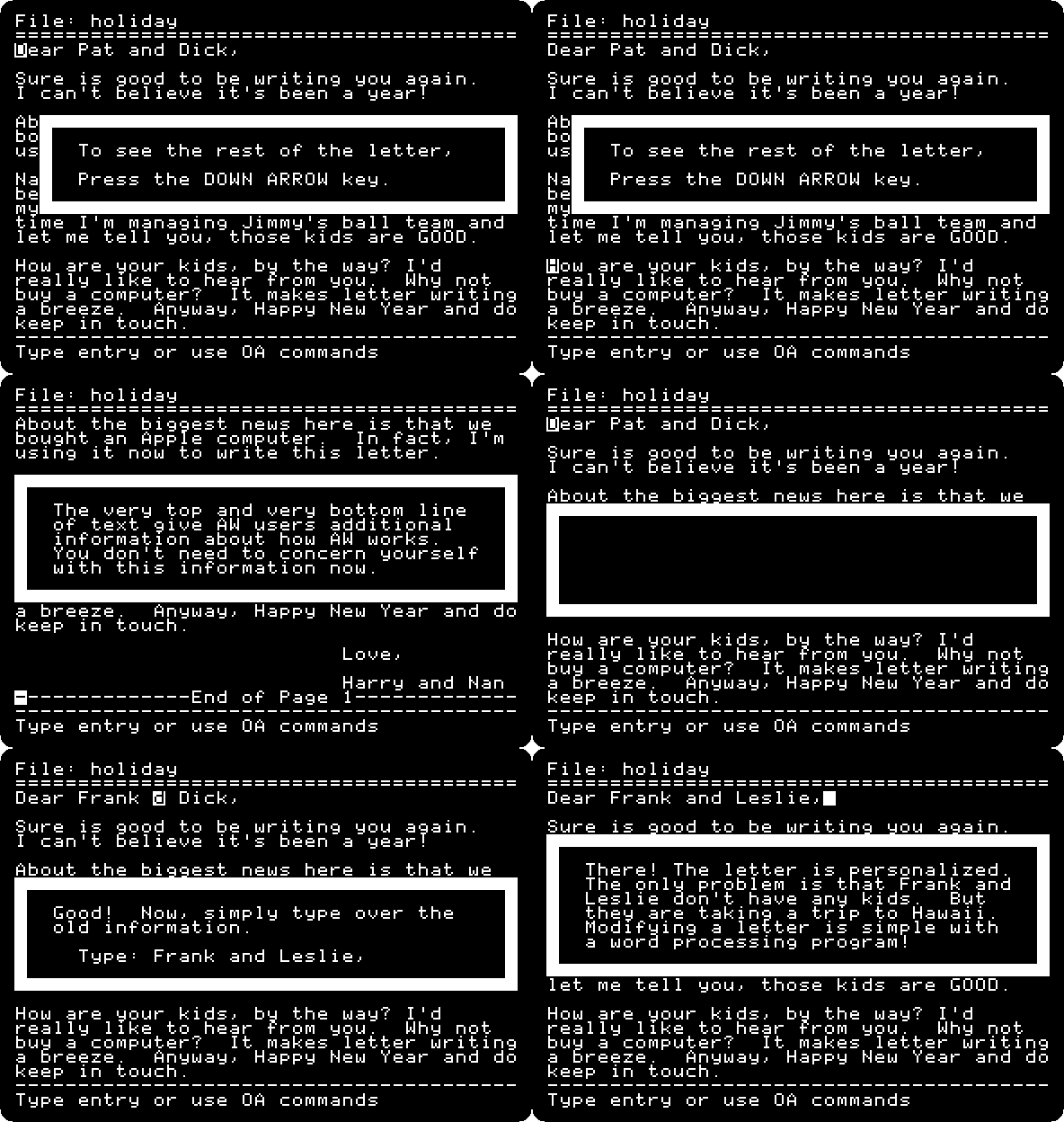
The letter is for Frank and Leslie Burns now. They have no kids, and the lesson goes on, to change the line about them.
-
Hold Open Apple and press Escape, which goes back to the menu from anywhere in the guide. The menu marks the topic done.
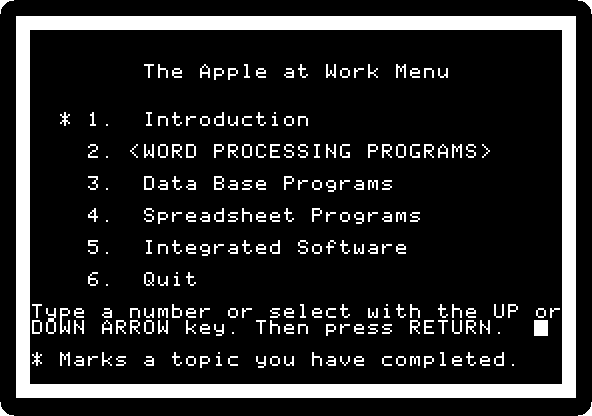
The other topics are the data base, the spreadsheet and the integrated software. Type
6and Return to quit: the guide asks for the next diskette.
Side 1, in 80 columns
-
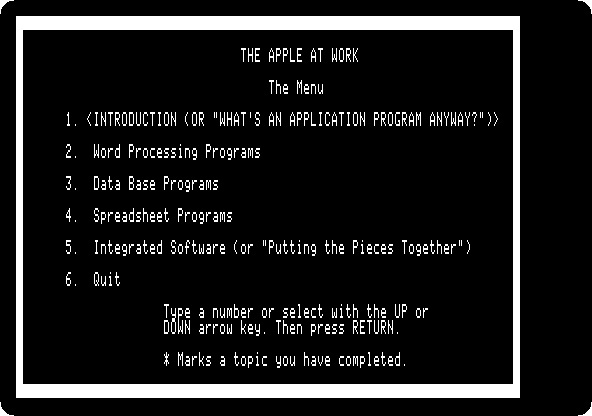
Quit izapple2 and start it with the second command: the same title, and the menu in 80 columns.
-
Type
2and Return, the word processor, and Return at each page: Harry’s letter, as wide as AppleWorks writes it on a monitor, the whole of it on the screen.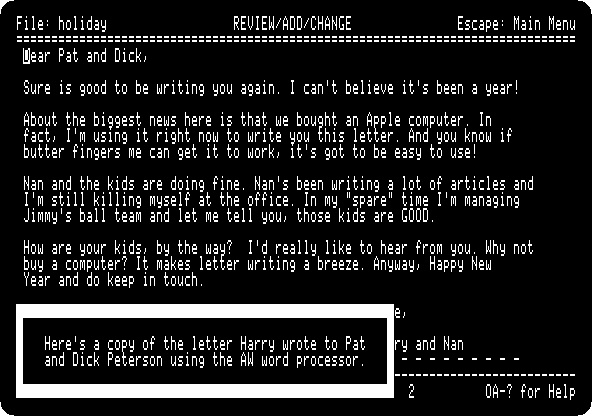
-
Press Return at each page, until the guide asks for the right arrow: the same lesson. Press the right arrow five times, and type
Frank and Leslie,over the old names.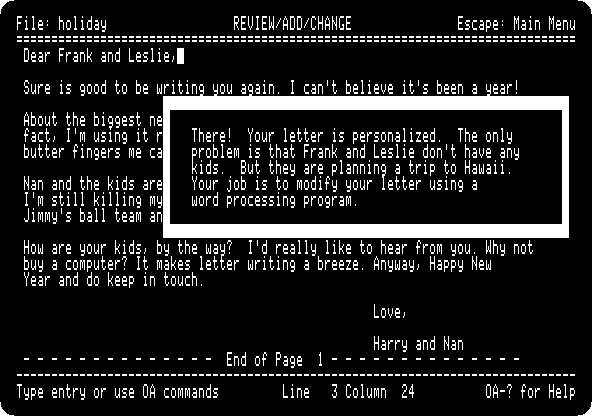
What next
Next: Apple Presents the IIc: The Apple at Play.
AppleWorks is the program itself, on a //e, with a spreadsheet, a letter and a list of friends.