Apple Presents the IIc: An Introduction
Activities › First steps › Switch on an Apple IIc
An Introduction is the first diskette of Apple Presents the IIc, the interactive owner’s guide that came with the IIc in 1984, on the screen of the computer itself. It teaches the keyboard a key at a time, and then has a menu of twelve topics, each a short lesson with questions to answer: the menus themselves, the Shift key, colour and black and white, the cursors, Escape and Reset.
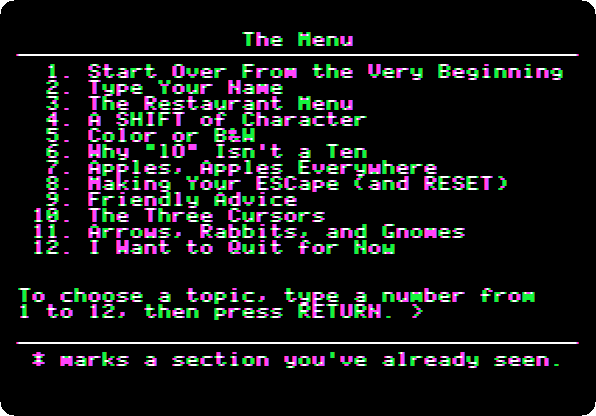
This page watches its opening, goes to its menu, and takes four of its topics: a name typed, a restaurant, the colours and the columns, and the end.
What you need
Apple Presents the IIc - An Introduction.dsk, from the folder of the
masters of each model on
Asimov.
./fetch-disks.sh in this repository downloads it into disks/.
The book of the guide, Apple Presents the Apple IIc: An Interactive Owner’s Guide, is on the Internet Archive.
The machine
The Apple IIc of Switch on an Apple IIc, on a colour monitor, with the diskette in its drive:
izapple2 -model none -board 2c -cpu 65c02 -screen color \
    -rom "<internal>/Apple2c_ROM255.rom" \
    -charrom "<internal>/Apple IIe Video Enhanced.bin" \
    -s0 language \
    -s1 iicserial \
    -s2 iicserial \
    -s6 "iicdisk,disk1=disks/Apple Presents the IIc - An Introduction.dsk"
The pictures are in colour, as on a colour television; F6 changes to the green monitor.
The opening
-
Start izapple2 with the command above. The IIc starts the diskette.

Apple presents…, typed on a keyboard drawn on the screen, as the keys go down, then the apple of the time in its six colours, and a man who walks from his office to his house. It takes a little over two minutes, here three times faster.
-
The keyboard goes up to the top of the screen, and the guide asks for the key marked
return. Press Return to follow its lessons on the keyboard; this page presses Escape instead, the key the guide gives to those who have used it before, and goes to its menu.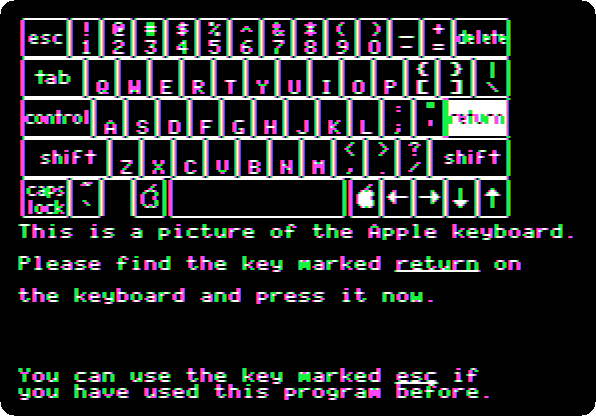
A name, and a diner
-
Type
2and Return, Type Your Name. TypeAdaand Return: the guide asks if that is right.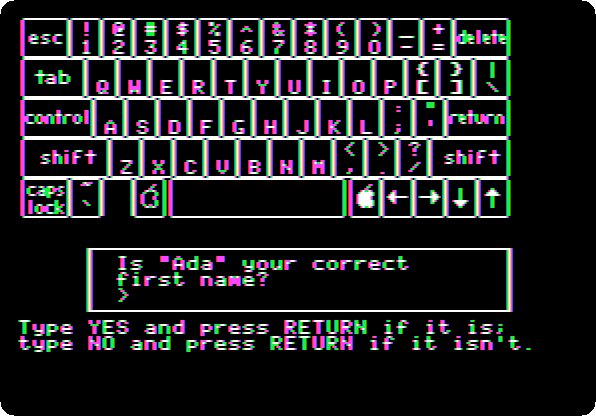
Type
YESand Return, and Return again. The menu is Ada’s now, and marks with a star the topic seen.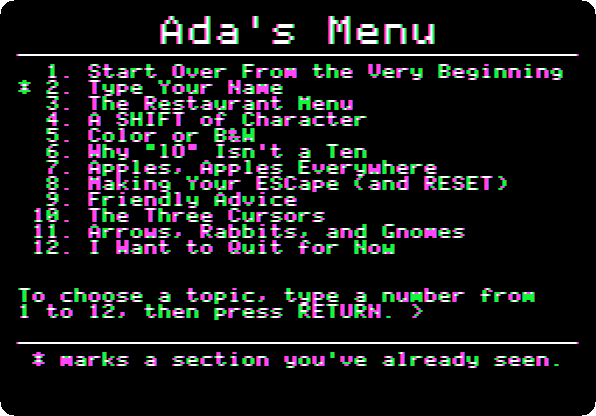
-
Type
3and Return, The Restaurant Menu: a menu to choose from, as the ones of the programs, in a diner with the name typed, and a dish of it at the end.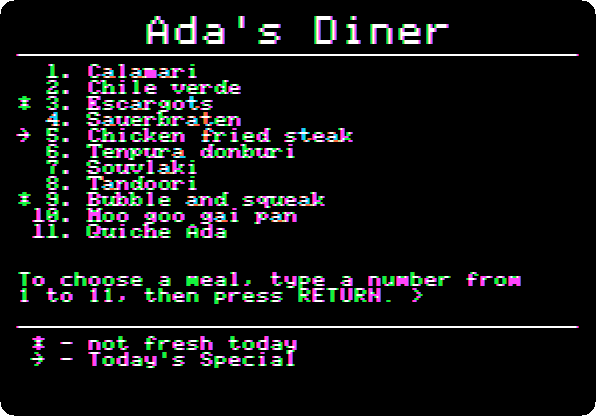
Type
11and Return, Quiche Ada.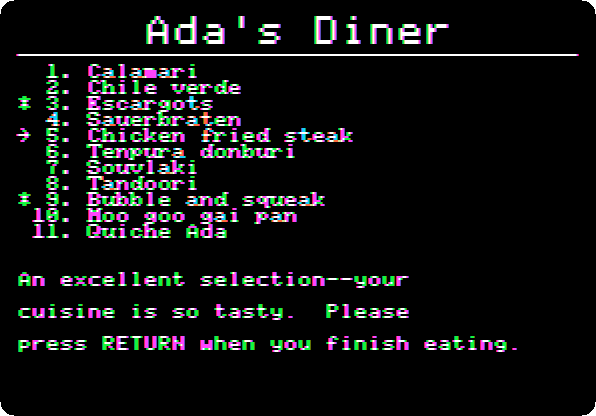
Press Return, back to the menu.
Colours and columns
-
Type
5and Return, Color or B&W: a butterfly, and the names of four colours, each in its colour.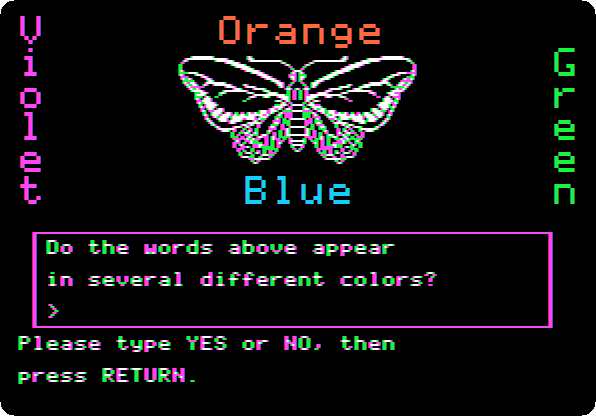
Type
YESand Return, and Return again: the guide explains the coloured edges of its letters, as Apple did.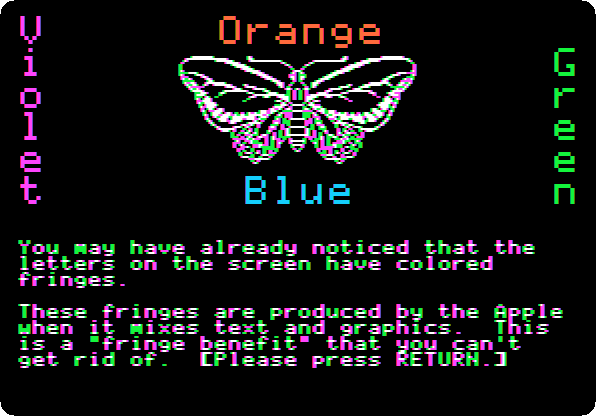
The pages of the guide are not text but drawings of high resolution, letters included, and a colour television made colours out of the dots of a drawing, at the edges of the letters too. The guide calls them a fringe benefit. F6 shows the same on the green monitor, sharp.
-
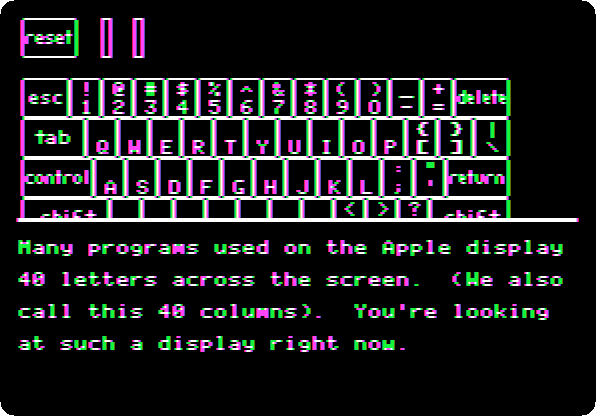
Press Return twice: the screen of text in 40 columns, the one a television could show.
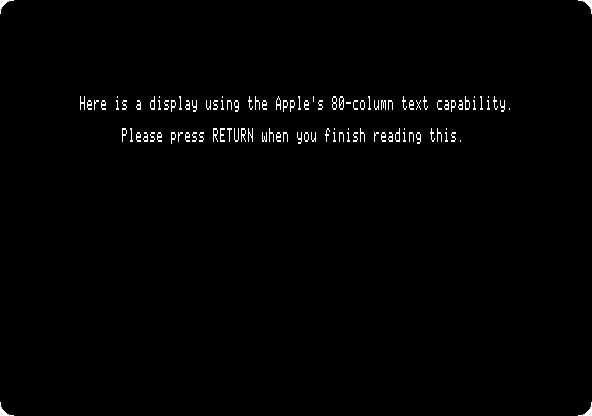
Press Return twice more: a page in 80 columns.
Press Return three times. A television blurred the 80 columns, and the IIc had a switch for them, over its keyboard, to choose before it was switched on: up for 80 columns, on a monitor; down for 40, on a television.
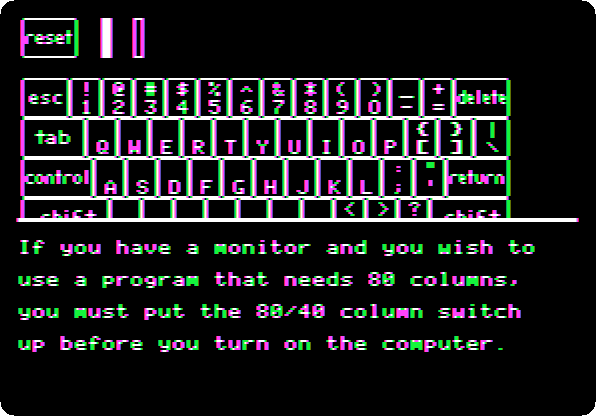
izapple2 has no switch: its IIc has it always down, and the guide shows its 80 columns all the same.
The end
-
Press Return three times, back to the menu, and type
12and Return, I Want to Quit for Now. The guide lists the topics not seen yet, for next time.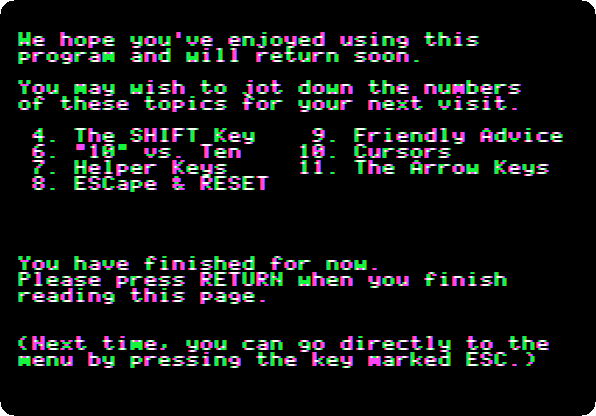
Press Return. The guide asks for the next diskette, and Open Apple-Control-Reset to start it.
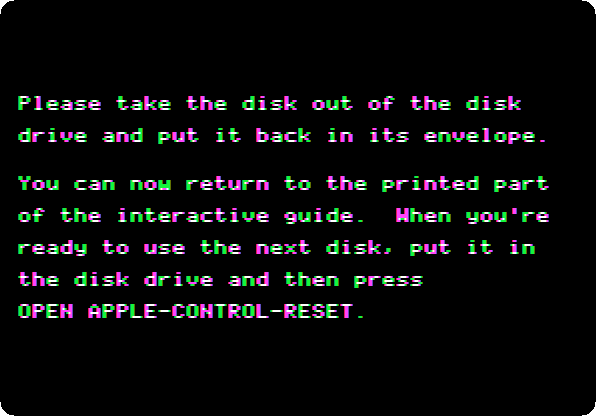
In izapple2, after the guide, the first Control-Reset leaves the screen in grey stripes (see IZAPPLE2.md): press Open Apple-Control-Reset, the left Alt or Option key with Control-F2, a second time.
What next
Next: Apple Presents the IIc: The Apple at Work.
Switch on an Apple IIc is the machine, with Applesoft and its own 80 columns.