The System Utilities of the Apple IIc
The Apple IIc came with a disk for the work on disks and files, System Utilities: a menu of ProDOS, the newer system of disks of Apple, to copy files, delete, rename and lock them, duplicate and format whole disks, and list what is on them. It knew the three systems of the Apple II of the time, ProDOS, DOS 3.3 and Pascal, and the two drives of a IIc, the one in its side and the one that plugged into its back.
This page lists the files of the disk of the utilities, formats a diskette never used in the external drive, copies two files to it, lists them, and reads the new disk from BASIC.
What you need
System Utilities for the IIc - 680-3066-A (Apple-1984).dsk, from the
folder of the masters of each model on
Asimov.
./fetch-disks.sh in this repository downloads it into disks/.
my-disk.woz, a diskette never formatted, for the external drive: a
copy of blank.woz, which ./fetch-disks.sh makes.
cp disks/blank.woz my-disk.woz
The machine
The Apple IIc of 1984, with its external drive:
- the 65C02 processor at 1 MHz and 128 KB of memory: 64 KB, the top 16 KB of it the memory of a language card, which izapple2 puts in slot 0 as for the //e, and 64 KB more where the //e has its extended 80 column card;
- its two serial ports, in slots 1 and 2 for the programs;
- its disk drive, on the disk port in slot 6, with the System Utilities in
it, and a second drive, the external one, with
my-disk.woz.
izapple2 -model none -board 2c -cpu 65c02 -screen green \
    -rom "<internal>/Apple2c_ROM255.rom" \
    -charrom "<internal>/Apple IIe Video Enhanced.bin" \
    -s0 language \
    -s1 iicserial \
    -s2 iicserial \
    -s6 "iicdisk,disk1=disks/System Utilities for the IIc - 680-3066-A (Apple-1984).dsk,disk2=my-disk.woz"
The utilities
-
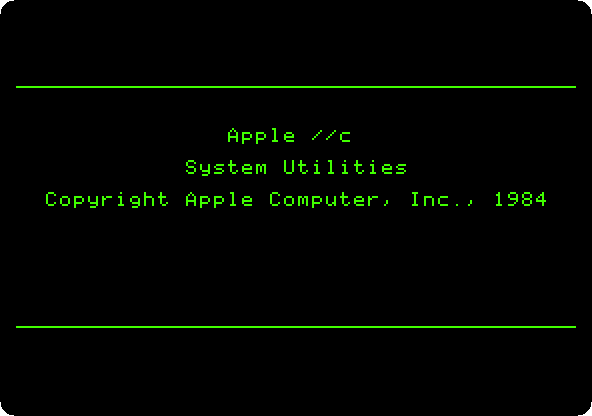
Start izapple2 with the command above: ProDOS, and the title.
The menu comes by itself: the files, at the top, and whole disks, under them. A number and Return choose.
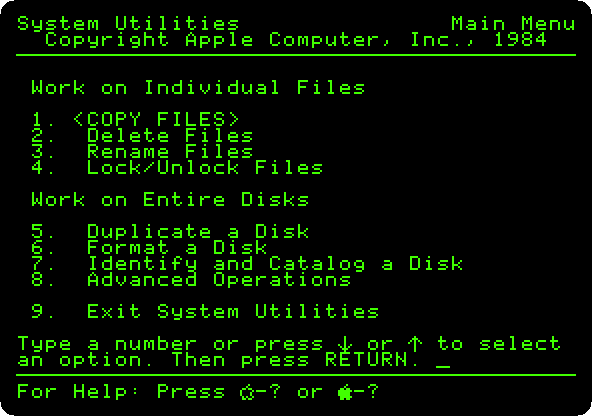
-
Type
7and Return, Identify and Catalog a Disk,1and Return, the built-in drive, andDand Return, on the display.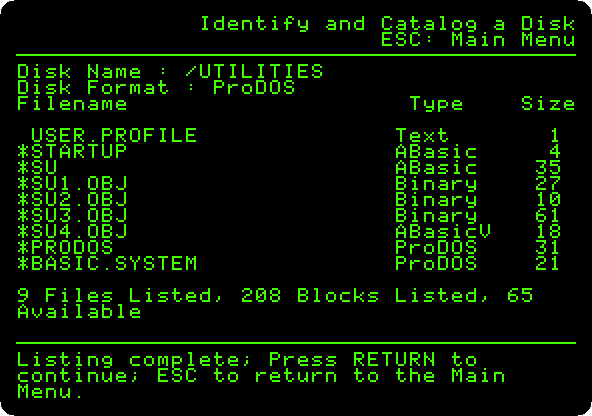
The utilities themselves,
SUand its parts, and ProDOS with its BASIC. Press Escape, back to the menu.
A disk of your own
-
Type
6and Return, Format a Disk, and2and Return, the external drive. It asks for the system of the new disk.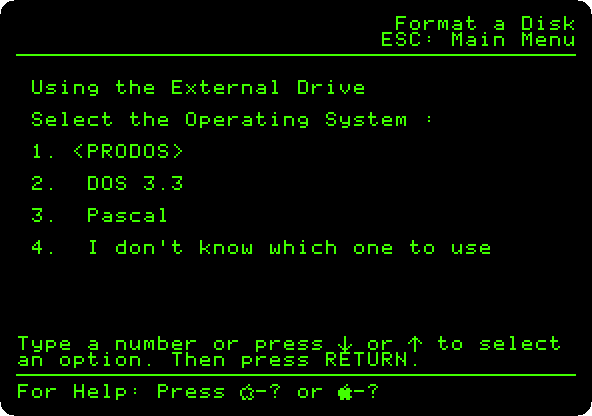
Type
1and Return, ProDOS, and typeMYDISKand Return, its name. Press Return: the diskette is in the drive.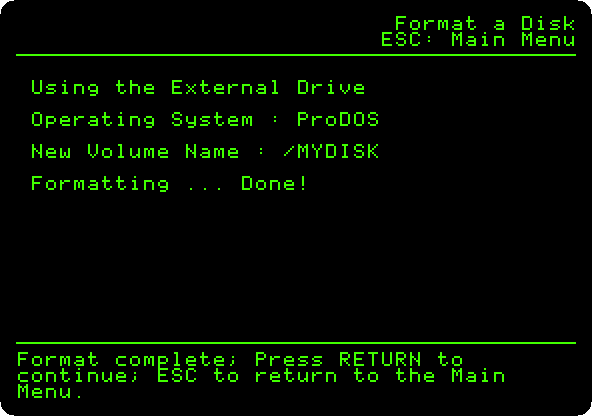
Press Escape.
-
Type
1and Return, Copy Files:1and Return, from the built-in drive,2and Return, to the external one, andSand Return, some of the files. Mark them: the down arrow goes to a file, and the right arrow marks it. This page marksSTARTUPandSU.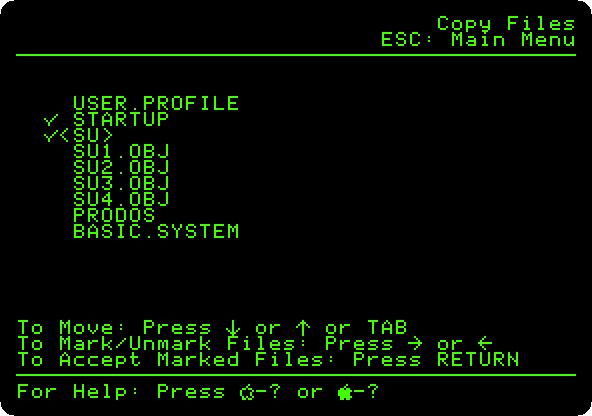
Press Return.
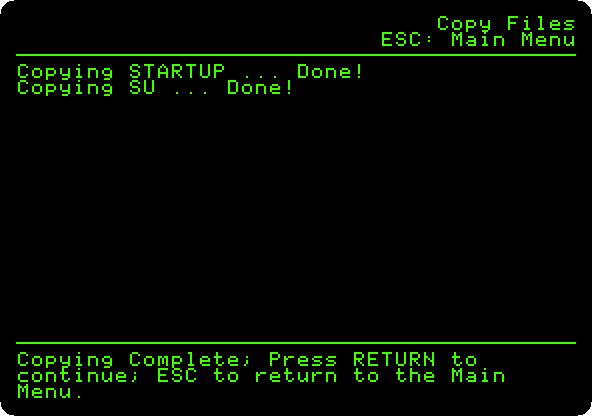
Press Escape.
-
Type
7and Return, and2and Return this time, andDand Return: the new disk, and the two files on it.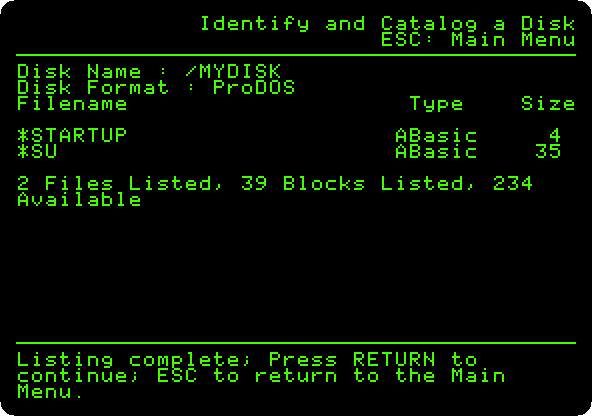
BASIC
-
Press Escape, type
9and Return, Exit System Utilities, andYand Return: Applesoft, with ProDOS. TypeCAT /MYDISKand Return.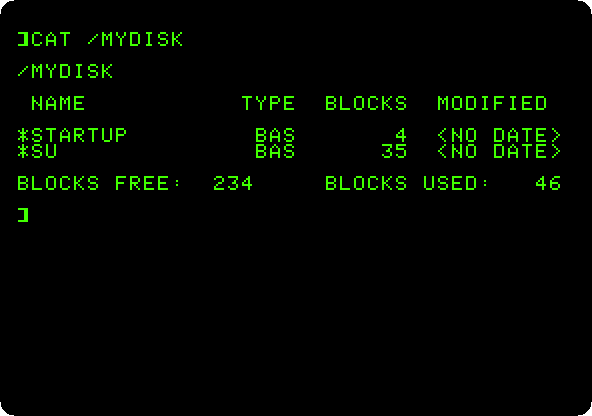
The two files, of BASIC, and no dates: the IIc has no clock of its own.
What next
Next: Apple II DeskTop, which runs on ProDOS, from a hard disk.
ProDOS is the system on the //e, with its program selector and a RAM disk.