The RGB card and its fourteen video modes
The Apple II makes its colour the way a television expects it, a signal where the colour is a wobble on top of the brightness, and that is why its colours fringe and why its text in colour is unreadable. An RGB monitor takes red, green and blue on wires of their own, sharp, and for the //e there were cards that gave it that: the extended 80 column card of the //e, with its 64 KB, and an RGB output. Video-7 made one, Apple sold one as the AppleColor card. Besides a sharper picture they added video modes of their own: text in any of 16 colours on any of 16, graphics of 160 dots across, and black and white at 560.
This page starts the demonstration disk of the Video-7 card, and goes through the fourteen video modes of its Video Modes part, the six the //e has and the eight the card adds.
What you need
Video-7 Apple II RGB Demo (Video-7, Inc.)(1984).dsk, the demonstration
disk of the card, of 1984, on the
Asimov archive.
./fetch-disks.sh in this repository downloads it into disks/ and checks
it.
The machine
An enhanced Apple //e with an RGB card:
- the 65C02 processor at 1 MHz and 128 KB of memory: 64 KB on the board, the top 16 KB of it the memory of a language card, which izapple2 puts in slot 0, and 64 KB more on the extended 80 column card, in the auxiliary slot;
- the RGB modes of that card,
-rgb; - a Disk II controller card in slot 6, with the demonstration disk in drive 1.
izapple2 -model none -board 2e -cpu 65c02 -screen color \
    -rom "<internal>/Apple2e_Enhanced.rom" \
    -charrom "<internal>/Apple IIe Video Enhanced.bin" -rgb \
    -s0 language \
    -s6 'diskii,disk1="disks/Video-7 Apple II RGB Demo (Video-7, Inc.)(1984).dsk"'
The enhanced Apple //e izapple2 starts with, its model 2enh, has this
machine with -rgb, and 8 MB more of memory on a RAMWorks card, a No-Slot
Clock, a VidHD card, a FASTChip accelerator and a Mockingboard more:
izapple2 -screen color -rgb "disks/Video-7 Apple II RGB Demo (Video-7, Inc.)(1984).dsk"
The demonstration
-
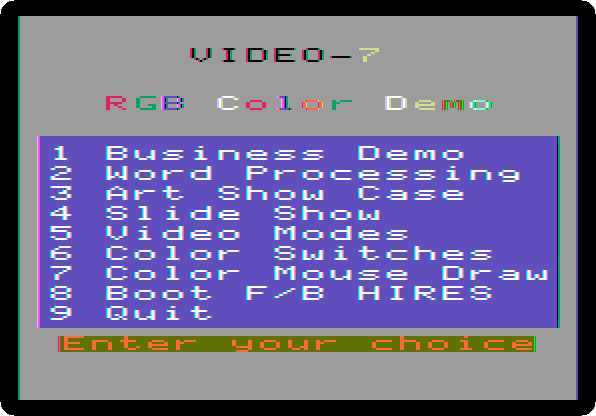
Start izapple2 with the command above. The menu of the demonstration, drawn in double high resolution, in the colours of the card.
-
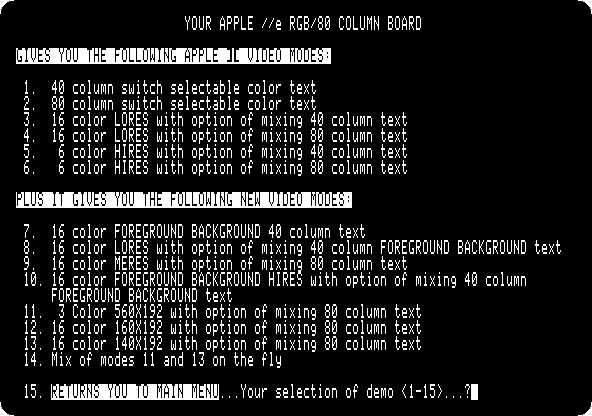
Press 5, Video Modes. The list of the fourteen modes, in 80 columns; each is chosen by its number and Return, and Escape goes back to this list.
The modes of the //e
-
Type
1and Return, and press 2: the alternate character set of the //e in 40 columns, inverse, and normal with lower case; 1 would show the set of the Apple ][, with flashing characters in place of lower case. Press Escape to go back.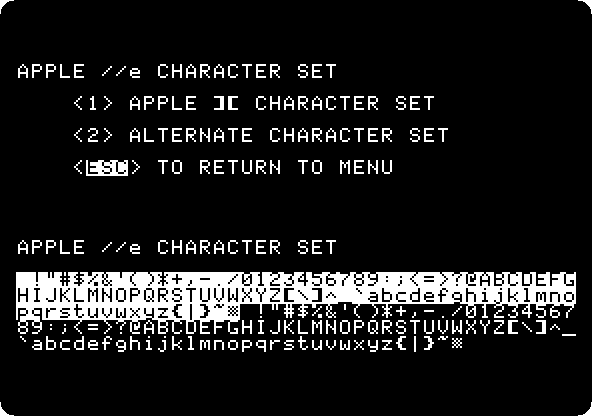
-
Type
2, Return, and 2: the same in 80 columns.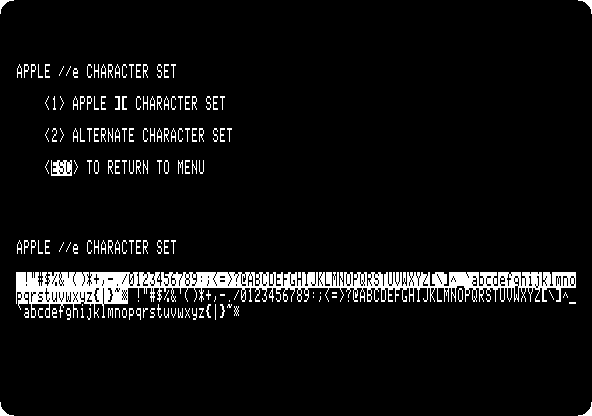
-
Type
3and Return: the low resolution graphics, 40 blocks by 48 in 16 colours, numbered from 0 to 15.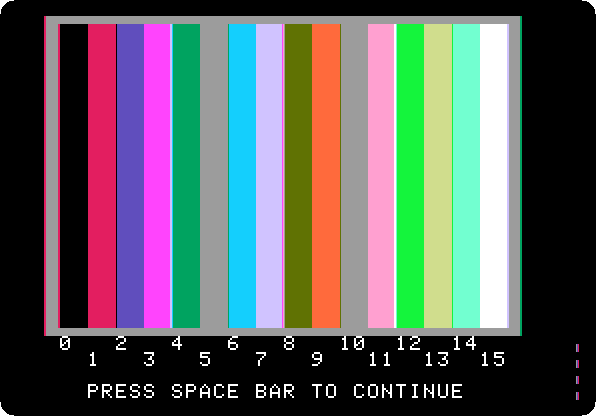
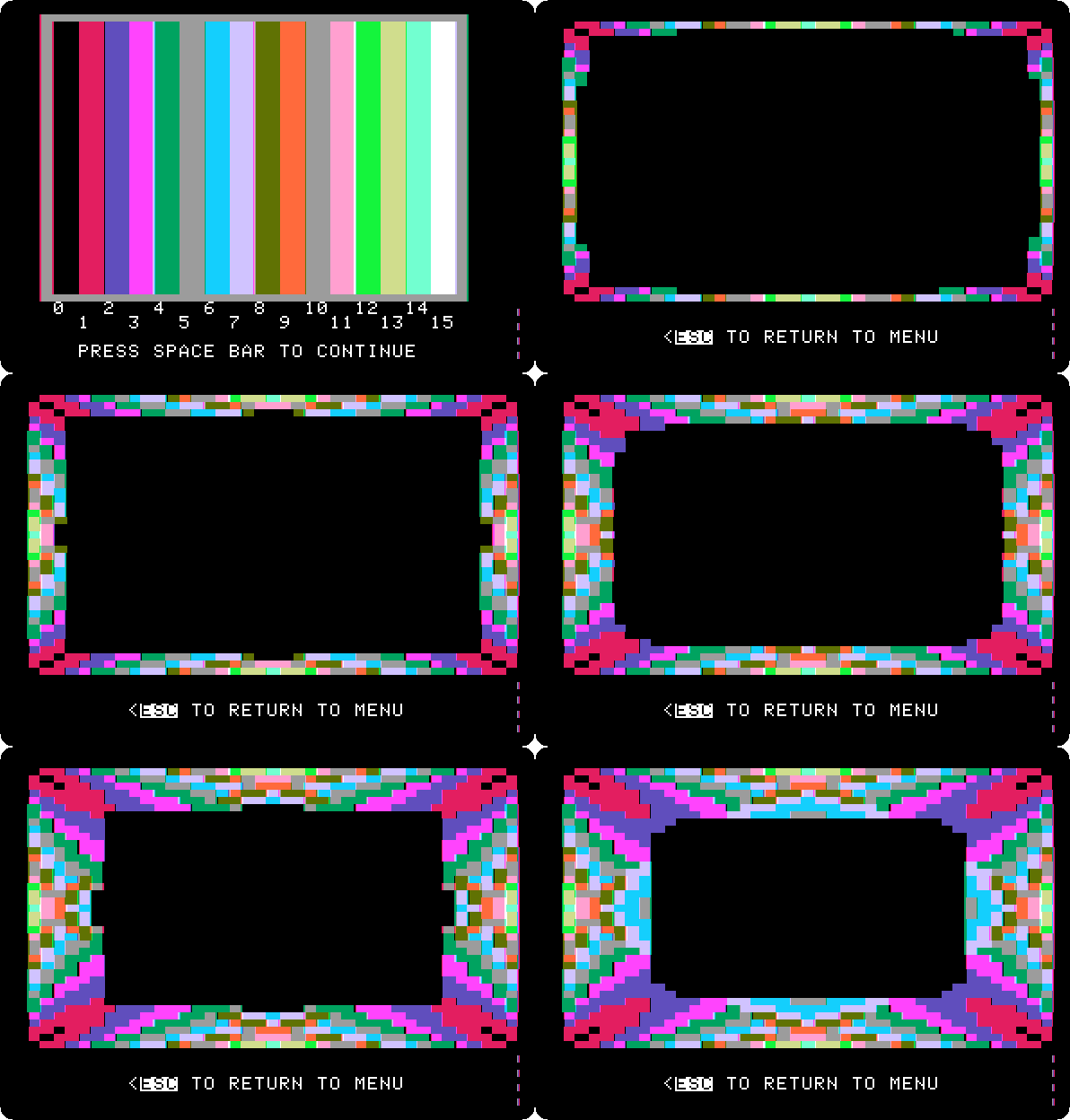
Press Space, and a pattern grows from the edges, a block at a time.
-
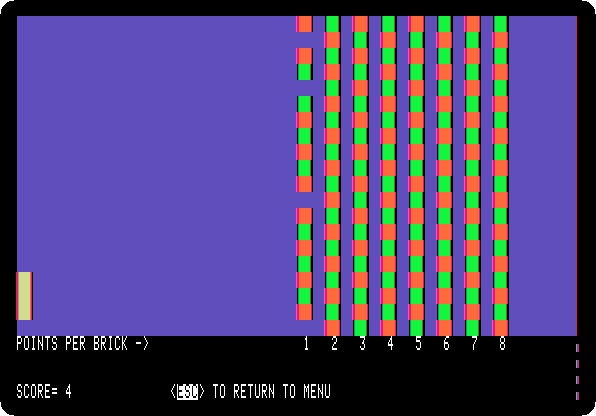
Mode 4: low resolution with 80 columns of text below, here a game of bricks that plays itself.
-
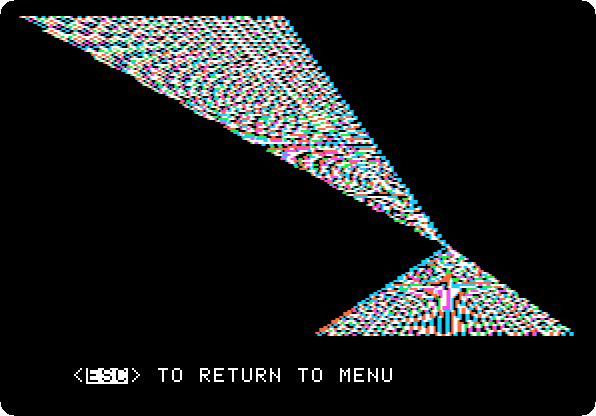
Mode 5: the high resolution graphics, 280 dots across in six colours, here lines drawn and drawn again.
-
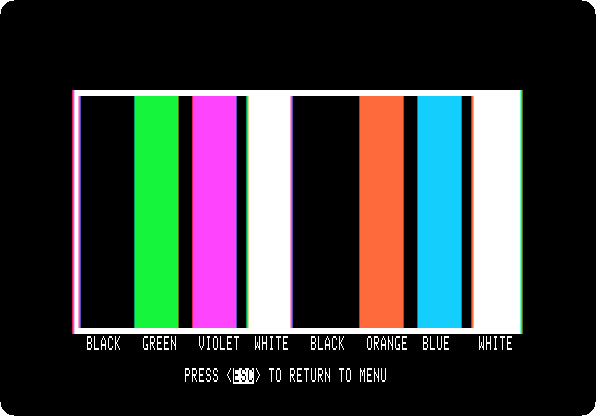
Mode 6: the colours of high resolution, named in 80 columns below: black, green, violet and white, and black, orange, blue and white again, the second four with the top bit of their bytes set, which moves their dots half a dot.
The modes the card adds
-
Mode 7: text in 40 columns in any of the 16 colours on any other. Type
0and Return for black letters, and13and Return for a yellow background. Type the same colour for both to go back.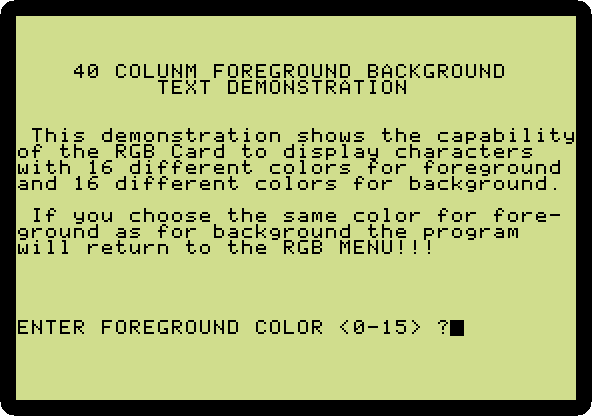
-
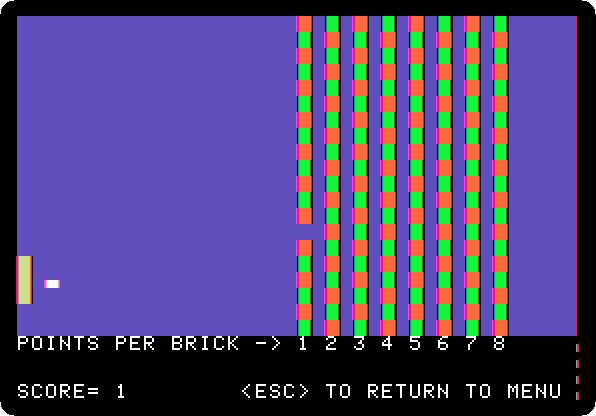
Mode 8: low resolution with the coloured text of mode 7 below.
-
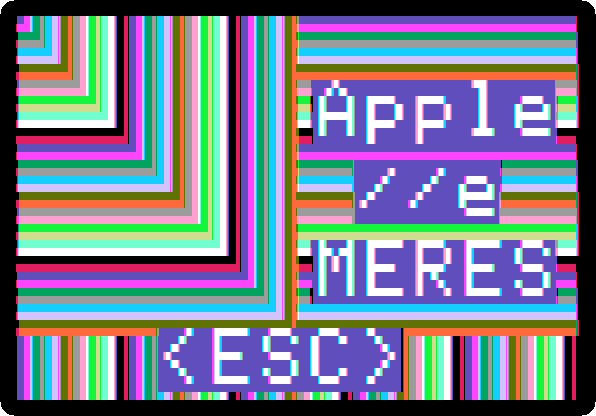
Mode 9: the double low resolution, 80 blocks across in 16 colours, which the card calls MERES, medium resolution.
-
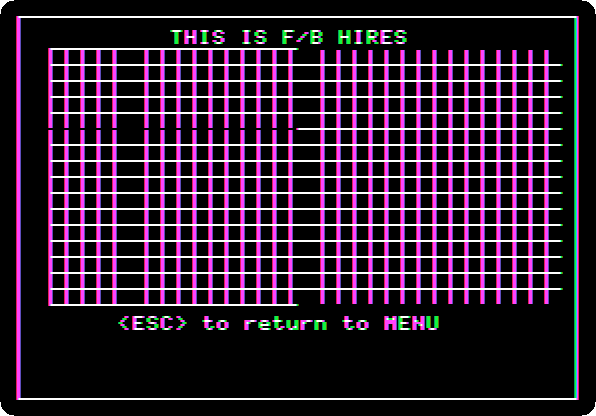
Mode 10: high resolution where each group of seven dots has two colours of its own, a foreground and a background, the F/B HIRES.
-
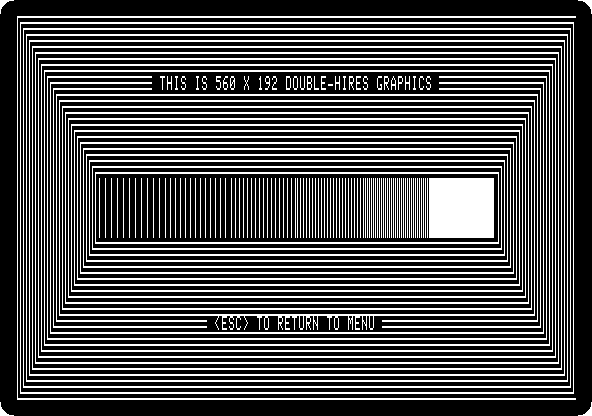
Mode 11: double high resolution in black and white, 560 dots across, the mode Apple II DeskTop uses.
-
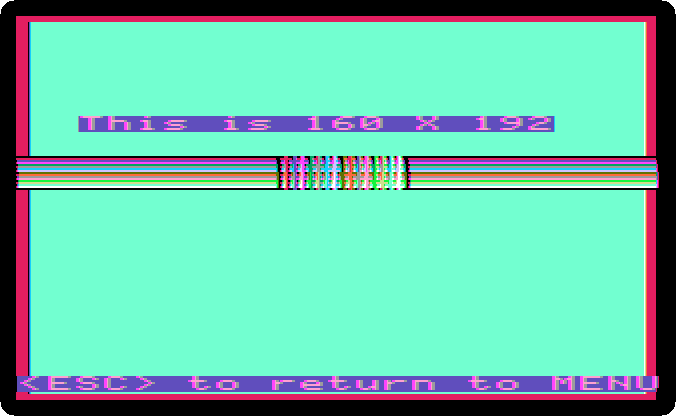
Mode 12: 160 dots across in 16 colours, each dot its own colour.
-
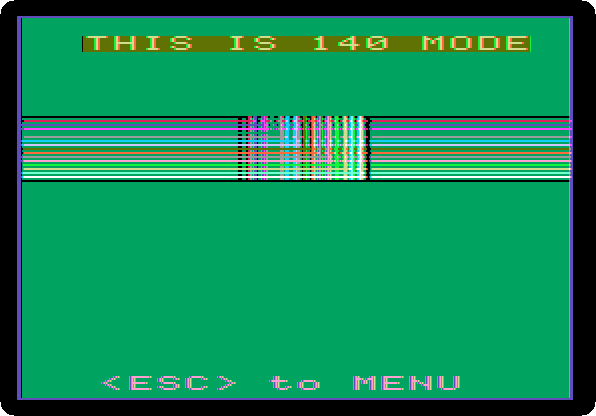
Mode 13: the double high resolution of the //e in colour, 140 dots across in 16 colours.
-
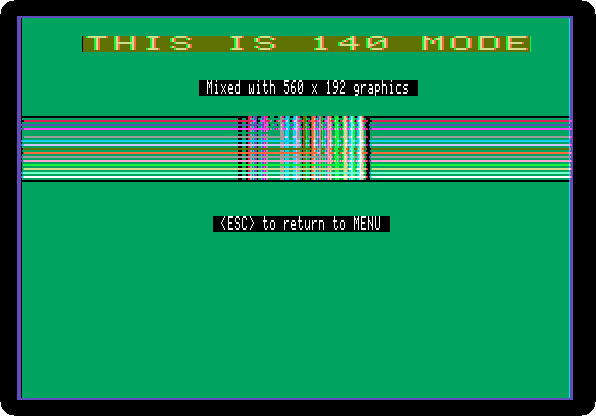
Mode 14: 140 in colour and 560 in black and white on the same screen: the small black and white text in the middle is at 560, on the colours at 140.
What next
Apple II DeskTop uses the mode 11 for its whole screen, and Forth in ROM draws the sixteen colours of the low resolution graphics a byte at a time.