Apple Presents the IIc: Getting Down to BASIC
Activities › First steps › Switch on an Apple IIc
Getting Down to BASIC is the diskette of Apple Presents the IIc, the owner’s guide of the IIc, that teaches Applesoft BASIC: six sections, an introduction and five lessons, from printing numbers to variables, each with the statements to type and the computer that answers. The lessons check what is typed, and say when it is not what they asked for.
This page goes through all of it, from the introduction to the last lesson, as the guide asks: a GIF of each lesson, a page at each Return, and what is typed. The guide types its pages a letter at a time; the GIFs hold each page two seconds.
What you need
Apple Presents The IIc - Getting Down To BASIC 680-3065-A (Apple-1984).dsk,
from the folder of the masters of each model on
Asimov.
./fetch-disks.sh in this repository downloads it into disks/.
The machine
The Apple IIc of Switch on an Apple IIc, on a colour monitor, with the diskette in its drive:
izapple2 -model none -board 2c -cpu 65c02 -screen color \
    -rom "<internal>/Apple2c_ROM255.rom" \
    -charrom "<internal>/Apple IIe Video Enhanced.bin" \
    -s0 language \
    -s1 iicserial \
    -s2 iicserial \
    -s6 "iicdisk,disk1=disks/Apple Presents The IIc - Getting Down To BASIC 680-3065-A (Apple-1984).dsk"
The introduction
-
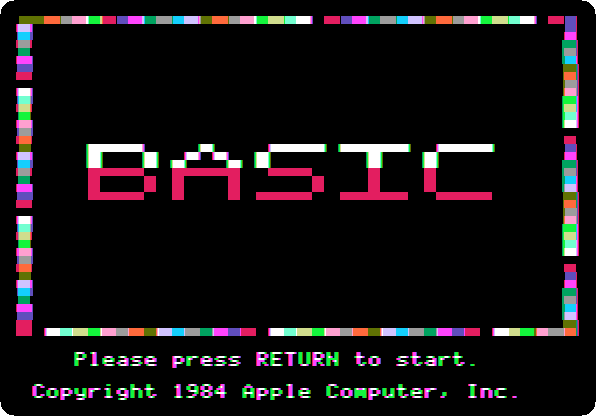
Start izapple2 with the command above: the title, its border of colours always moving.
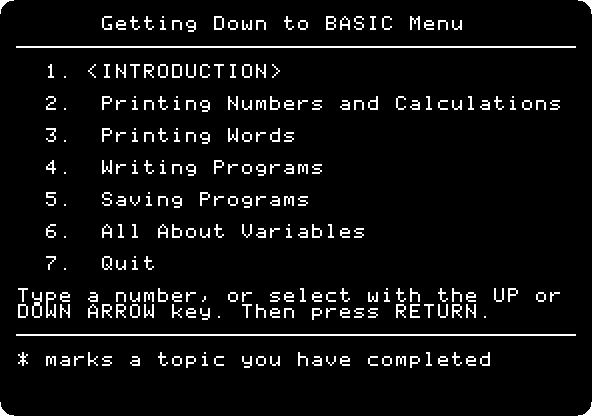
Press Return: the menu of the lessons.
-
Press Return, for the introduction, and Return at each page: what BASIC is, that the IIc speaks the dialect called Applesoft, and how to correct a mistake, the left arrow. Then it asks for a name: type
ADAand Return, andYand Return when it asks if it is right.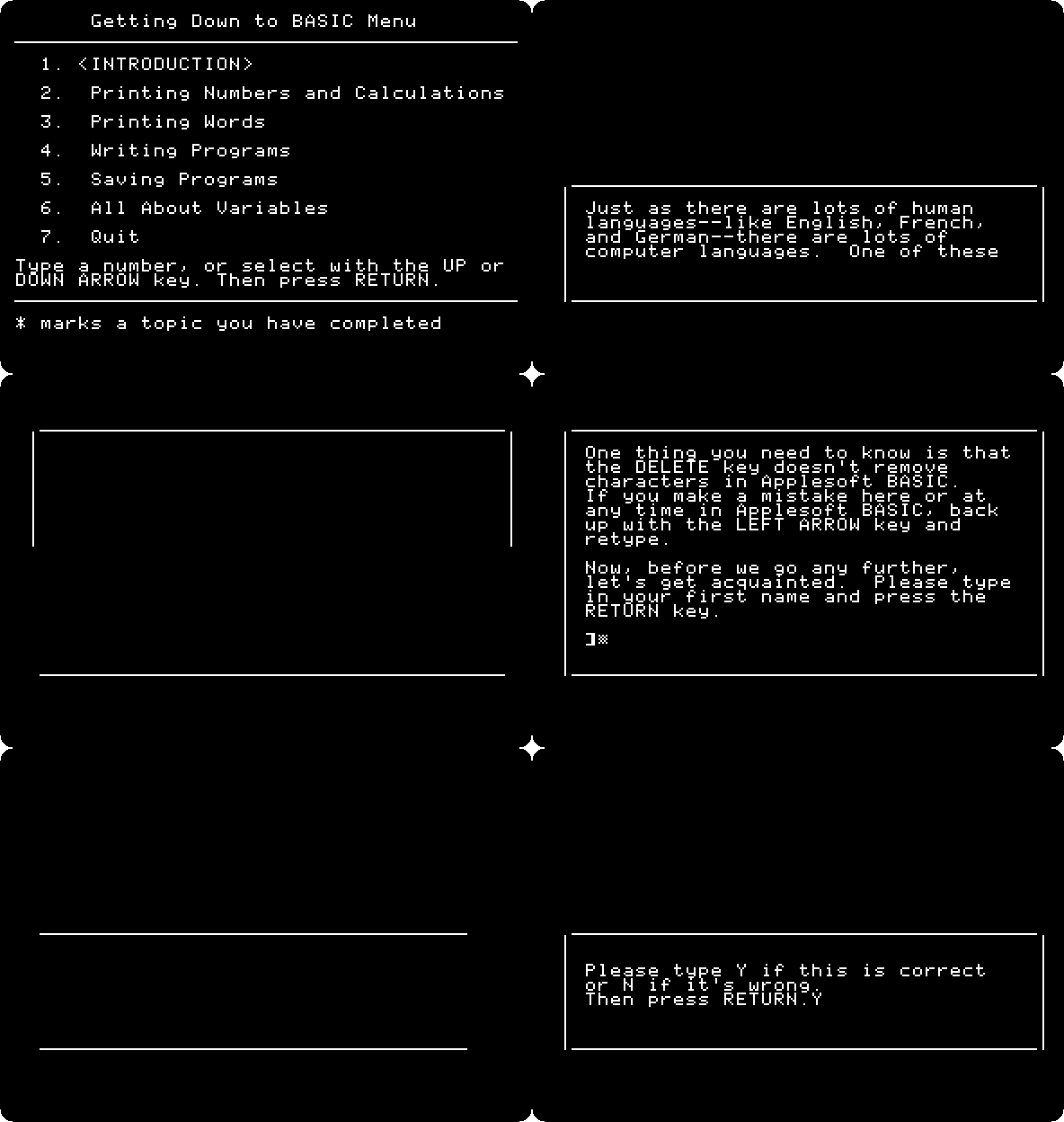
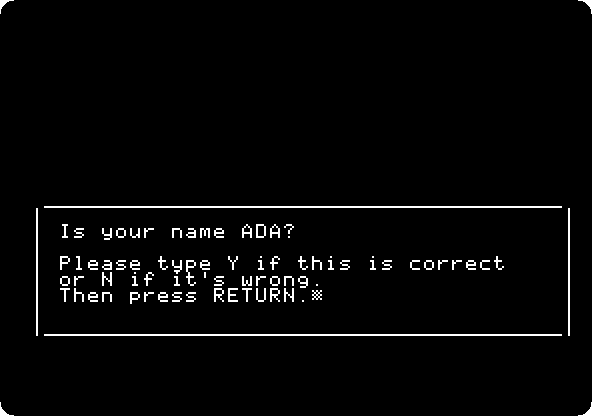
The lessons are best in order, and Escape goes back to the menu at any time. Each lesson, at its end, goes on to the next with Return.
Printing Numbers and Calculations
-
Press Return at each page. The guide types
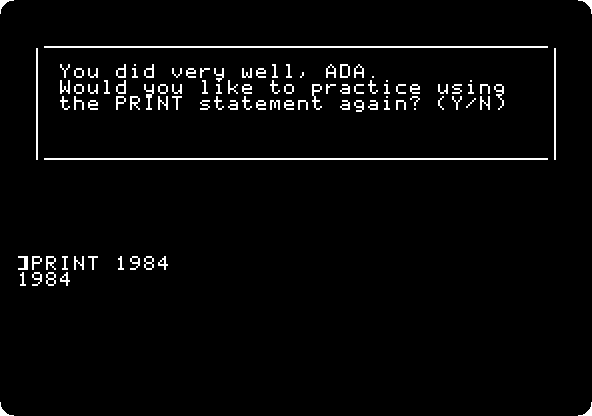
PRINT 28itself, and then it is your turn: typePRINT 1984and Return.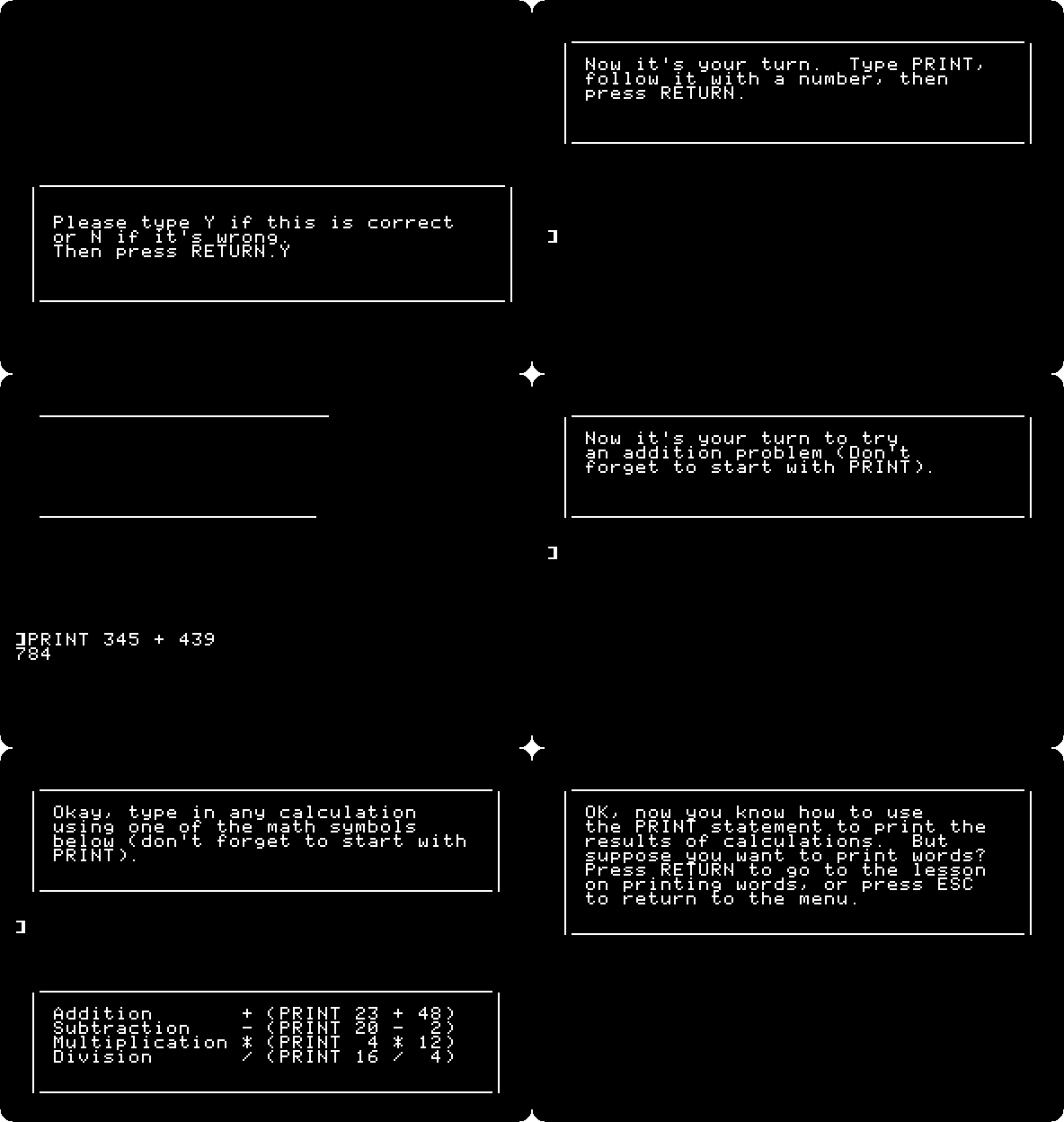
The guide checks it, and answers with the name.
-
Type
Nand Return, no more practice, and Return at each page: the guide adds 345 and 439. Then an addition of your own: typePRINT 1977 + 7and Return: 1984, and the signs of the other operations.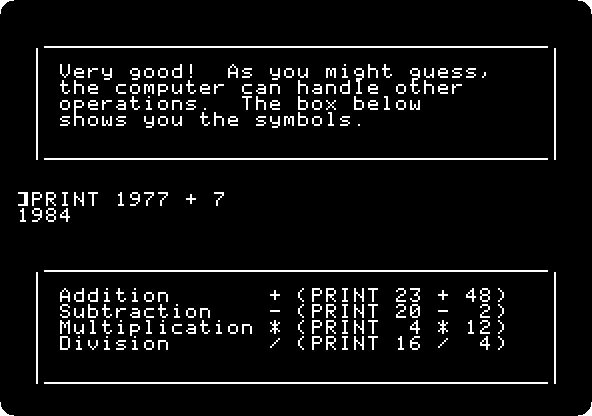
Type
Yand Return to practise another,PRINT 4 * 12and Return, andNand Return.
Printing Words
-
Press Return at each page: words go between quotation marks, as
PRINT "HOT FUDGE SUNDAE", a literal quote. Your turn: typePRINT "HELLO, ADA"and Return, andNand Return.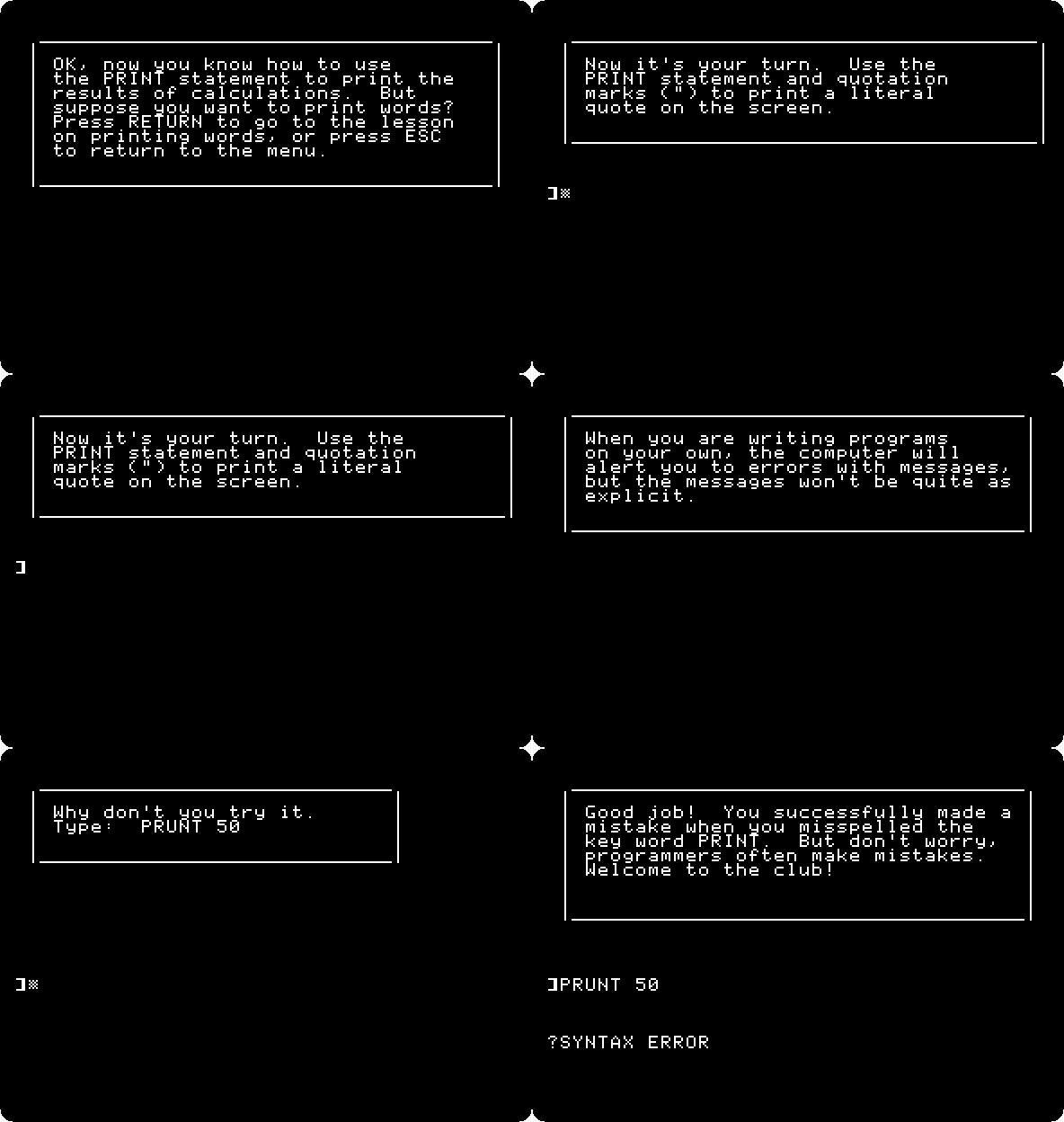
-
The guide checks everything typed, but BASIC itself is not so kind: it asks for a mistake,
PRUNT 50. Type it and Return: a beep and?SYNTAX ERROR.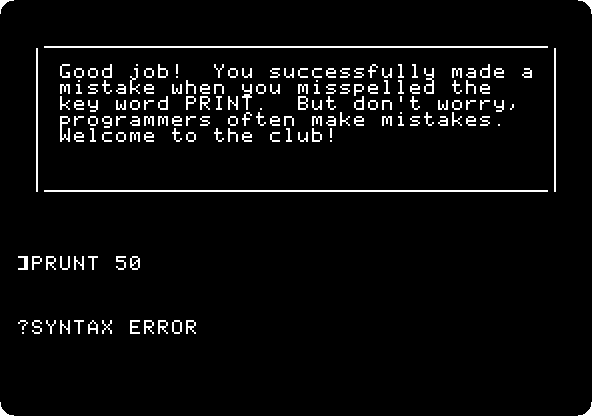
Writing Programs
-
Press Return at each page: a statement typed runs at once, immediate execution; with a number in front it is kept for later, deferred execution, a line of a program. The guide types
10 PRINT "ROSES ARE RED"and30 PRINT "I LOVE MY APPLE"; typeRUNand Return. Then it adds line 20,VIOLETS ARE BLUE, between them:RUNagain.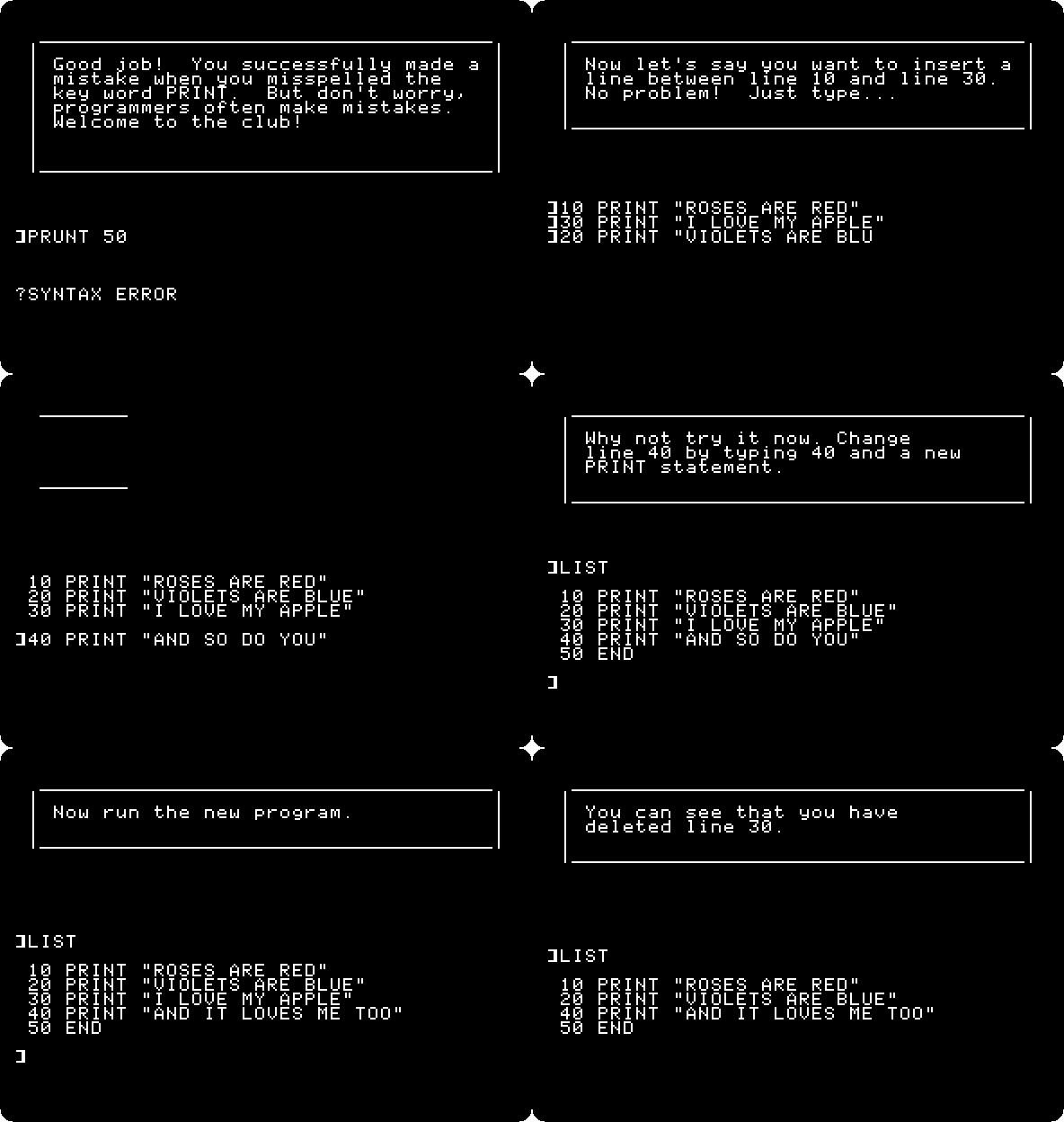
-
The verse needs a last line: type
40 PRINT "AND SO DO YOU"and Return. The guide adds50 END: typeRUNand Return.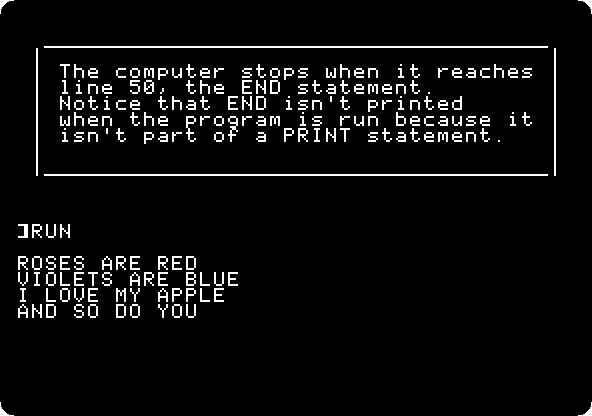
-
Then the lines are changed and deleted: type
40 PRINT "AND IT LOVES ME TOO",LISTto see it changed,RUN,30to delete line 30, andLISTagain, each with Return. The guide types line 30 back.
Saving Programs
-
Press Return at each page, and type
LIST: the poem. A program in memory is lost when the computer goes off; typeSAVE POEMand Return to keep it on a disk, andCATand Return, the catalog of the disk.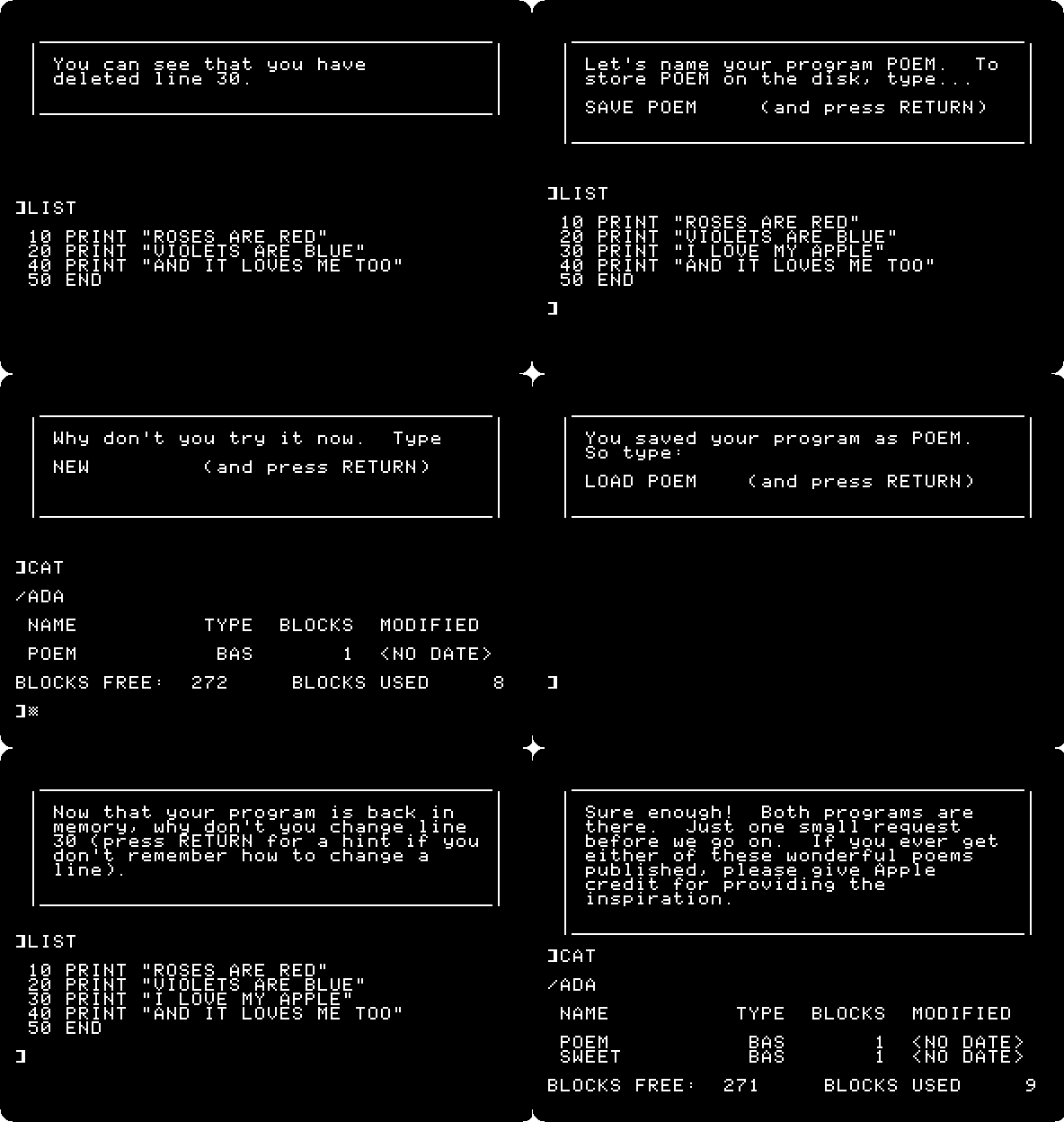
The disk is a simulation, named after you,
/ADA; the guide draws a IIc and its drive to show where the program goes.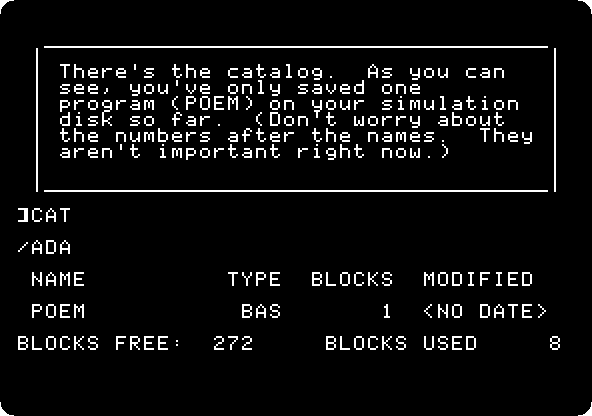
-
Type
NEW, which erases the program from memory,RUN, which runs nothing now,LOAD POEM, which brings it back from the disk, andLIST, each with Return. Change a line,30 PRINT "SUGAR IS SWEET", save it with another name,SAVE SWEET, andCAT: both poems.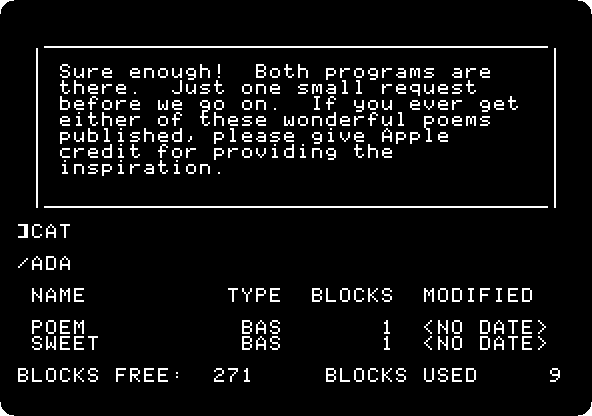
All About Variables
-
Press Return at each page: memory is like mailboxes, each with a name, a variable. The guide types
10 LET A = 33; type20 PRINT A,30 ENDandRUN, each with Return: 33.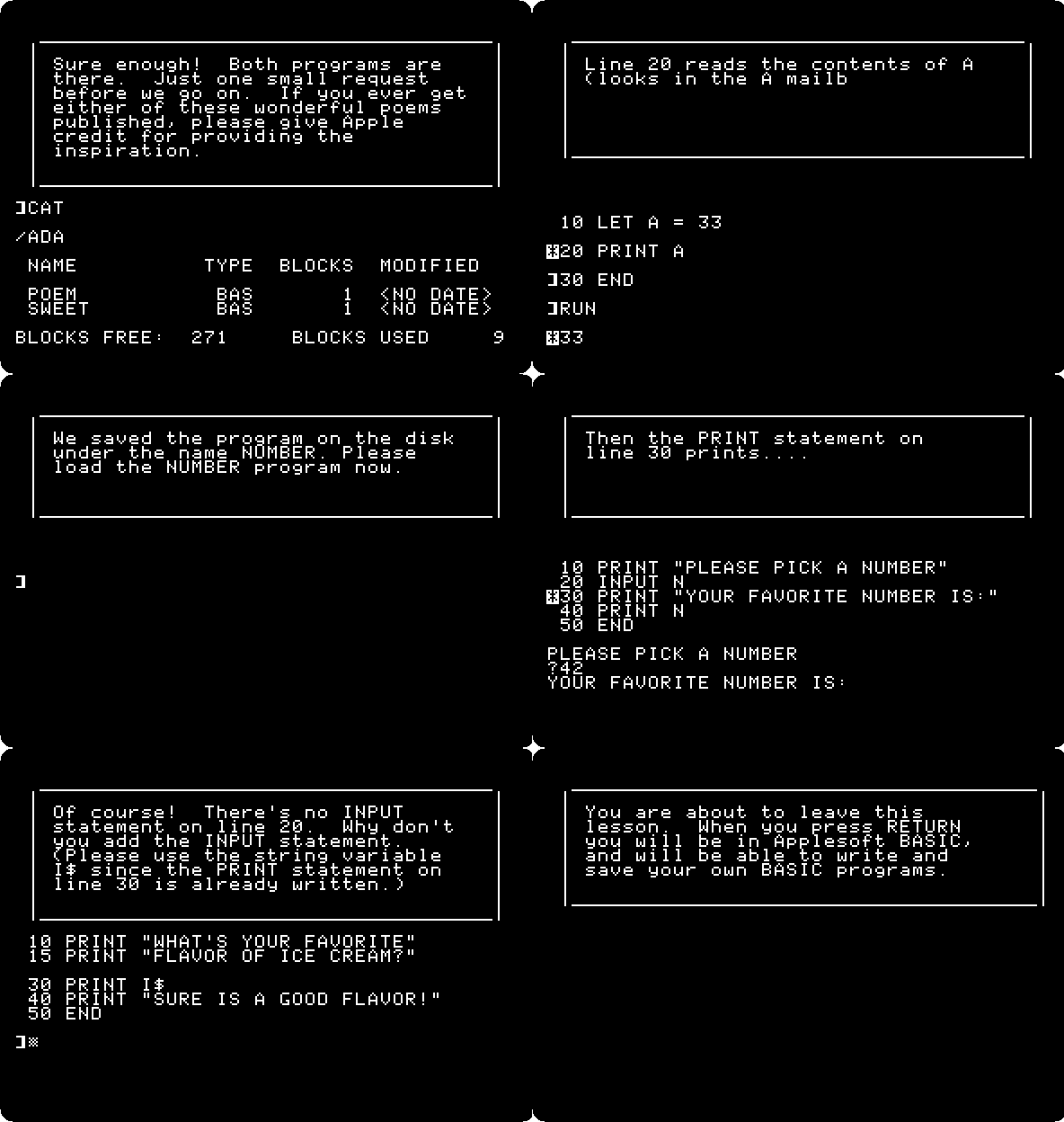
-
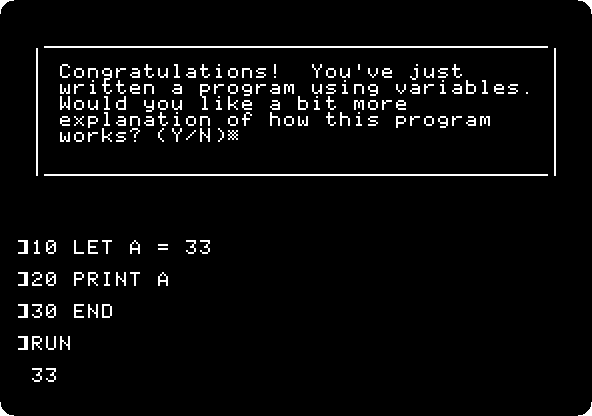
Type
Yfor an explanation, and10 LET A = 1984andRUN: a variable keeps one thing at a time. ThenNEW, andLOAD NUMBER, a program of the guide, and Return, andRUN: it asks for a number withINPUT. Type7, and when the guide goes through it again,42, andN.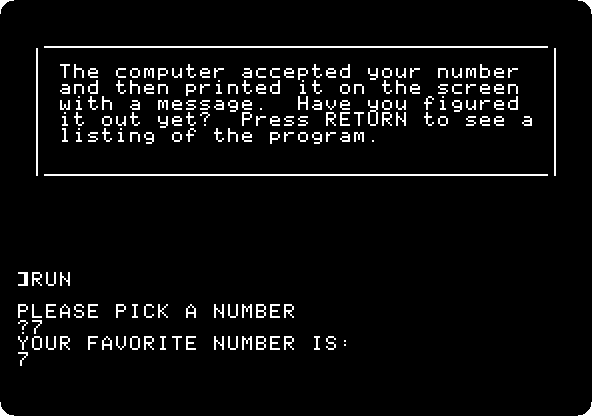
-
Words go in string variables, with a
$: the secret of how the guide remembers your name. TypeYto see it run, andGRACE.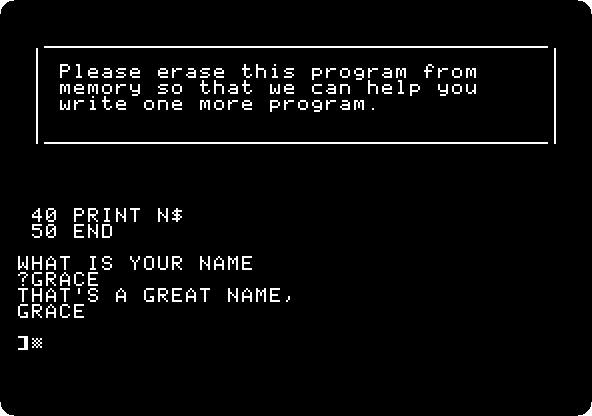
-
The last program: type
NEW, and the guide types a program on ice cream, with no line 20. Type20 INPUT I$,LIST,RUN, and a flavour,PISTACHIO, each with Return.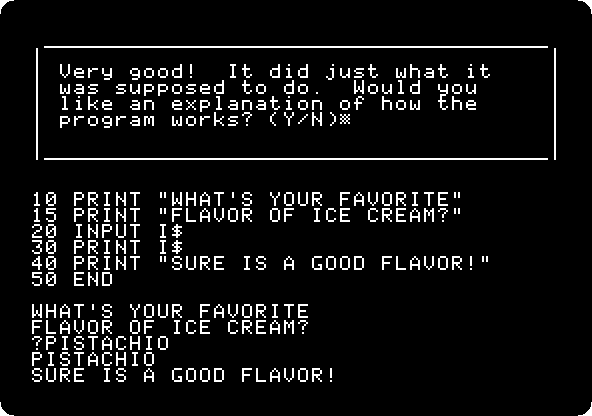
-
Type
Nand Return, and Return at each page: back at the menu, every lesson marked as done and Quit chosen, and Return again: the guide says goodbye, and leaves you in Applesoft, to write your own programs.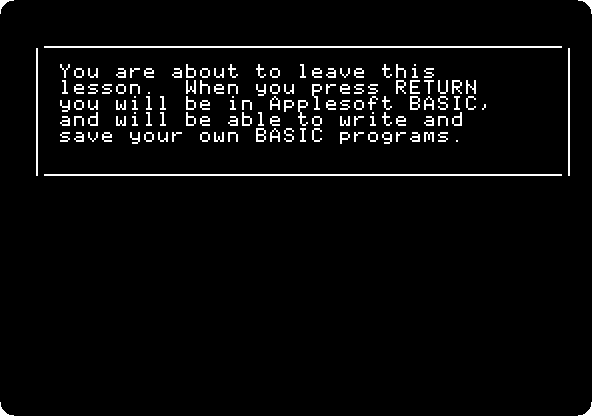
What next
Next: Apple Presents the IIc: Exploring Apple Logo.
Switch on an Apple IIc has Applesoft on the IIc without the guide, and A game in Applesoft: the snake a whole program typed in.