Apple Presents the IIc: Exploring Apple Logo
Activities › First steps › Switch on an Apple IIc
Exploring Apple Logo is the diskette of Apple Presents the IIc, the owner’s guide of the IIc, on Logo, the language of the turtle: a guided tour of the Logo language for the Apple computer, as it says, and not Apple Logo itself, which was sold apart. It tells the story of Logo, of Seymour Papert at MIT, and teaches the turtle to draw, with a guide who types for you when you don’t, and Leo Logolover, the world’s most enthusiastic Logo programmer.
This page goes through all of it, from the introduction to the last topic, as the guide asks: a GIF of each part, a page at each Return, and what is typed. The GIFs hold each page two seconds.
What you need
Apple Presents The IIc - Exploring Apple Logo 691-0015-A (Apple-1984).DSK,
from the folder of the masters of each model on
Asimov.
./fetch-disks.sh in this repository downloads it into disks/.
The machine
The Apple IIc of Switch on an Apple IIc, on a colour monitor, with the diskette in its drive:
izapple2 -model none -board 2c -cpu 65c02 -screen color \
    -rom "<internal>/Apple2c_ROM255.rom" \
    -charrom "<internal>/Apple IIe Video Enhanced.bin" \
    -s0 language \
    -s1 iicserial \
    -s2 iicserial \
    -s6 "iicdisk,disk1=disks/Apple Presents The IIc - Exploring Apple Logo 691-0015-A (Apple-1984).DSK"
The title, and the menu
-
Start izapple2 with the command above: the turtle writes the title, and walks a border around it.

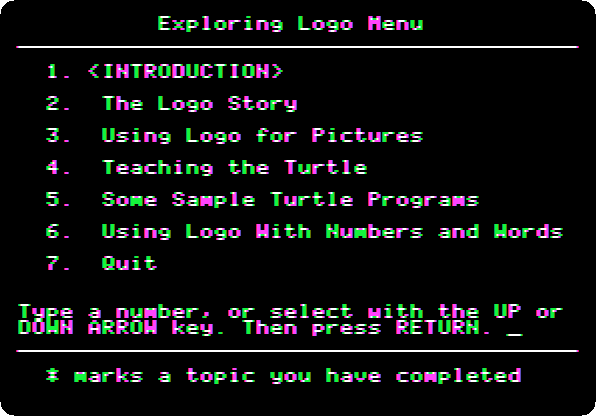
Press Return: the menu of the six topics.
Introduction, and The Logo Story
-
Type
1and Return, the introduction, and Return at each page: a design drawn by a program of three lines, Logo easy for the beginner and powerful enough for research, and Leo Logolover, who will help out once in a while.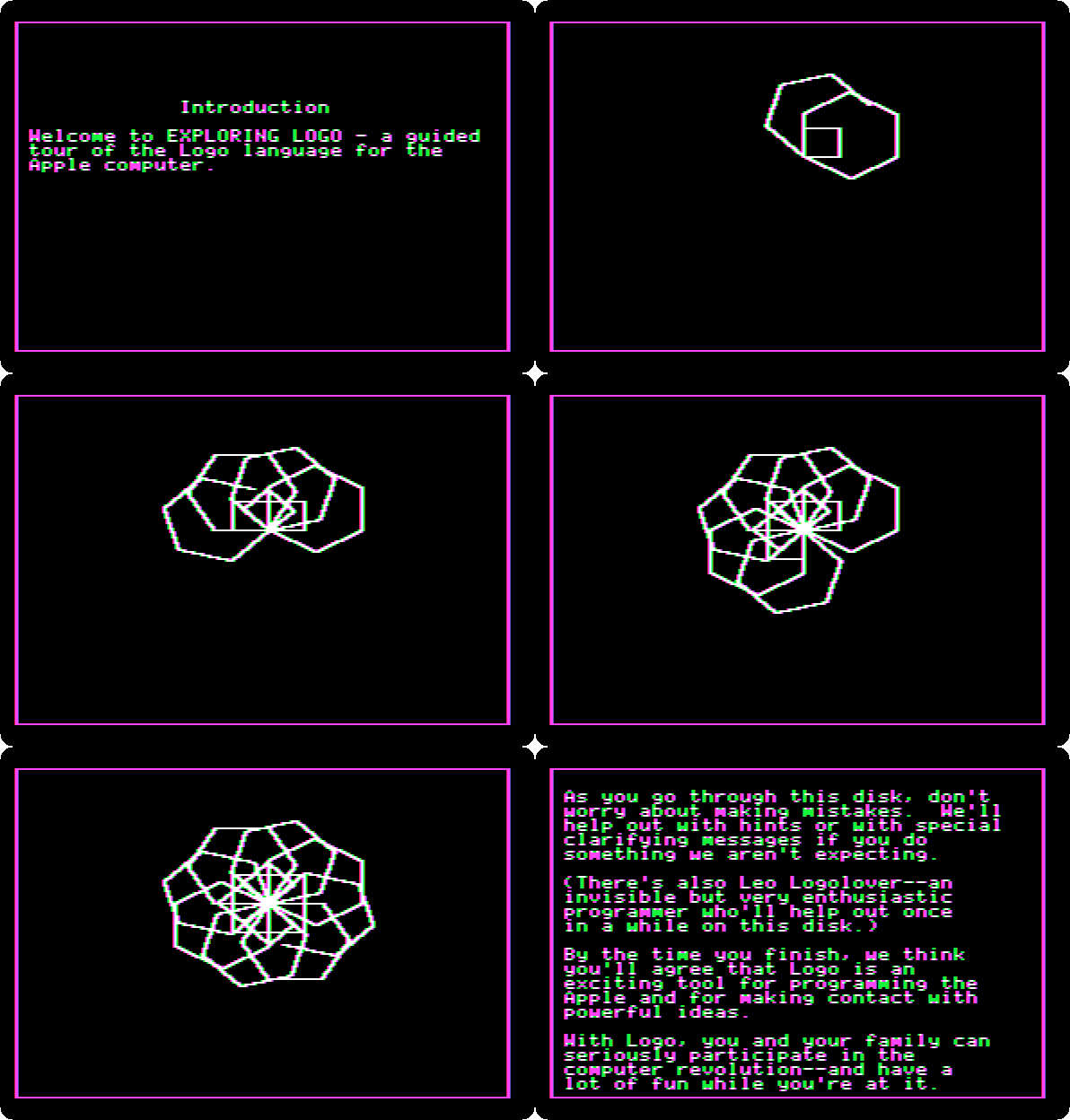
-
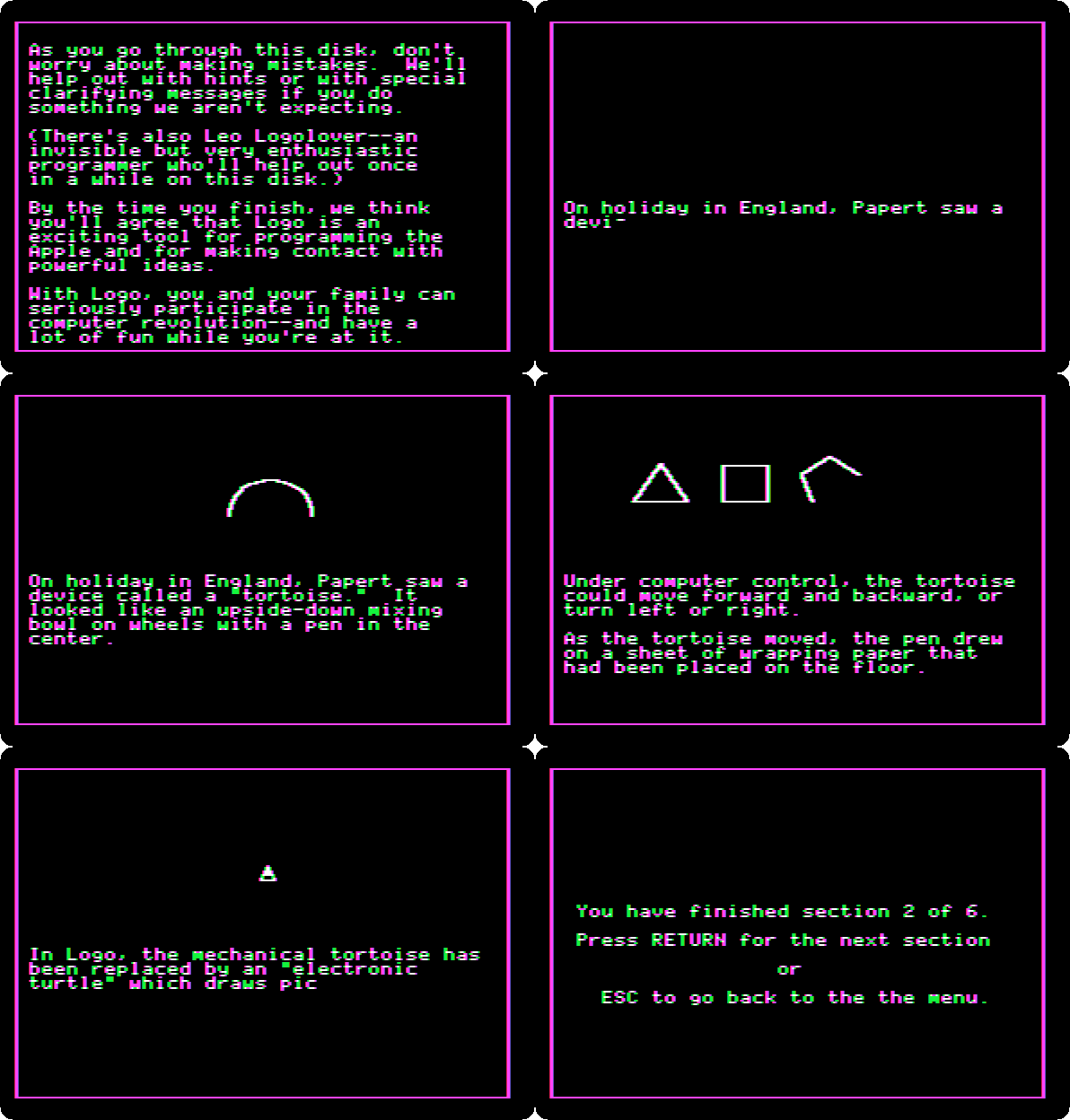
Press Return, at the end of a topic, for the next one, The Logo Story, and Return at each page: Seymour Papert at MIT in the late 1960s, who had studied with Jean Piaget, the tortoise he saw in England, an upside-down mixing bowl on wheels with a pen in the center, and the turtle of the screen that took its place.
Using Logo for Pictures
-
Press Return at each page, until the guide asks for the first command, at the
?of Logo.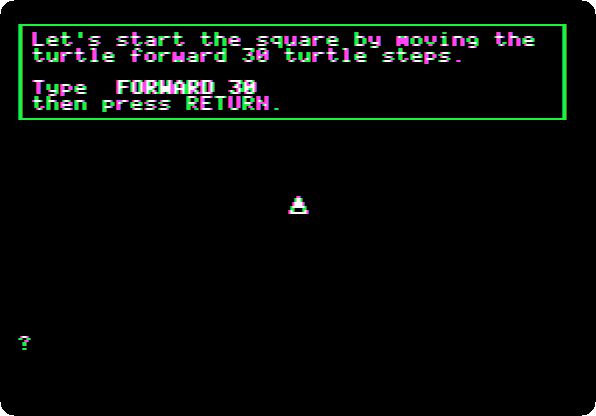
-
Type
FORWARD 30and Return: the turtle draws a side. Press Return, and typeRIGHT 90and Return: it turns. Press Return at the pages after it, and type the rest of the square, a command and Return at a time:FORWARD 30,RIGHT 90,FORWARD 30,RIGHT 90,FORWARD 30.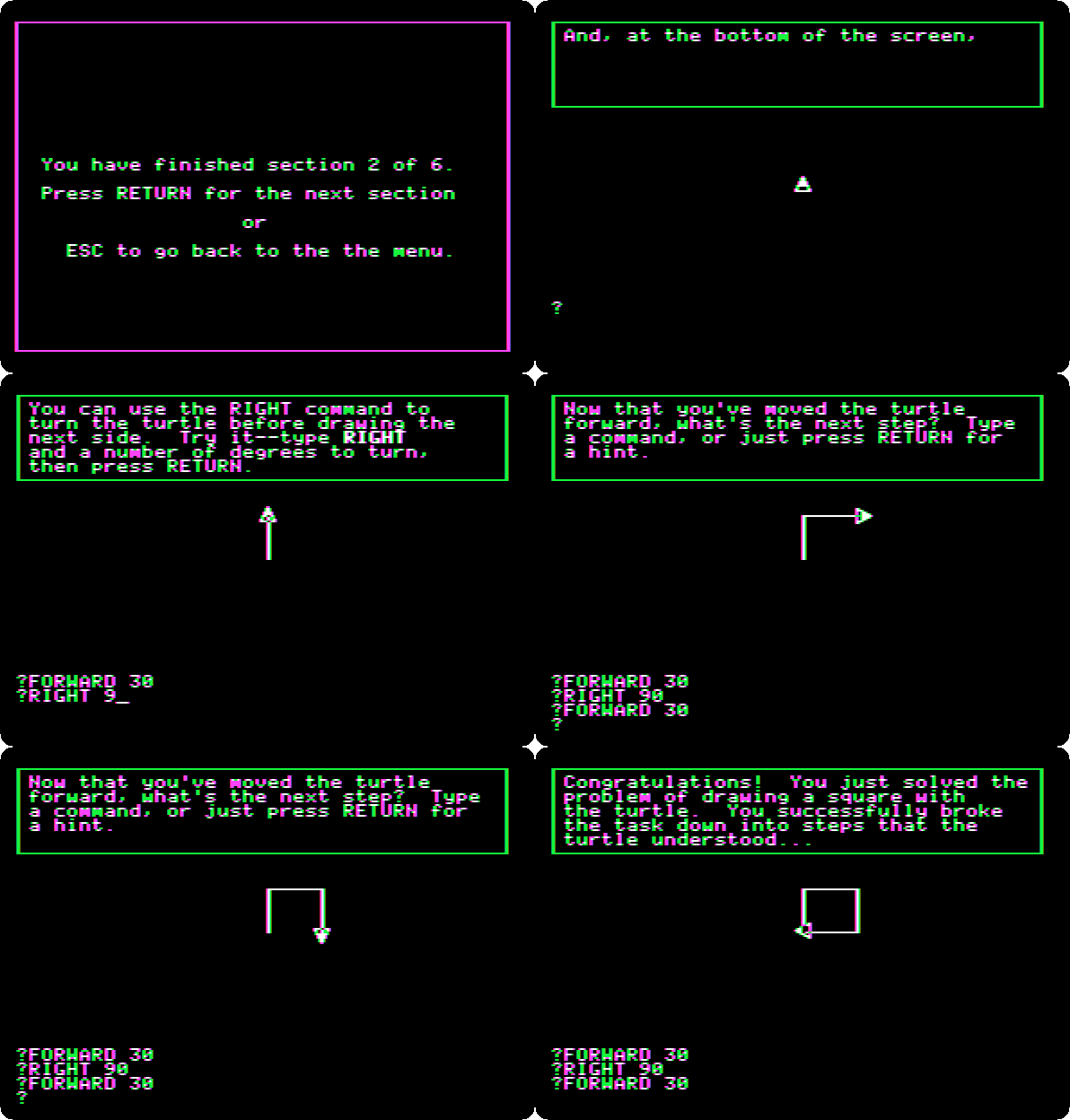
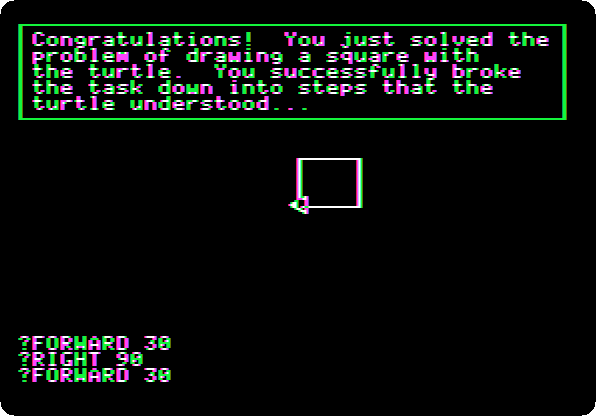
A command not typed brings Oh, don’t be shy, or a hint, and then the guide types it itself.
-
Press Return twice: the guide hears Leo Logolover coming, and he is very happy with the square.
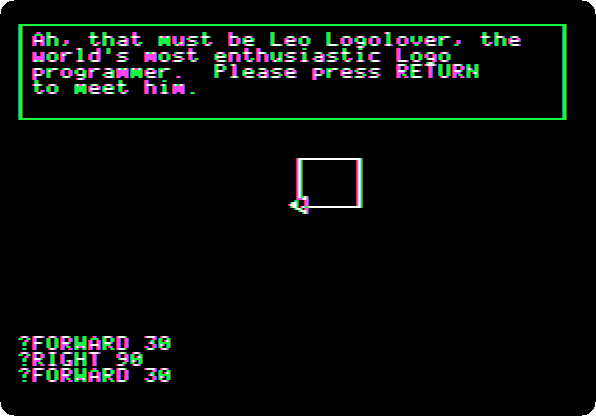
Teaching the Turtle
-
Press Return at each page: the next topic, and Leo shows a short cut,
REPEAT.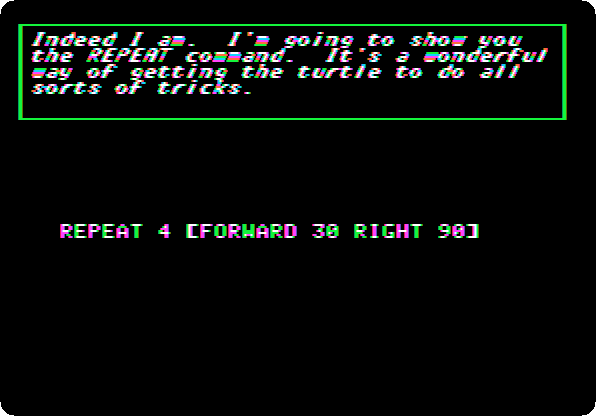
Press Return at each page, and type
REPEAT 4 [FD 30 RT 90]and Return, with the short names ofFORWARDandRIGHT: the same square, in one command.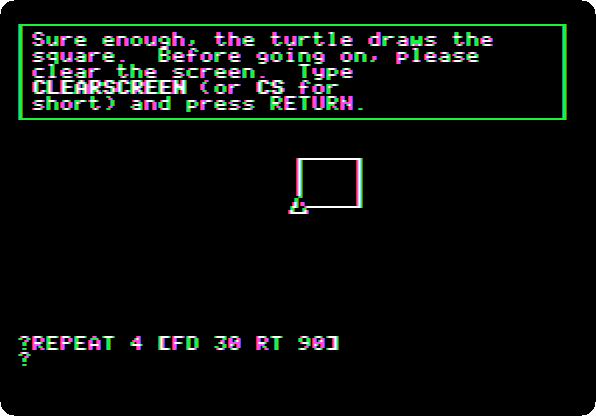
-
Type
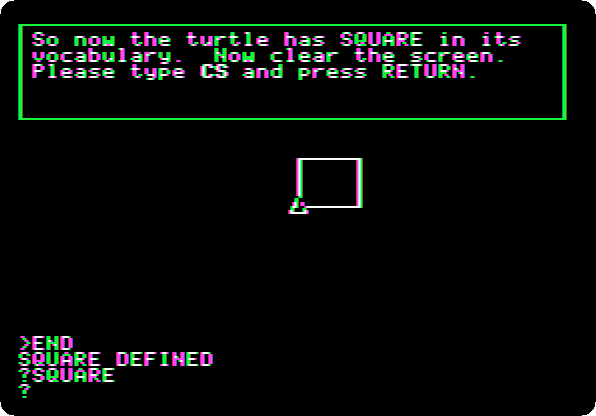
CSand Return, short forCLEARSCREEN, and Return at each page. TypeSQUAREand Return: the turtle doesn’t know it. Press Return at each page, until the guide asks forTO SQUARE: type it and Return. Logo’s prompt is>now: it listens, and learns. Leo types the rest of the procedure,REPEAT 4 [FD 30 RT 90]andEND. Press Return at each page, and typeSQUAREand Return.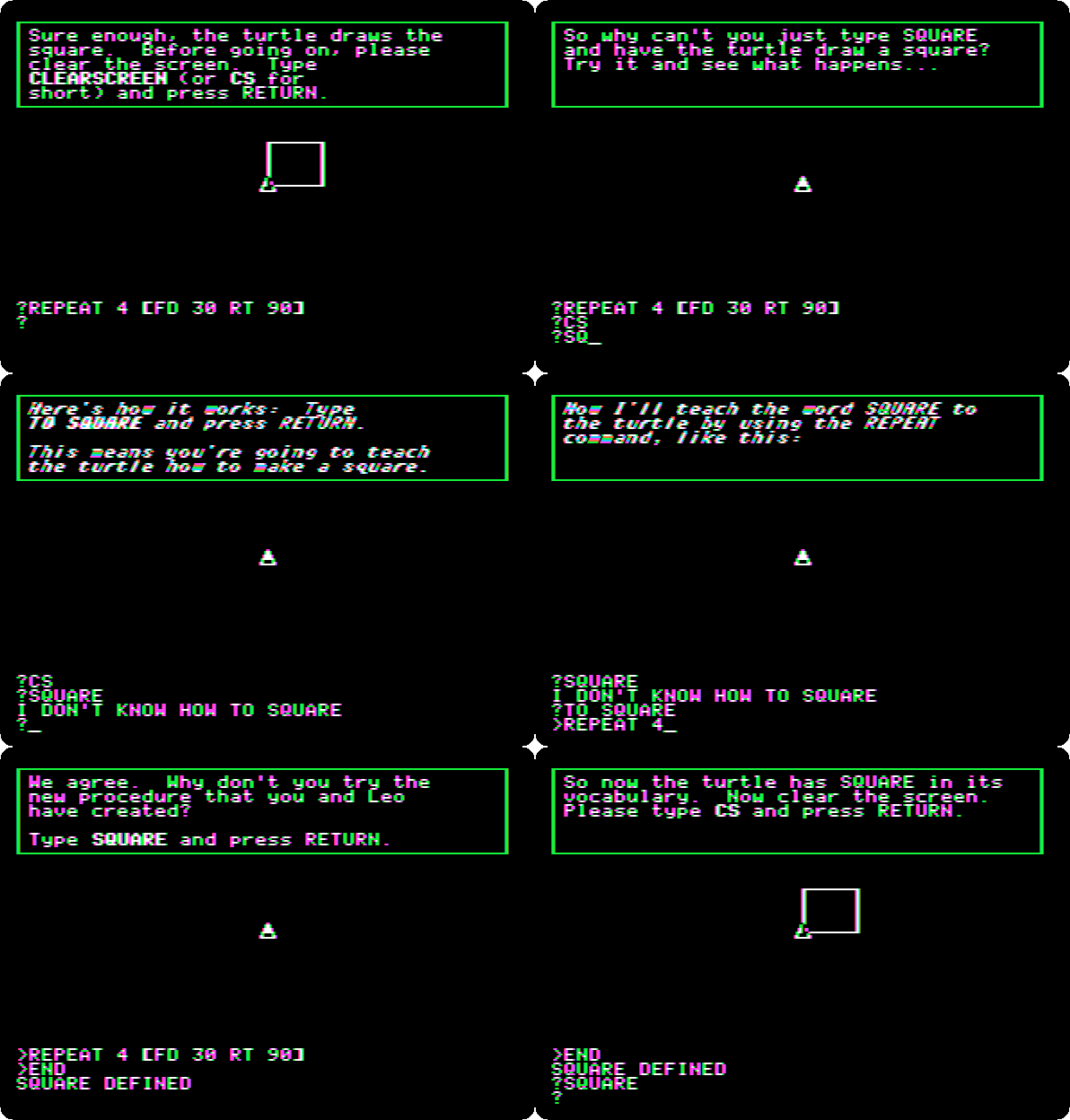
-
A new word can use another: type
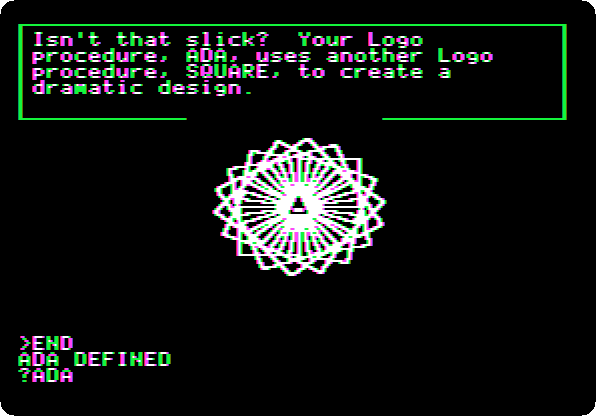
CSand Return, and Return at each page, until the guide asks for a name, your own name if you’d like or make up something crazy: typeADAand Return. Leo types its procedure,REPEAT 18 [SQUARE RT 20], eighteen squares, each turned twenty degrees. Press Return at each page, and typeADAand Return.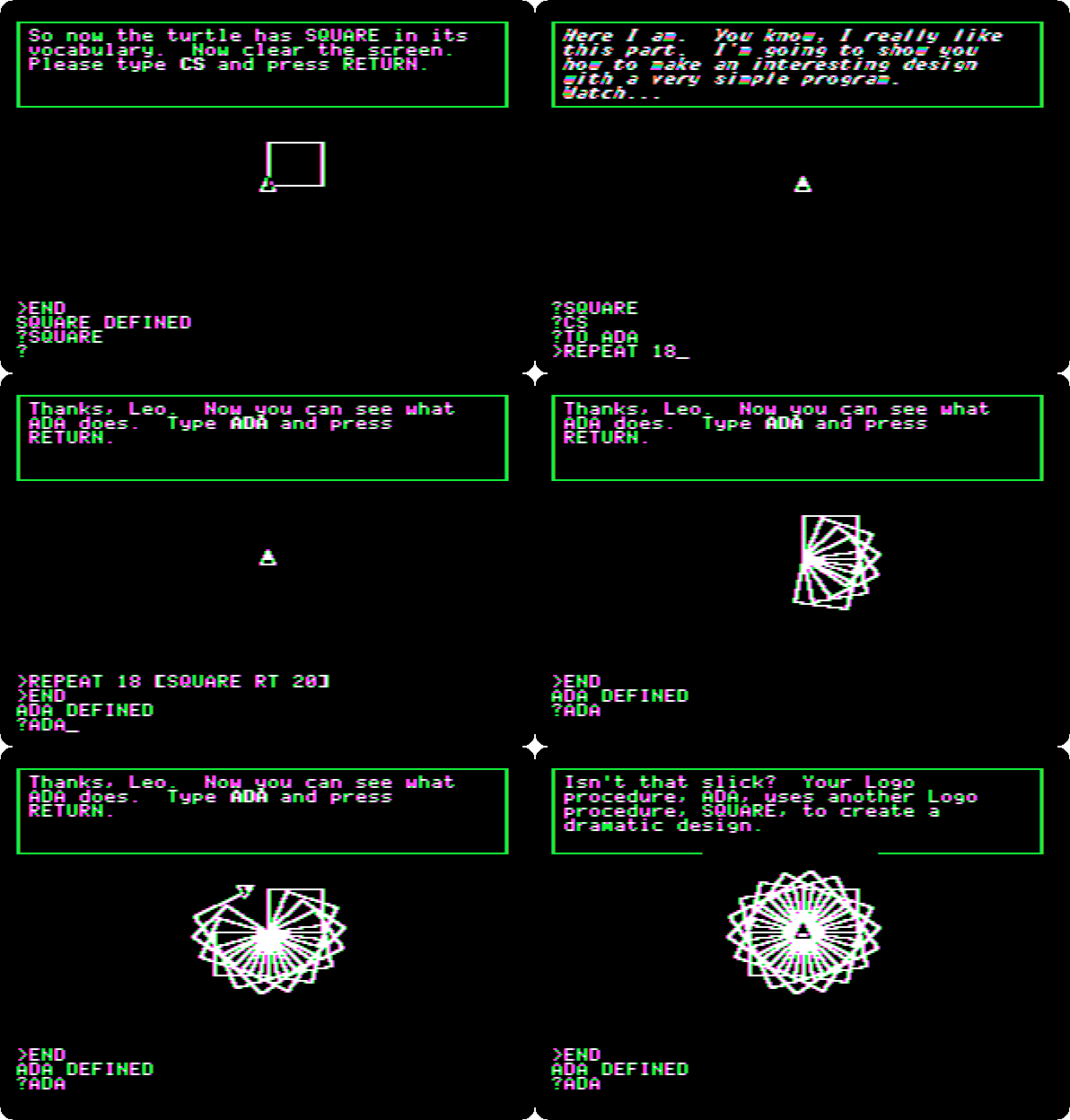
Some Sample Turtle Programs
-
Press Return at each page, and type
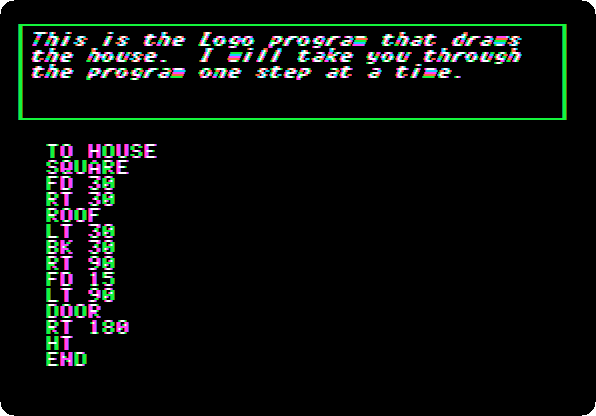
HOUSEand Return: a house, its turtle hidden. Then Return at each page: the guide goes through the program, a line at a time, as the turtle draws it again:SQUARE, the turtle turned to the top left corner,ROOF, a triangle ofREPEAT 3 [FD 30 RT 120], andDOOR.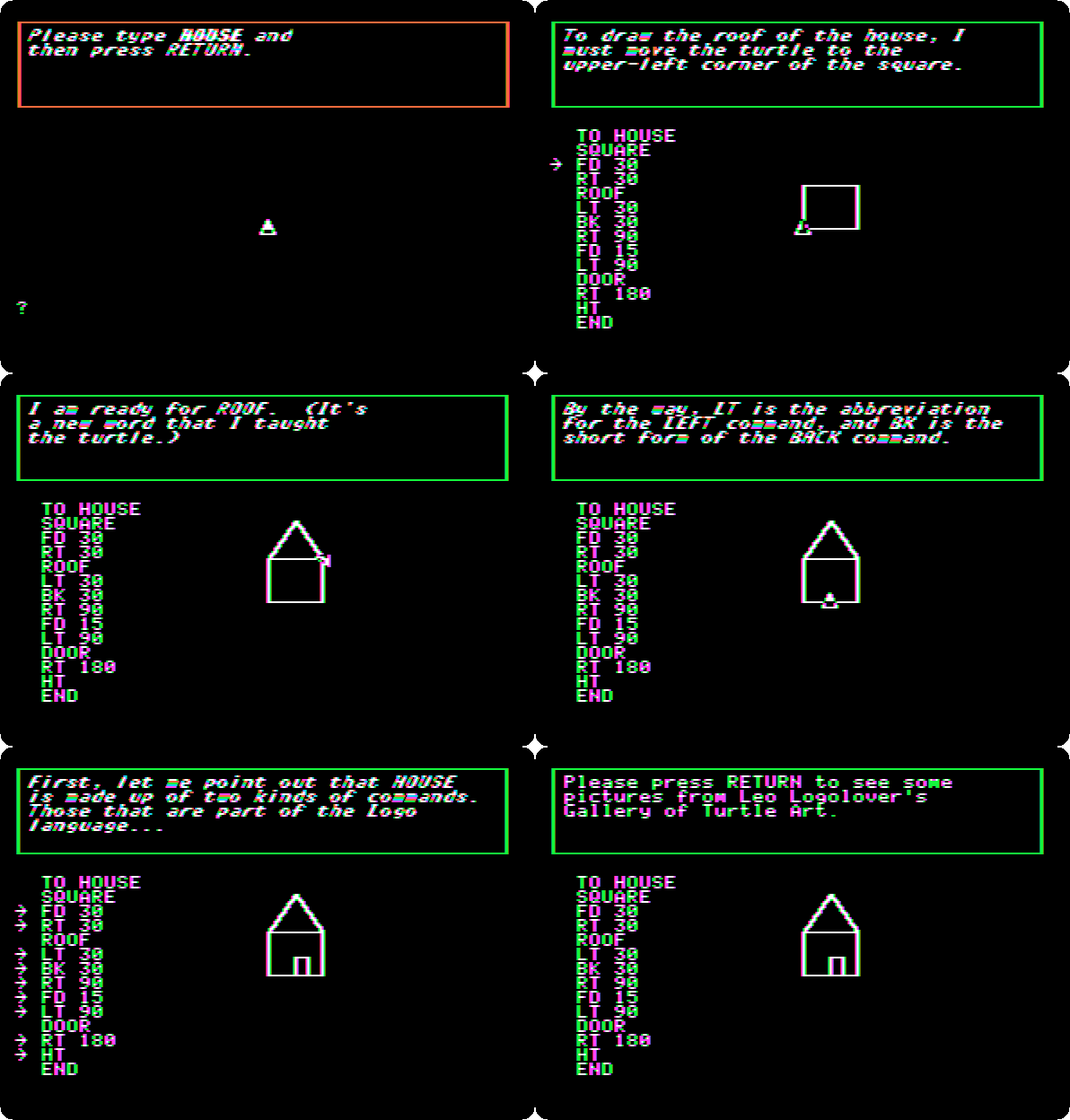
-
Press Return at each page: the gallery of Leo,
SETPCfor the colour of the pen,ROOFandSQUAREturned six times, aREPEATinside another, the design of the introduction, andROOFandDOOR.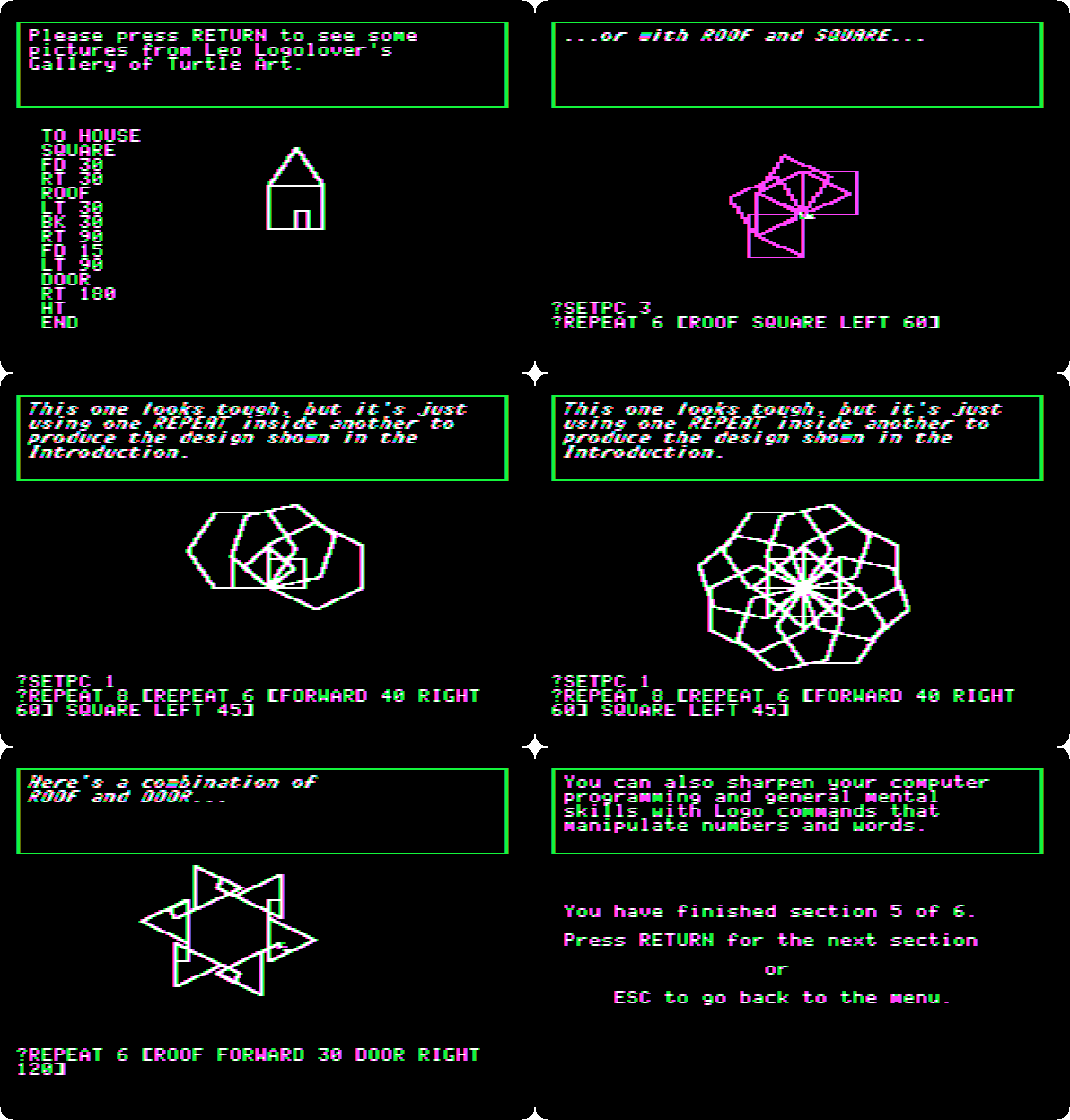
Using Logo With Numbers and Words
-
Press Return at each page: the guide adds, subtracts, multiplies, with
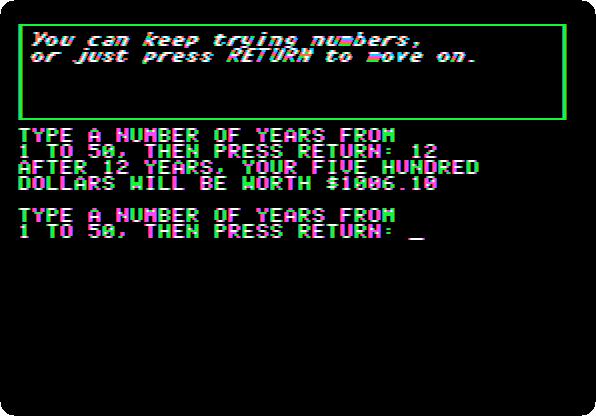
*, and divides. Then Leo’s program of money: $500 in the bank at 6% a year, and it asks for a number of years: type12and Return, $1006.10.
-
Press Return at each page, and type
PRINT [HI KIDS]and Return: words in square brackets, a list.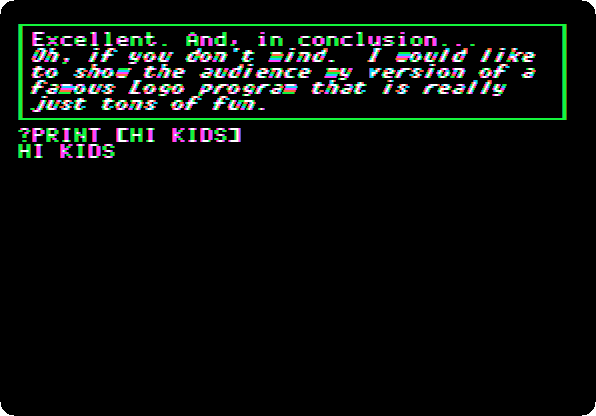
-
Press Return at each page, and type
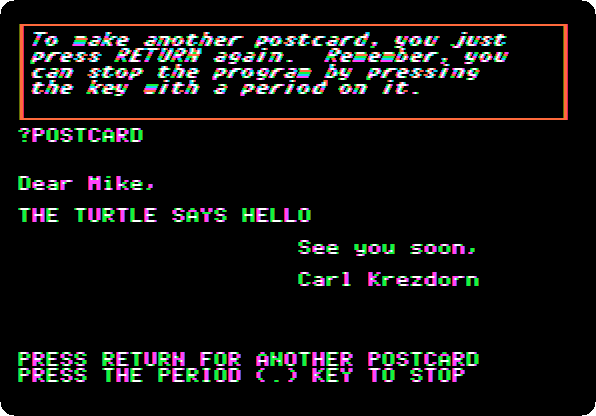
POSTCARDand Return: Leo’s program picks a name, a phrase and a closing from three lists, at random. Return for another card, three times, and.to stop. Then the guide typesLEARN.NEW.PHRASE, and asks for a phrase: typeTHE TURTLE SAYS HELLOand Return, and the list has it. Press Return at each page, typePOSTCARDand Return, and Return for more cards: the phrase comes up.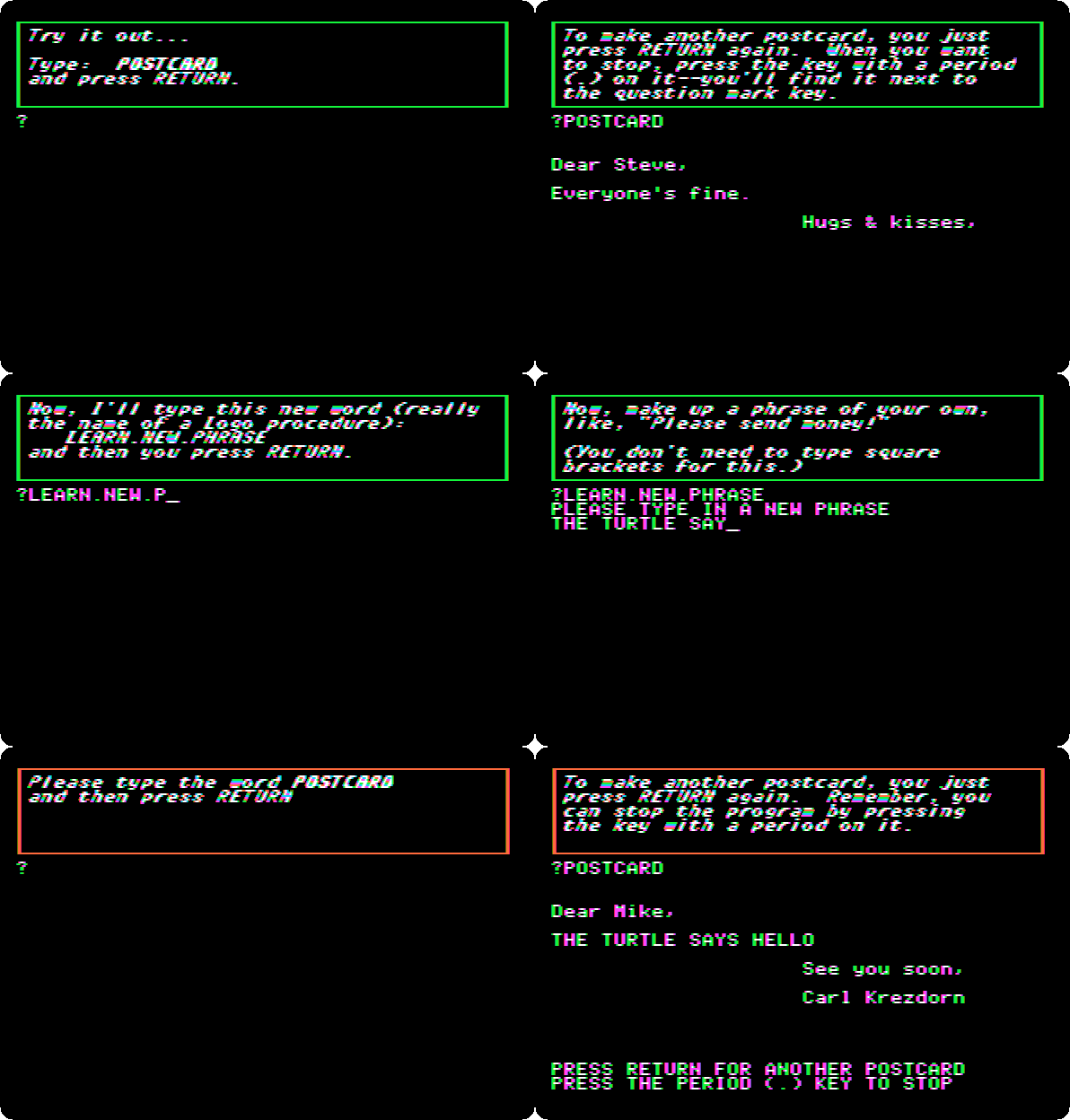
-
Type
., and Return at each page: Leo and the guide say goodbye, and the menu has every topic marked as done.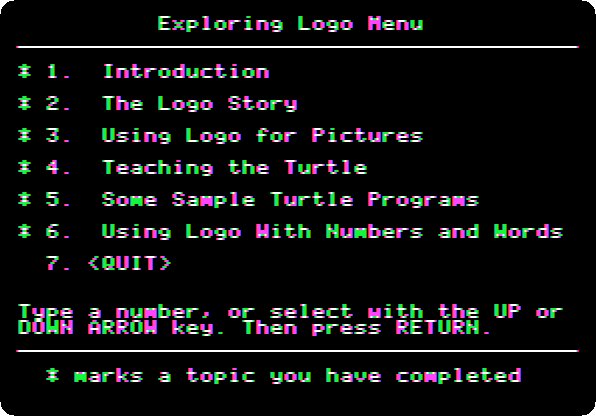
What next
Next: Life with DOS 3.3.
Logo and its turtle is Apple Logo itself, on a //e.